Utility mode/Copy mode parameters
7
ineo 163/213 7-7
Displaying the "MACHINE SETTING" menu
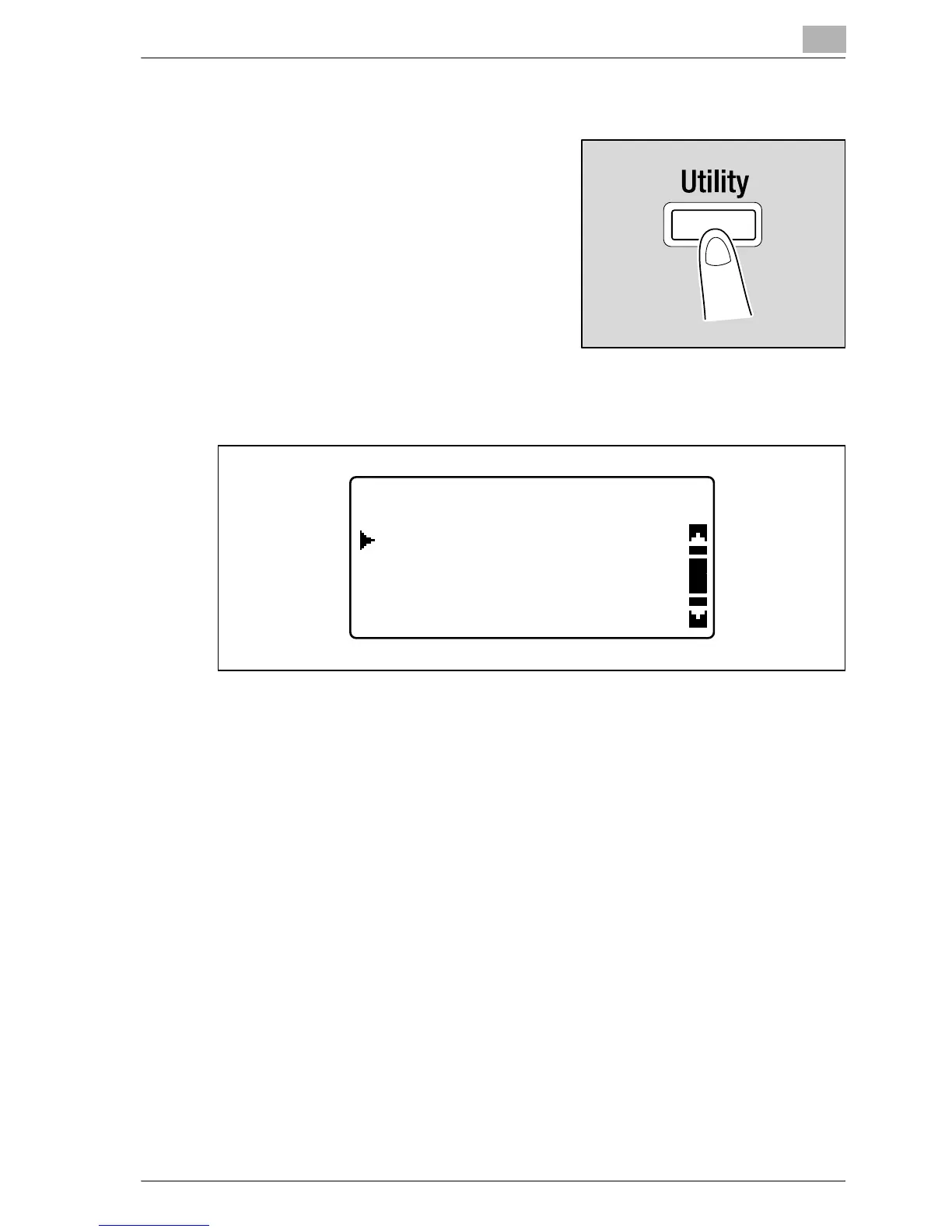
1 Press the [Utility] key.
The "UTILITY MODE" menu appears.
2 Press the [+] or [,] key until "MACHINE SETTING" is selected, and
then press the [OK] key.
3 Press the [+] or [,] key until the desired MACHINE SETTING parameter
is selected.
– The following MACHINE SETTING parameters are available.
AUTO PANEL RESET
ENERGY SAVE MODE
AUTO SHUT OFF
DENSITY (ADF)
DENSITY (BOOK)
PRINT DENSITY
LCD CONTRAST
KEY SPEED SETTING
LANGUAGE
SCAN THRESHOLD
UTILITY MODE
PAPER SOURCE SETUP
MACHINE SETTING
CUSTOM SIZE MEMORY










 To Next Page