5
Making copies
5-32 ineo 163/213
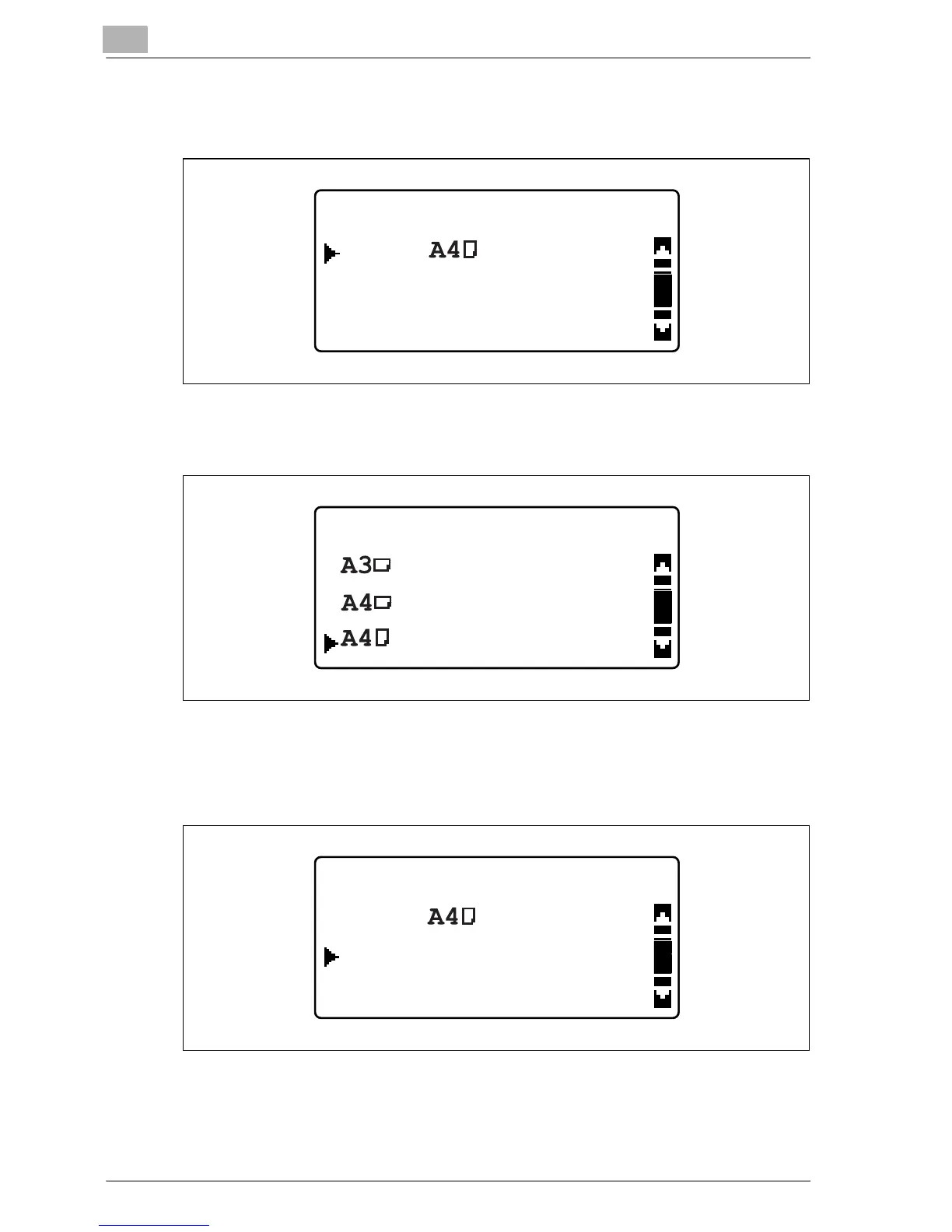
4 Press the [+] or [,] key until "SIZE" is selected, and then press the [OK]
key.
5 Press the [+] or [,] key until the appropriate paper size is selected, and
then press the [OK] key.
The BYPASS PAPER SETTING menu appears again.
6 Press the [+] or [,] key until "MEDIA" is selected, and then press the
[OK] key.
BYPASS PAPER SETTING
MEDIA:PLAIN
RETURN
SIZE:
BYPASS PAPER SIZE
BYPASS PAPER SETTING
MEDIA:PLAIN
RETURN
SIZE:










 To Next Page