5
Making copies
5-40 ineo 163/213
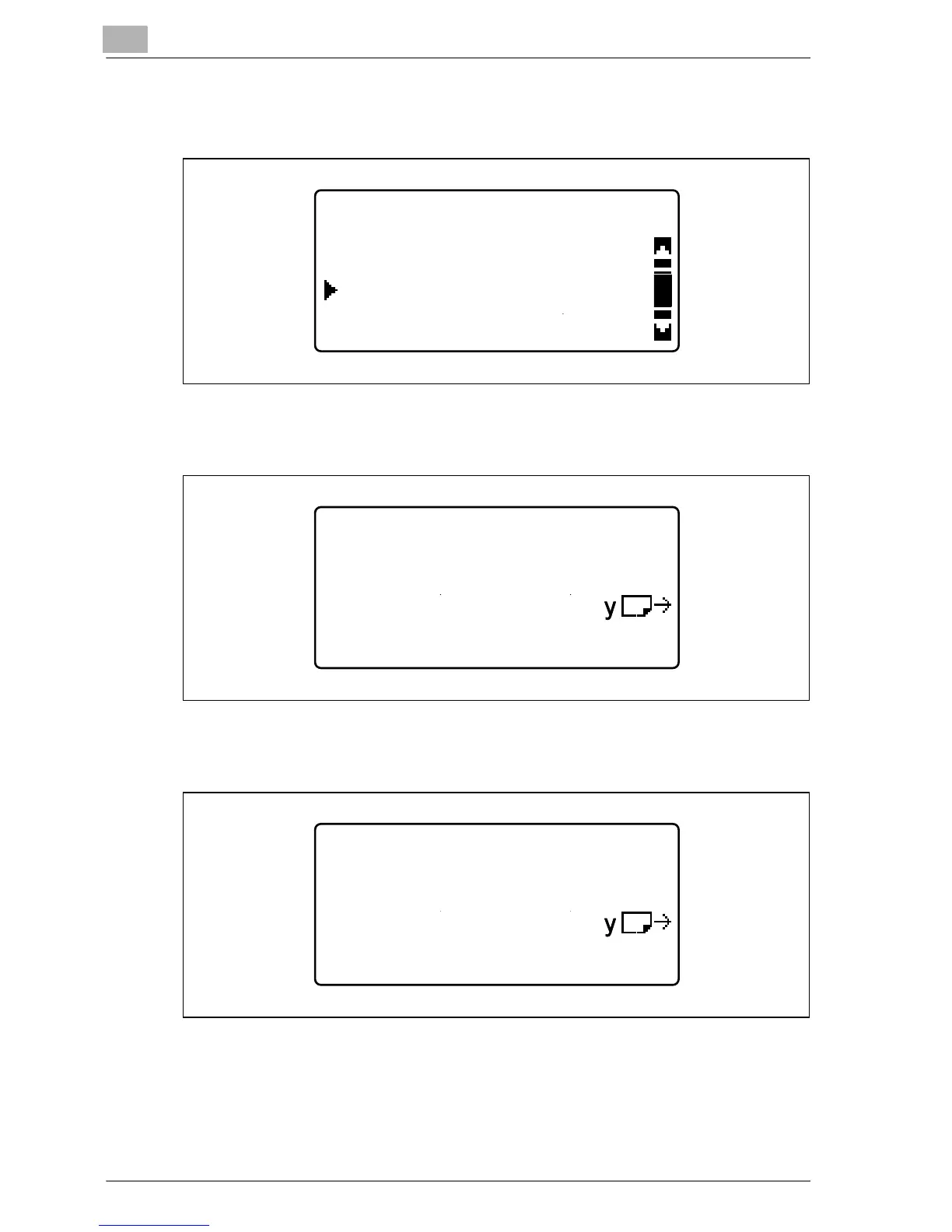
7 Press the [+] or [,] key until "SIZE INPUT" is selected, and then press
the [OK] key.
8 Use the keypad to type in "200" for the length (X), and then press the
[OK] key.
9 Use the keypad to type in "250" for the width (Y), and then press the
[OK] key.
The PAPER SOURCE SETUP menu appears again.
TRAY1 PAPER SIZE
SIZE INPUT
AUTO
MEMORY1:[216/279]
TRAY1 PAPER SIZE
Y=279( 90-297)
X=200(140-432) x
TRAY1 PAPER SIZE
Y=279( 90-297)
X=200(140-432) x










 To Next Page