Advanced copy operations
6
ineo 163/213 6-27
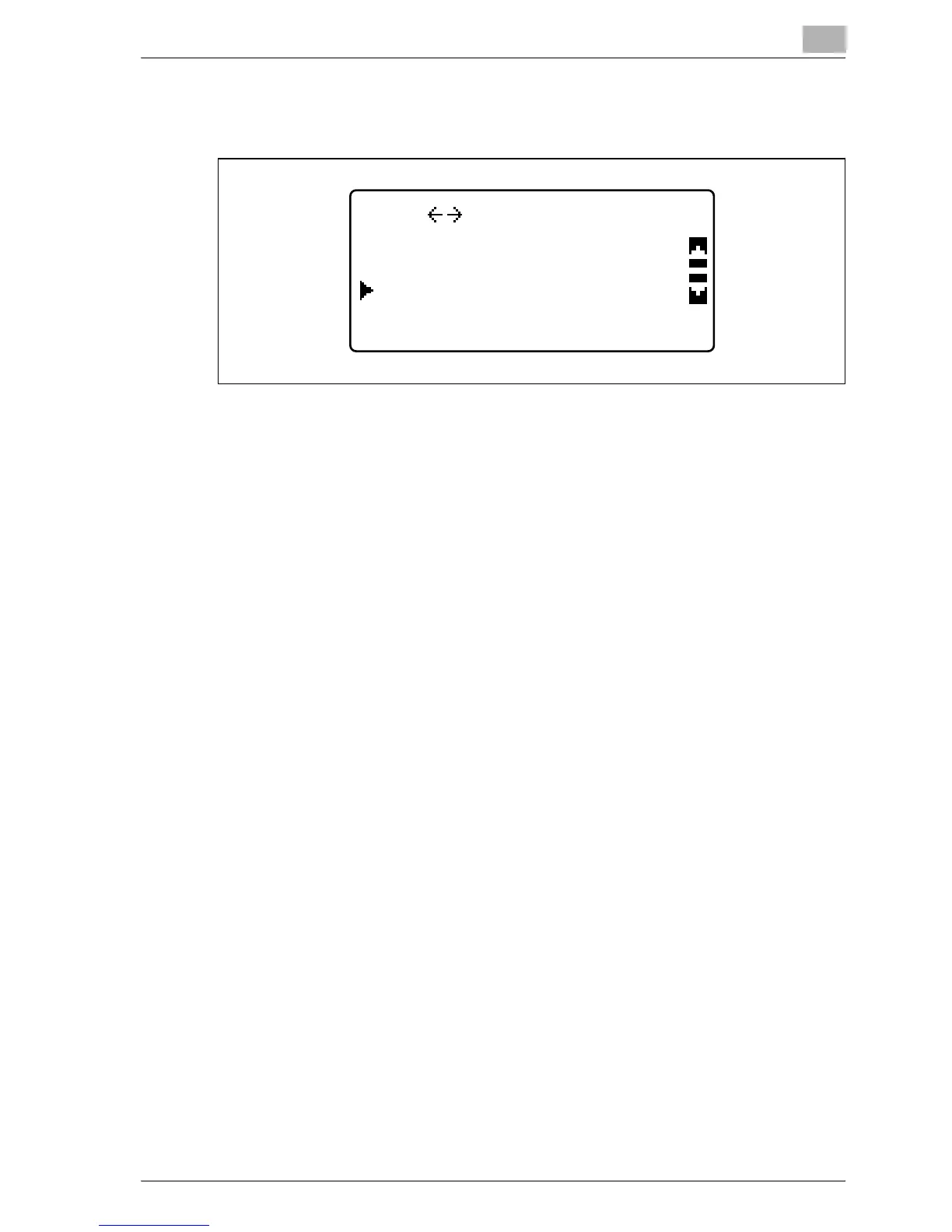
4 Press the [+] or [,] key until "ON" is selected, and then press the [OK]
key.
"/" appears beside "NEG. <-> POS." in the COPY FUNCTION menu.
5 Press the [Back] key.
The main screen appears again.
6 If necessary, specify any other copy settings.
– Refer to "Before making copies" on page 4-3.
– Refer to "Advanced copy operations" on page 6-3.
7 Using the keypad, type in the desired number of copies, and then press
the [Start] key.
ON
POS. SETTING
OFF
NEG.










 To Next Page