Utility mode/Copy mode parameters
7
ineo 163/213 7-57
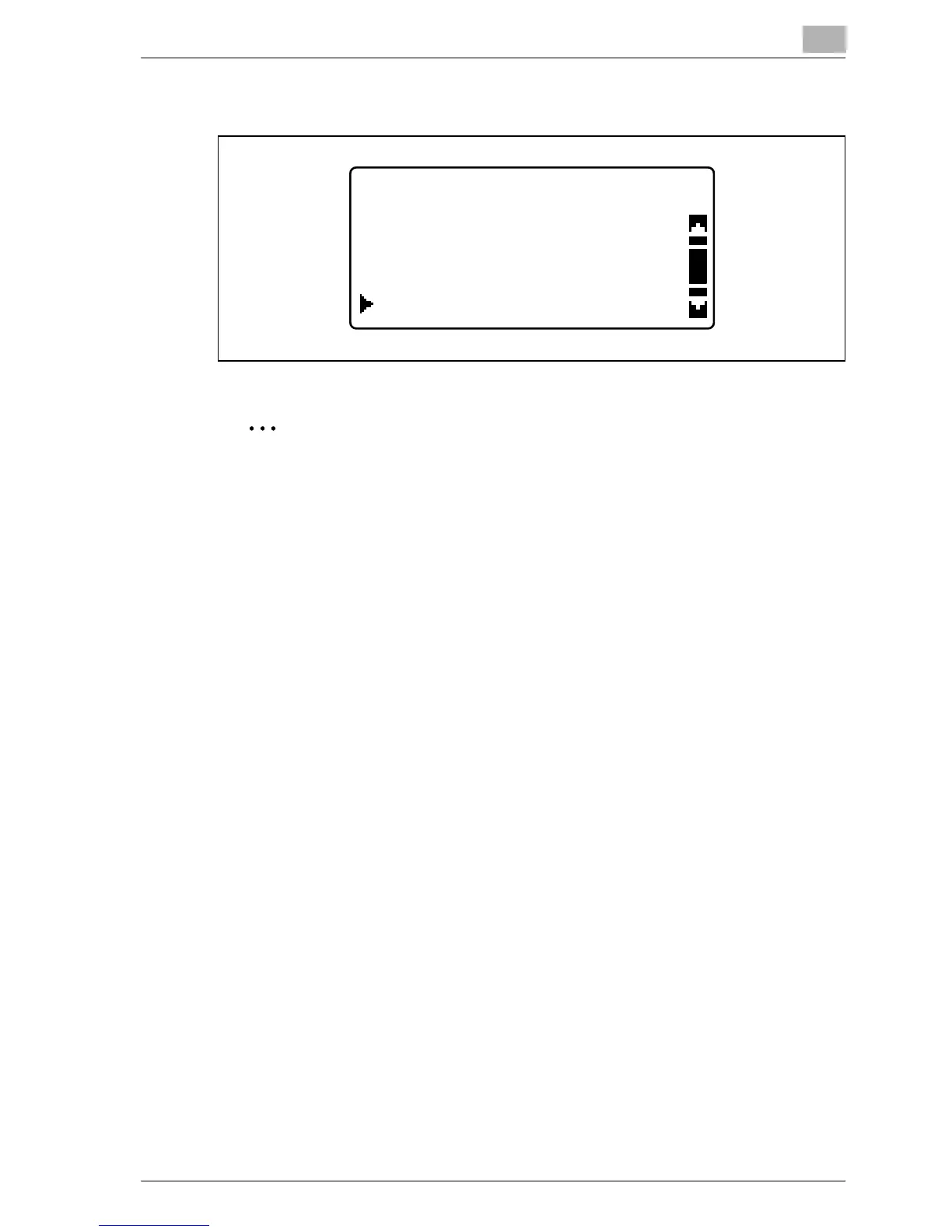
– If the multi bypass tray is installed, the following screen appears.
The "COPY SETTING 1" menu appears again.
2
Note
If there are multiple paper drawers loaded with paper of the same size
and type as that loaded into the paper drawer given priority with the
"PAPER PRIORITY" parameter, and if all of these paper drawers become
empty, a message may appear indicating that paper be loaded into a
paper drawer that was not given priority. At that time, load paper
according to the message that appears.
PAPER PRIORITY
TRAY5
TRAY4
MULTI BYPASS










 To Next Page