Jackson User Manual rev 2.2 www.diamondsystems.com Page 37
10 BRING UP OF NVIDIA ORIN NX / NANO MODULE
10.1 Required accessories:
Any board which has M.2 M-Key NVMe slot and able to boot without M.2 M-Key NVMe.
Host PC installed with Ubuntu 20.4 x86_64, Kernel version: 5.15.0-52 or above.
USB A to USB A cable.
M.2 Key M 2280 NVMe PCIe SSD.
Jackson board assembled with Orin NX/Nano module.
Jackson BSP released files.
Programming Orin NX/Nano module involves the following four major steps:
10.2 Formatting the M.2 M-Key NVMe module
a. Connect the NVMe drive to any board which has M.2 M-Key NVMe slot and able to boot without M.2 M-
Key NVMe.
b. Power on the board and open the terminal.
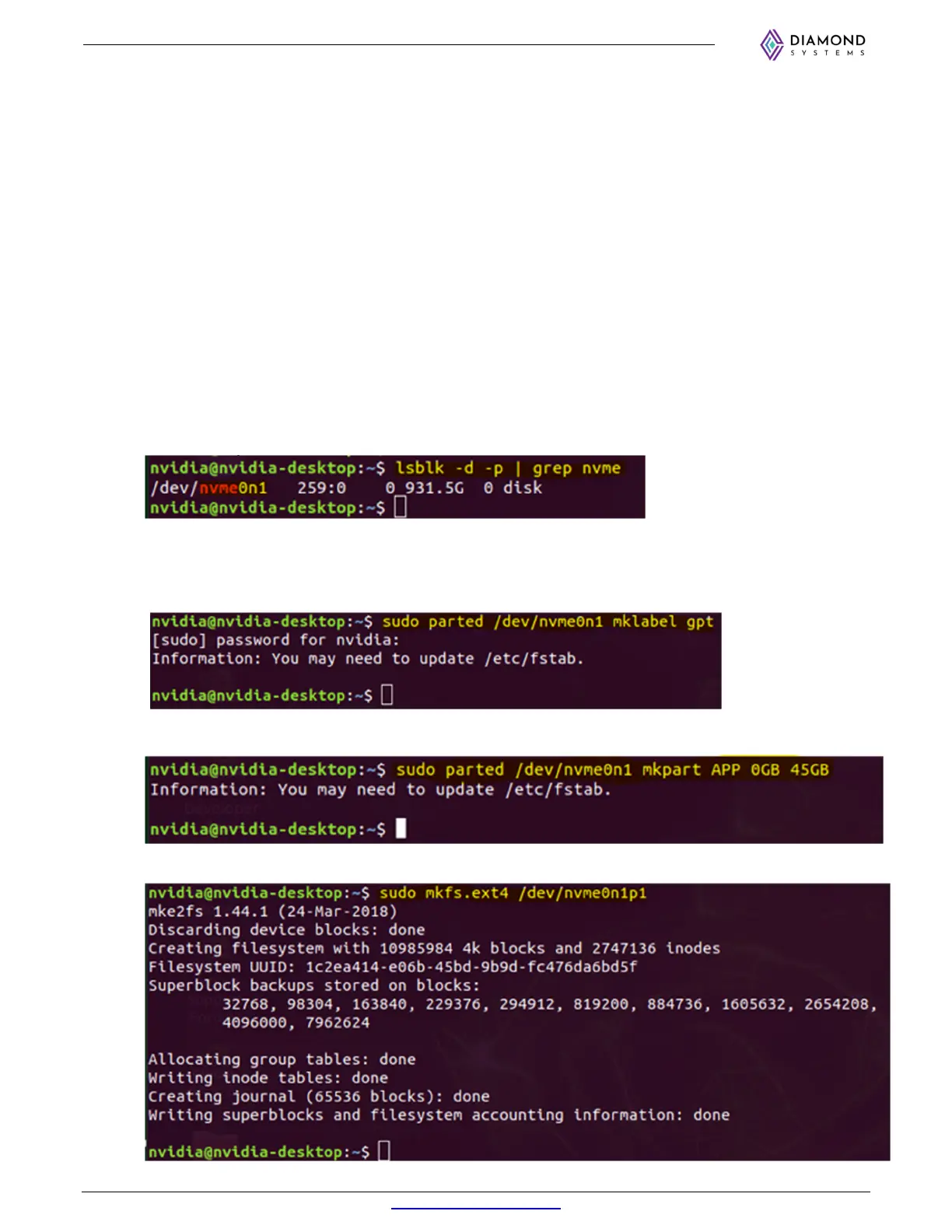
c. Check the NVMe drive’s device name using the command below.
$ lsblk -d -p | grep nvme
Note the device name (e.g. nvme0n1) as it will be used in the next command.
d. Create a new partition table by using below command:
$ sudo parted /dev/<nvmeXn1> mklabel gpt
Example with nvme0n1: sudo parted /dev/nvme0n1 mklabel gpt
e. Add the new partition ‘APP’ by using below command:
$ sudo parted /dev/nvme0n1 mkpart APP 0GB 45GB
f. Format the partition APP as an ext4 partition and mount it by using the command below.
$ sudo mkfs.ext4 /dev/nvme0n1p1



 To Next Page