Jackson User Manual rev 2.2 www.diamondsystems.com Page 4
1 IMPORTANT SAFE HANDLING INFORMATION
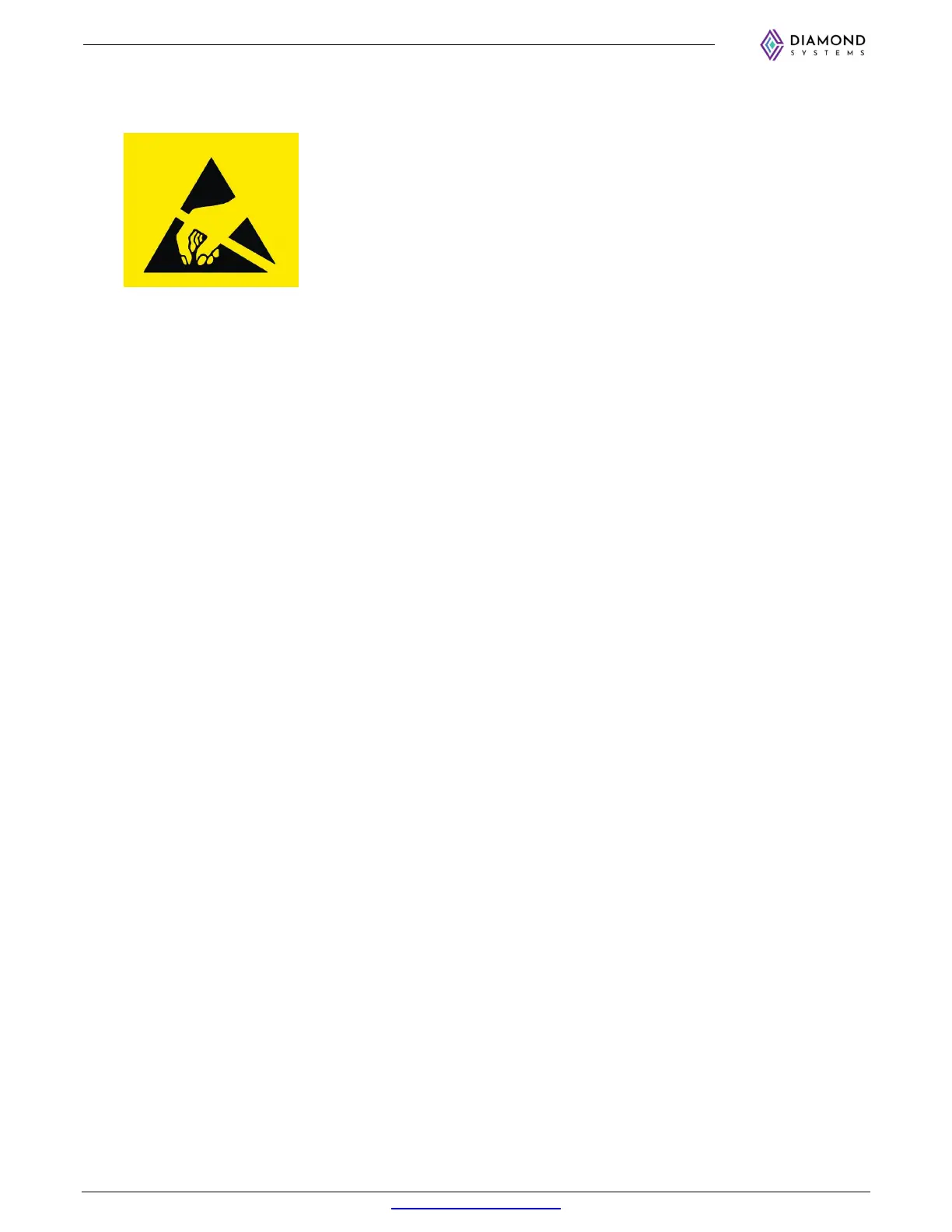
WARNING!
ESD-Sensitive Electronic Equipment
Observe ESD-safe handling procedures when working with this product.
Always use this product in a properly grounded work area and wear
appropriate ESD-preventive clothing and/or accessories.
Always store this product in ESD-protective packaging when not in use.
Safe Handling Precautions
Diamond Systems boards are designed with complex circuitry and electronic components that are ESD-sensitive. This
increases the likelihood of the boards incurring accidental damage during handling, installation, and connection to other
equipment.
It is highly recommended that the following precautionary measures and best practices be observed in sequential order:
Wear an anti-static Wristband/Strap or/and an antistatic Lab Coat or/and Rubber-soled shoes.
Spread anti-static mats over the table or work surface or/and anti-static mats on the floor.
Unpack components and remove them from their anti-static bags only when they are ready to be
used.
Avoid ungrounded surfaces such as plastic, carpets, floors, or tables, in the work area.
Handle boards by the edges and their metal mounting brackets. Avoid touching components on the
boards and the edge connectors that connect to expansion slots.
The following information describes common causes of failure found on boards and components returned to Diamond
Systems for repair. It is provided as a guideline to avoid accidental damage.
ESD Damage: This type of damage is typically impossible to detect because there is no visual sign of failure or damage. In
this type of damage, the board eventually stops functioning because of some defective components. Usually, the failure
can be identified, and the chip can be replaced.
To prevent ESD damage, always follow proper ESD-prevention practices when handling computer boards.
Damage During Handling or Storage: Physical damage on boards also occurs due to mishandling. A common observation is
that of a screwdriver slipping on the board during installation, causing a gouge on the PCB surface, cutting signal traces
or damaging components.
Another common observation is damaged board corners, indicating the board was dropped. This may or may not cause
damage to the circuitry, depending on components located near the edges. Most Diamond System boards are designed
with a minimum 25 mils clearance between the board edge and component pad. The ground/power planes are located a
minimum of 20 mils from the edge to avoid possible shorting from this type of damage. However, these design rules do
not prevent damage in all situations.
Sometimes boards are stored in racks with slots that grip the edge of the board. This is a common practice for board
manufacturers. Though Diamond Systems boards are resilient to damages, the components located close to the board
edges can be damaged or even knocked off the board if the board lies tilted in the rack.
Diamond Systems recommends that all its boards be stored only in individual ESD-safe packaging units. If multiple boards are
stored together, they should be contained in bins with dividers placed between the boards. Do not pile boards on top of
each other or cram too many boards within a small location. This can cause damage to connector pins or fragile
components.
Bent Connector Pins: This type of problem can be resolved by re-bending the pins to their original shape using needle-nose
pliers.
The most common cause of a bent connector pin is when the board is pulled off a stack by tugging it at angles from one end of
the connector to the other, in an effort to release it off the stack. Tugging the board off the stack in this manner can bend
the pin(s) significantly.
A similar situation can occur when pulling a ribbon cable off a pin header. If the pins are bent too severely, bending them back
can cause them to weaken or break. In this case, the connector must be replaced.
Power Damages: There are various causes of power-specific damages that can occur while handling the board. Some
common causes such as –a metal screwdriver tip slipping, or a screw dropping onto the board while it is powered-up,
causes a short between a power pin and a signal pin on a component.
These faults can cause over-voltage/power supply problems besides other causes described below.
To avoid such damages, assembly operations must be performed when the system is powered off.
Power Supply Wired Backwards: Diamond Systems power supplies and boards are not designed to withstand a reverse
power supply connection. This will destroy almost all ICs connected to the power supply. In this case, the board will likely
be irreparable and must be replaced. A chip destroyed by reverse or excessive power will often have a visible hole or
show some deformation on the surface due to vaporization inside the package.



 To Next Page