Jackson User Manual rev 2.2 www.diamondsystems.com Page 40
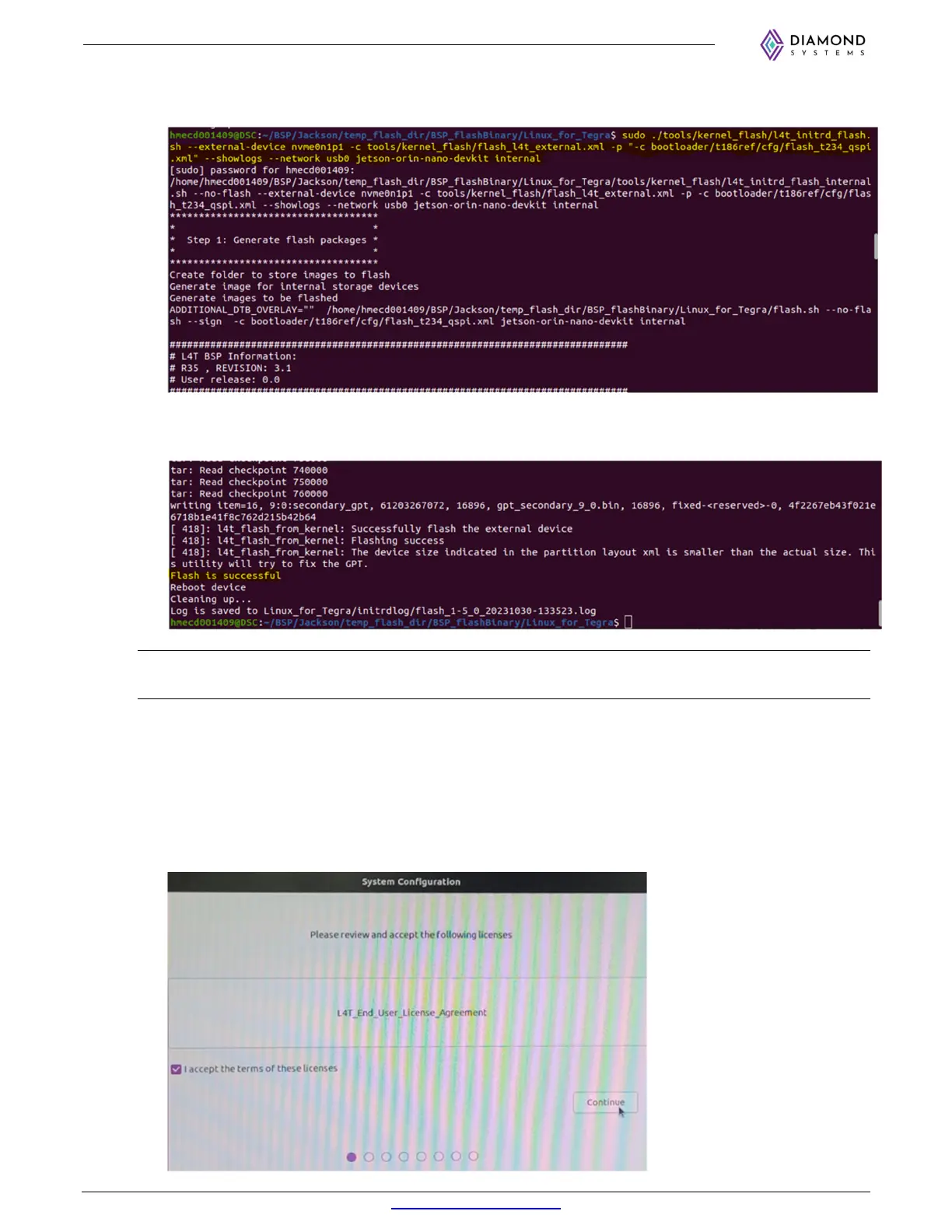
$ sudo ./tools/kernel_flash/l4t_initrd_flash.sh --external-device nvme0n1p1 -c
tools/kernel_flash/flash_l4t_external.xml -p "-c bootloader/t186ref/cfg/flash_t234_qspi.xml" --
showlogs --network usb0 jetson-orin-nano-devkit internal
g. The flashing process will take around 30 minutes to complete and below logs will pop up upon
completion.
NOTE: Do not interrupt or interfere with the USB connectivity or the power supply to system board until the
flashing procedure is complete.
h. Once the flashing is completed, the module will automatically reboot.
i. After rebooting, remove the USB cable at J4 bottom port and connect HDMI cable.
10.4 Initial Configuration:
a. In the HDMI display system configuration window will appear.
b. Accept the license and click on continue.



 To Next Page