CUBE 30 TOUCH | USER MANUAL
Sample identification
Sample identification is done by an internal barcode reader which reads the barcode
when a sample is detected by an optical sensor.
The sample ID code may be manually entered with a virtual keyboard or by using an
external barcode reader (accessory).
The sample must be identified by barcode only. Do not enter any other type of data (e.g.
patient's name and surname), in case of manual entry using the virtual keyboard.
Acoustic warning
The function of the acoustic warning is to alert the operator during various stages of the
operating cycle or in the event of errors.
Temperature sensor
This sensor is used to measure the temperature and is fitted in proximity of the test tube
carousel. In the event that the temperature is outside the operating range described in
paragraph 2.4, the condition is signaled to the user with a message displayed on the
screen.
Printer
The analysis results are printed at the end of each operating cycle or working session.
2.2 External connections of the instrument
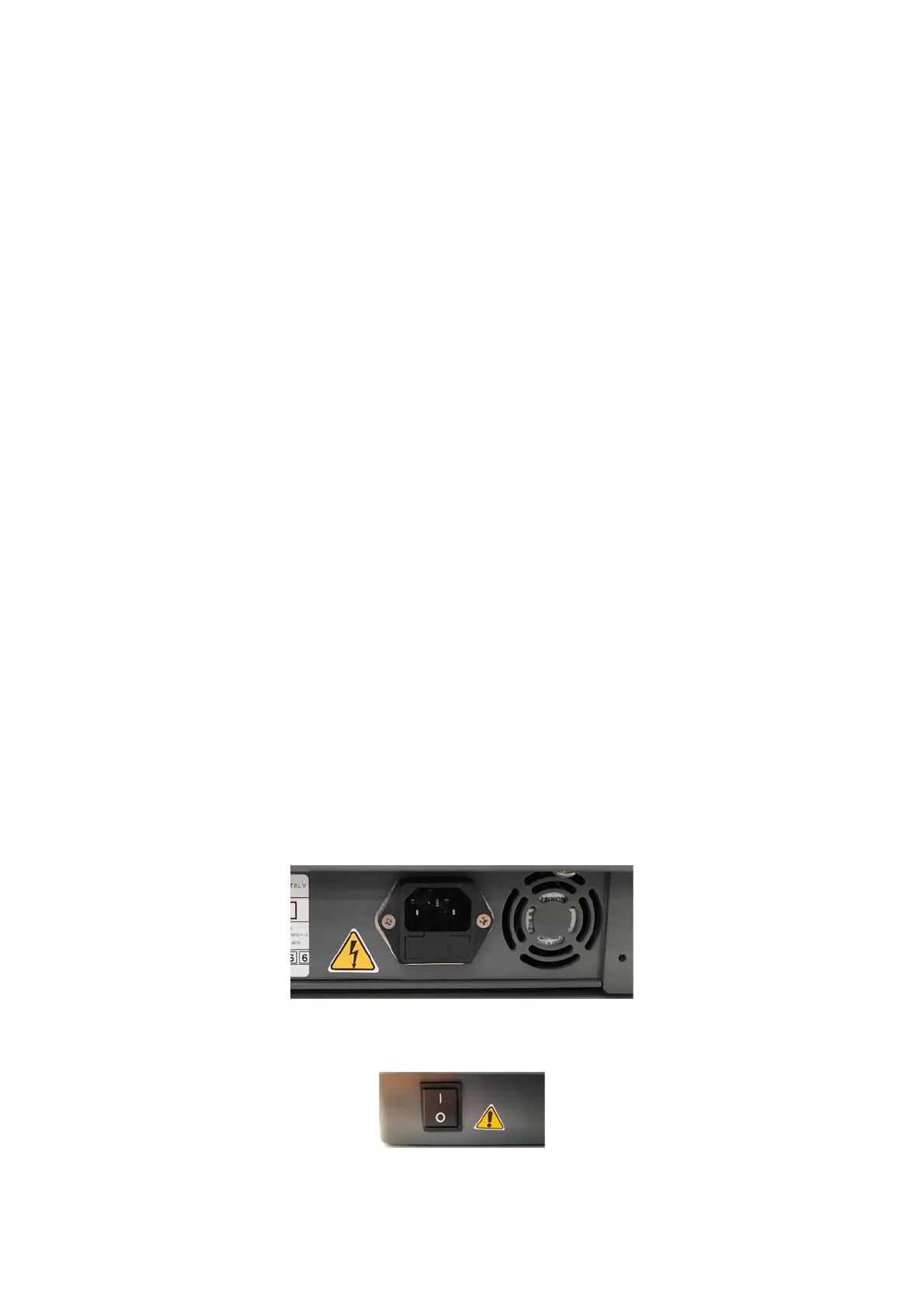
The power connector is on the back of the instrument (Figure 4).
Figure 4 - Power connector
The ON/OFF switch is on the left side of the instrument’s base (Figure 5).
Figure 5 - Power button



 To Next Page