CUBE 30 TOUCH | USER MANUAL
10 CONNECTION TO HOST COMPUTER
Communication between the CUBE 30 TOUCH and an external computer can be
established:
1. Using a USB Connection:
Connect a standard A-B USB cable between the computer’s USB port (type-A
rectangular connector) and the CUBE 30 TOUCH’s USB port (type-B square
connector). The driver (STM32 SW; download from www.diesse.it) for MS Windows
will need to be installed to establish communication with the CUBE 30 TOUCH
through a virtual COM port on USB.
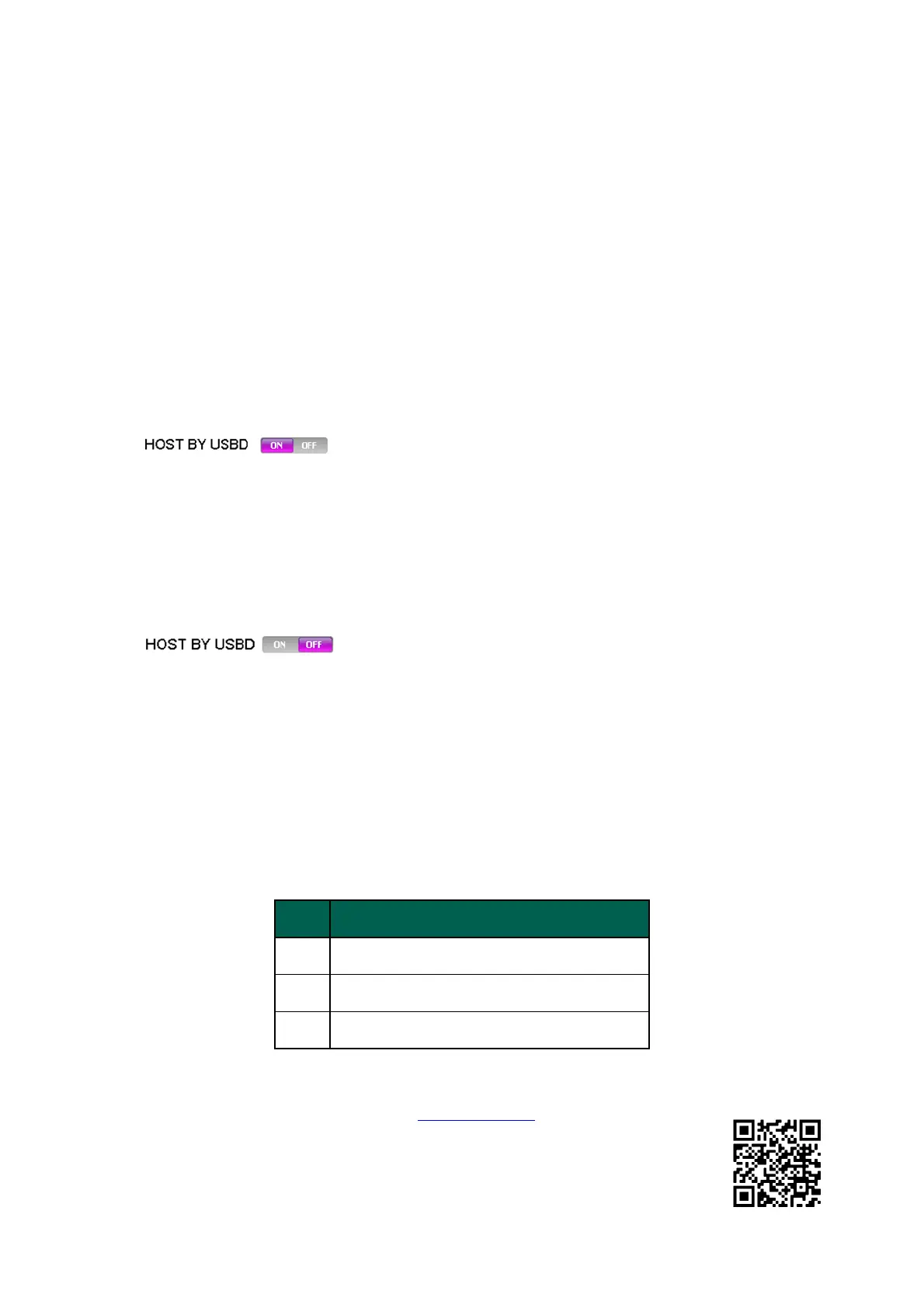
On the CUBE 30 TOUCH, in the Service menu, the “HOST
BY USBD” parameter must be set to ON.
2. Using a serial RS232 COM port on the PC:
Connect a straight standard serial cable between the PC’s RS232 COM port and
the instrument’s RS232 (9-pin) serial connector.
On the CUBE 30 TOUCH, in the Service menu, the “HOST
BY USBD” parameter must be set to OFF.
The electric levels of the signals are all the standard RS232C type.
• The default transmission speed is 9600 bit/s
• the data format is 8-bit,
• 1 stop bit and no parity bit.
• The “RS232C” DB9 female connector reflects the following pin-out:
3 Rx of data from Host
2 Tx of data towards Host
5 GND
Detailed specifics of the communication protocol are available for consultation on the
web site at the following address: www.diesse.it. the document of
interest is “cube30touch_specification_protocol” which can be consulted
in the “Software information” section of the CUBE 30 TOUCH instrument.



 To Next Page