CUBE 30 TOUCH | USER MANUAL
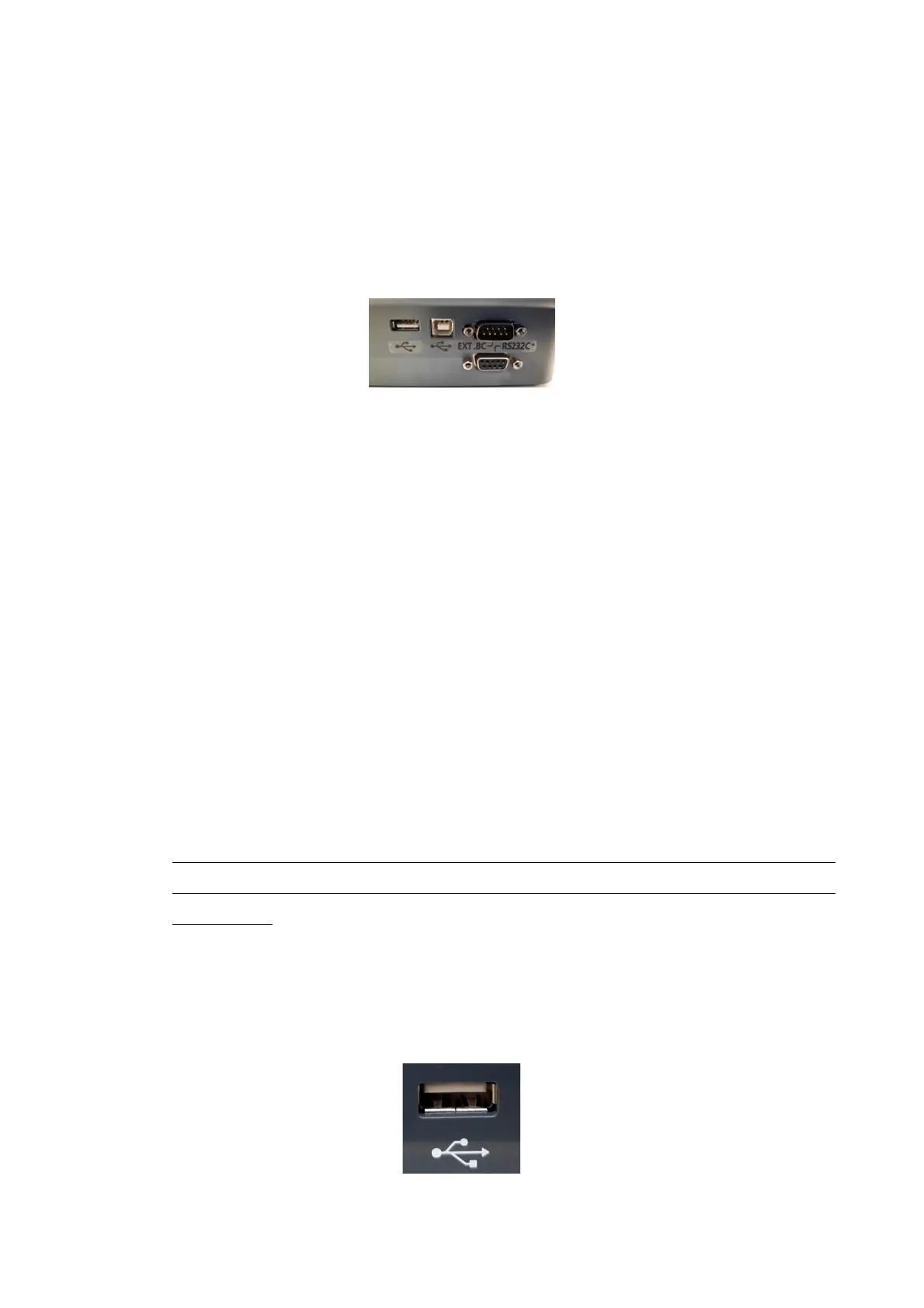
There are four connection ports on the right side of the instrument’s base.
• Two connectors for a Computer/HOST: one is a Serial RS232 (9pin) type; the other
is an USB b-standard type.
• A connector for an external barcode reader (EXT. BC).
• A USB a-standard port for connecting to a USB mass storage device (usable for
software updates and exporting files) (Figure 6).
Figure 6 – Connectors for external supports
2.3 Updating software
Updating software is a simple, direct procedure:
• Save the new software into a USB mass storage device
• Save the contents of “cube_30_touch_version_number” folder in a USB memory
device
Note: the folder “cube_30_touch_version_number” depending on the update can
contain:
a. One file: mcfw.bin
b. Two files: mcfw.bin and System folder which contains the graphic object
necessary for the functioning of the instrument.
c. Three files: mcfw.bin, System folder and Help folder that contains the files
necessary to update the instrument help.
The update of the Help is not an automatic procedure, but the user must use the
appropriate function present in the Service. Refer to the Service Manual for
instructions.
• With the instrument switched off, insert the USB device into the appropriate port
Figure 7)
• Power on the instrument and wait for a few seconds. The instrument will update
automatically.
Figure 7 - USB port



 To Next Page