CUBE 30 TOUCH | USER MANUAL
8 USER MANAGEMENT
The instrument allows the user to create and manage access through personalized
identification. To start this function just activate the "SAFE LOGIN" from the SETTINGS
menu.
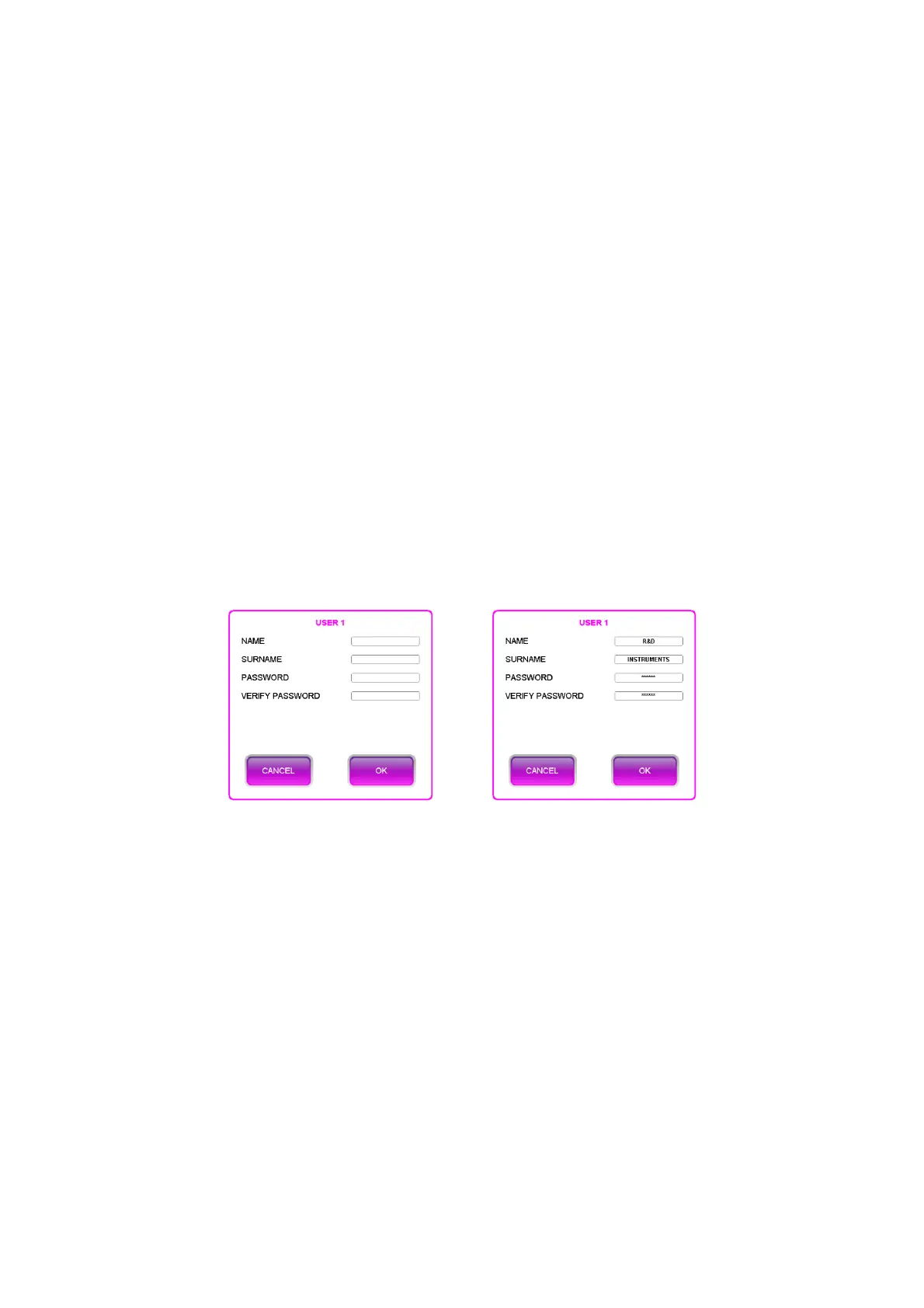
The first time it is activated, the user is asked to enter data for the first user, the
administrator, who will be able to add or remove up to a maximum of 4 users. To create
a user, simply enter name, surname and password (which must
be 6 characters and
different from '000000') (Figure 67 on the left). After the user has been created, a 4-
character ID will be generated as follows: first letter of the name + first letter of the
surname (or second letter of the name) + progressive number; in the case of an
administrator user, the progressive number is 00. In the example proposed in
Figure 67
on the right, the ID of the connected user is RS00 and is always expressed in square
brackets.
Figure 67 - User 1 registration
The connected user is always visible on the home page (Figure 25) and the indication
can also be read in the print report (Figure 45).
With the registration of the first user, the logout arrow is displayed on the home screen
(see Figure 25). After the logout confirmation, the user is directed to the login page; page
that will also be presented to the user every time the instrument is switched on (Figure
68). All registered users are displayed on this page.



 To Next Page