CUBE 30 TOUCH | USER MANUAL
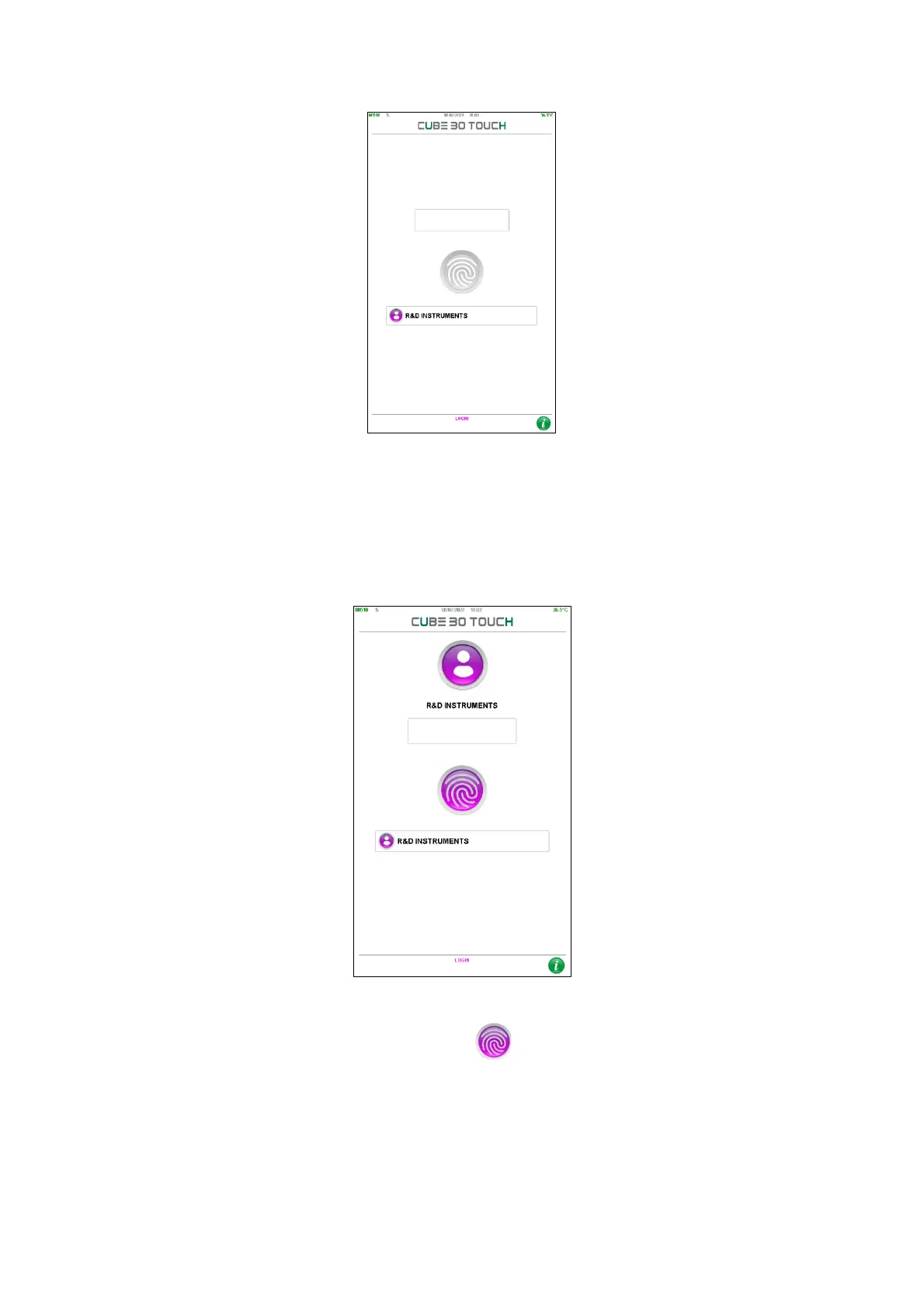
Figure 68 - Login
For identification, the user must select his username: the screen in Figure 69 will be
displayed in which the user can enter its password using the numeric keypad that
appears on the screen after pressing the white box; after entering the 6 digits, the user
can press the enter key.
Figure 69 - User authentication
To log in, simply press the fingerprint button :
if the password is correct, the user can have access to the home screen, otherwise the
error is notified by the message "Wrong Access Code" (wrong access code) and the login
screen is shown again (Figure 68).



 To Next Page