CUBE 30 TOUCH | USER MANUAL
In the event that the identified user is the administrator, he will see the complete home
screen (Figure 25).
The Settings page (Figure 56), displayed by the Administrator has the additional options:
- ‘reset all user’ which allows the deletion of all users and restores the 'safe login =
off' default mode;
- User Management. By selecting this setting the administrator can add new users
(maximum 4 users), can change their password and can delete the added user
with the 'Delete' button.
Note: The only modifiable information is the password, if you want to change the name
or surname, the user should be deleted and recreated
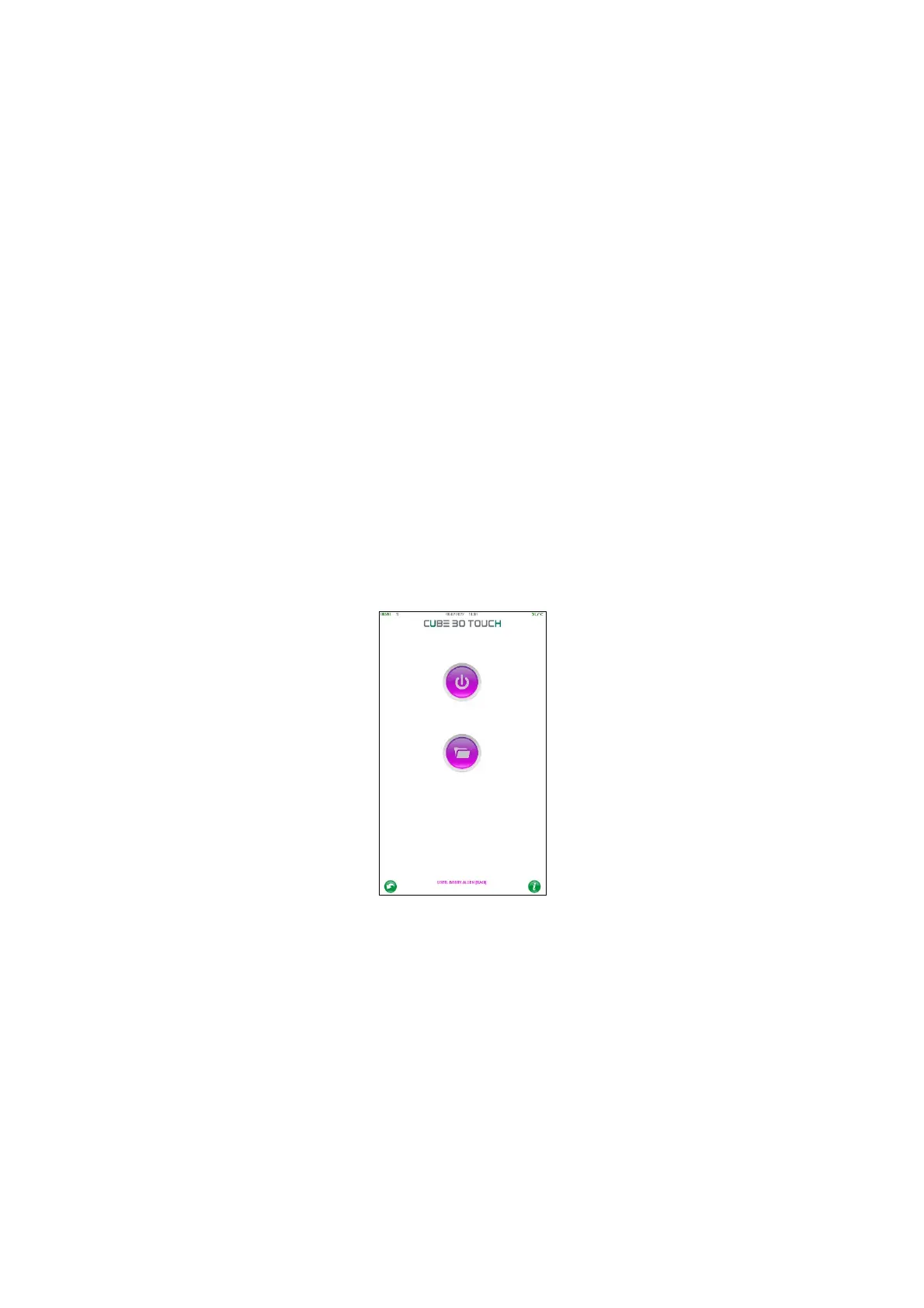
If the logged in user is different from the Administrator (Figure 70), the 'Settings' button
will not be displayed on the home screen because he is not allowed to use the functions
it contains.
Figure 70 - User home page



 To Next Page