CUBE 30 TOUCH | USER MANUAL
Upon conclusion of the test, if QC results are out of range, an orange
circle will be displayed and “QC FAIL” will appear on the printout.
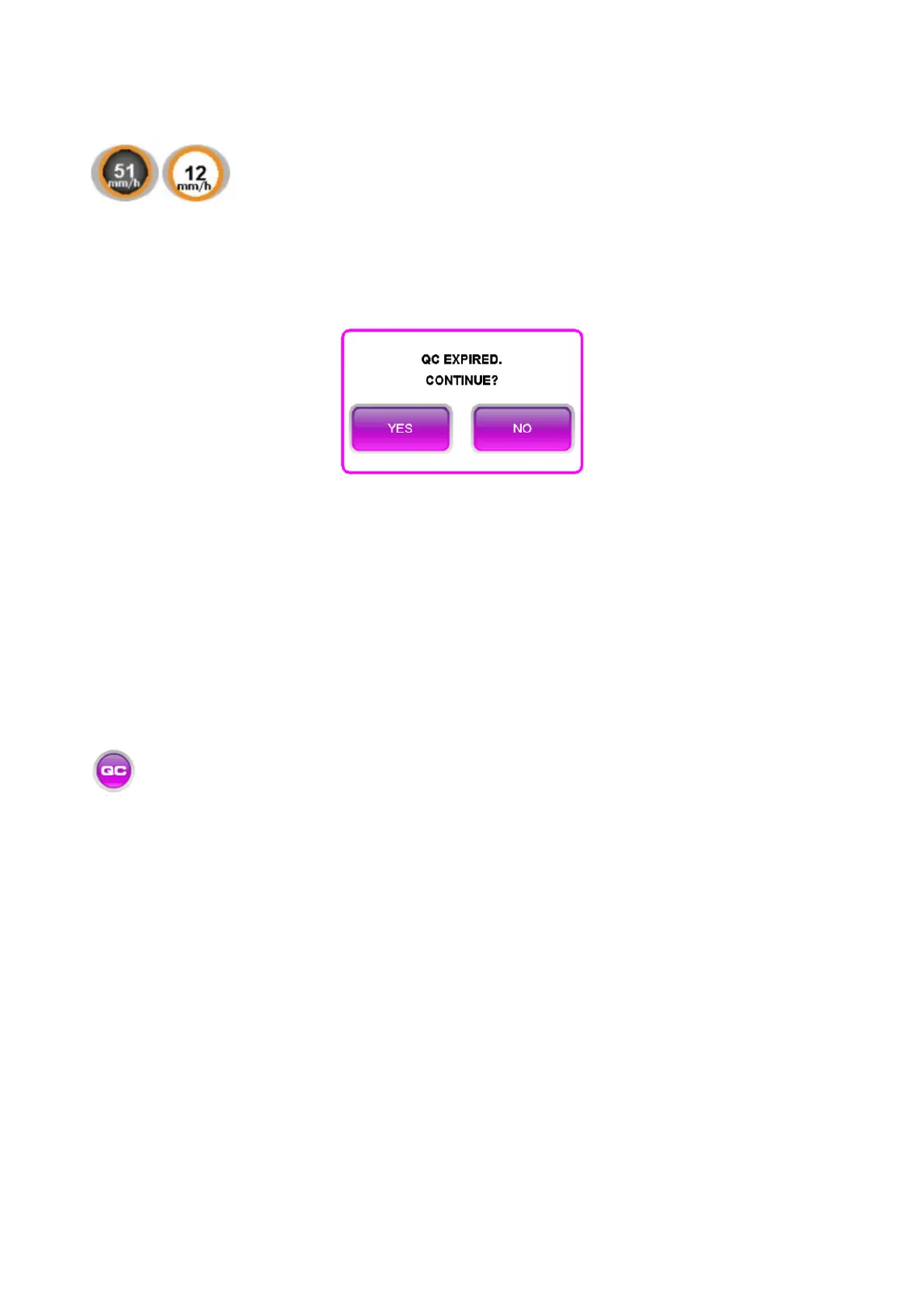
When an expired QC is detected, a timed message is displayed on the screen to allow
the user choose to continue with the procedure or cancel the session (Figure 62).
Figure 62 - QC expired
If the "NO" button is selected, the analysis is interrupted: the user can open the lid and
remove the expired QC and start a new work session.
If the "YES" option is selected or if no selection is made within 5 seconds, the analysis will
continue automatically.
7.3 QC archive
In the QC archive, it is possible to view the data of the controls over time (Figure
63). In this screen, the following are indicated for each sample: date and time of
examination, barcode, position in the sample holder plate, type of control and ESR result
(ESR).



 To Next Page