CUBE 30 TOUCH | USER MANUAL
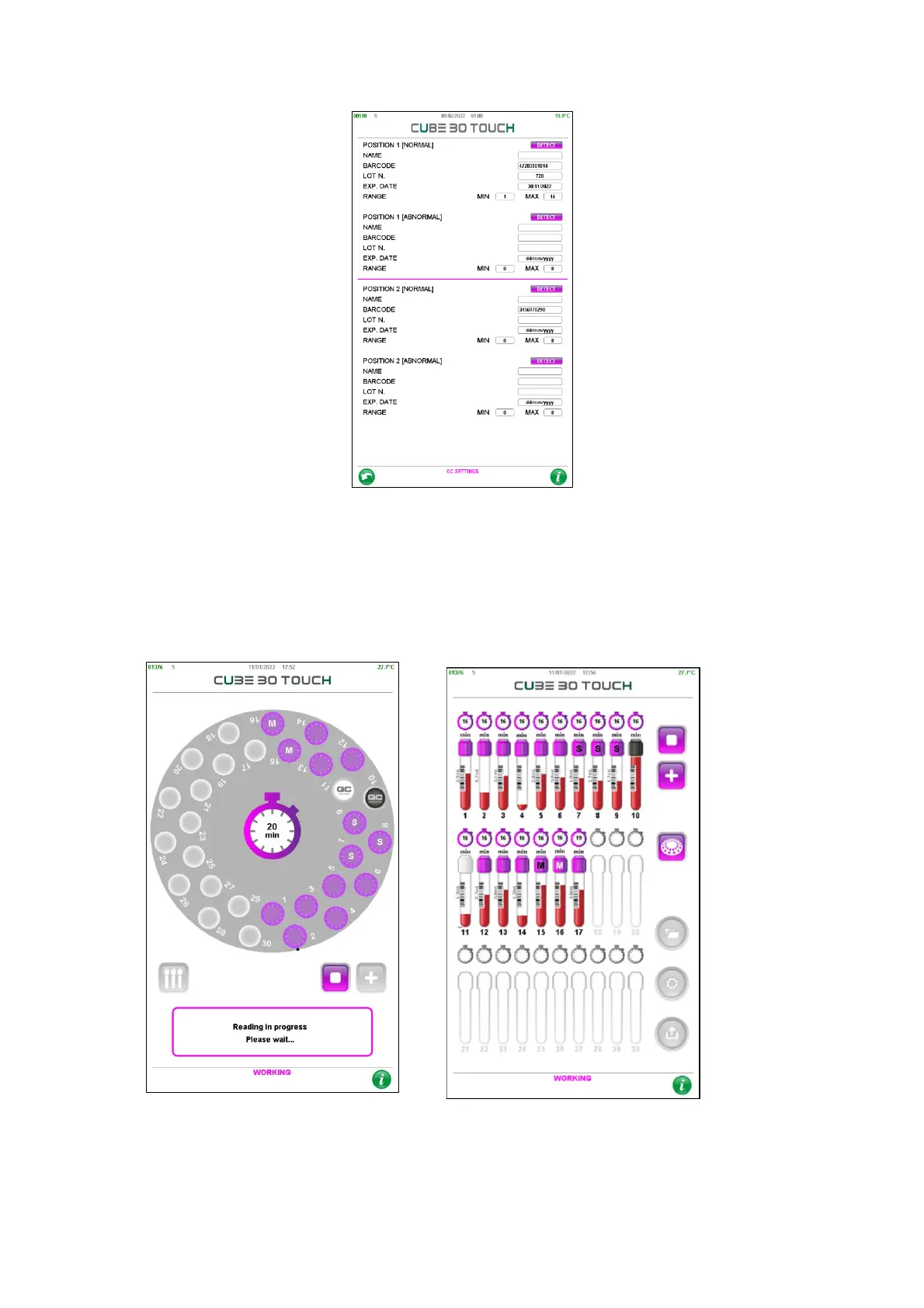
Figure 60 - QC Setting
7.2 Performing QC analysis
Control materials are loaded and processed in the same manner as patient samples (See
chapter 4). The CUBE 30 TOUCH will recognize the barcoded test tube as a QC sample
and display it on the screen as shown in Figure 61:
Figure 61 - Qc analysis
• Normal control: white cap
• Abnormal control: black cap



 To Next Page