CUBE 30 TOUCH | USER MANUAL
Archive: selectable button when the instrument is not in cycle. Allows viewing of
instrument archives
BACK: Allows the user to return to the Home screen. During execution of a work
cycle the button is not displayed.
Information: An interactive guide regarding the instrument operation.
Instrument status label: label at the bottom of the screen:
Ready: a work cycle can be started
WORKING: the instrument is processing samples
Cycle n cancelled – Ready: a session has been cancelled (n indicates the cycle number)
and the instrument is ready for a new cycle.
Cycle n completed – Ready: the session n has been completed,. The instrument is ready
for a new work cycle.
Working – Temperature warning!: attention the instrument is working with a
temperature outside the established operating limits (15°C-35°C), see paragraph 9.1
4.5.1 Inserting the test tubes
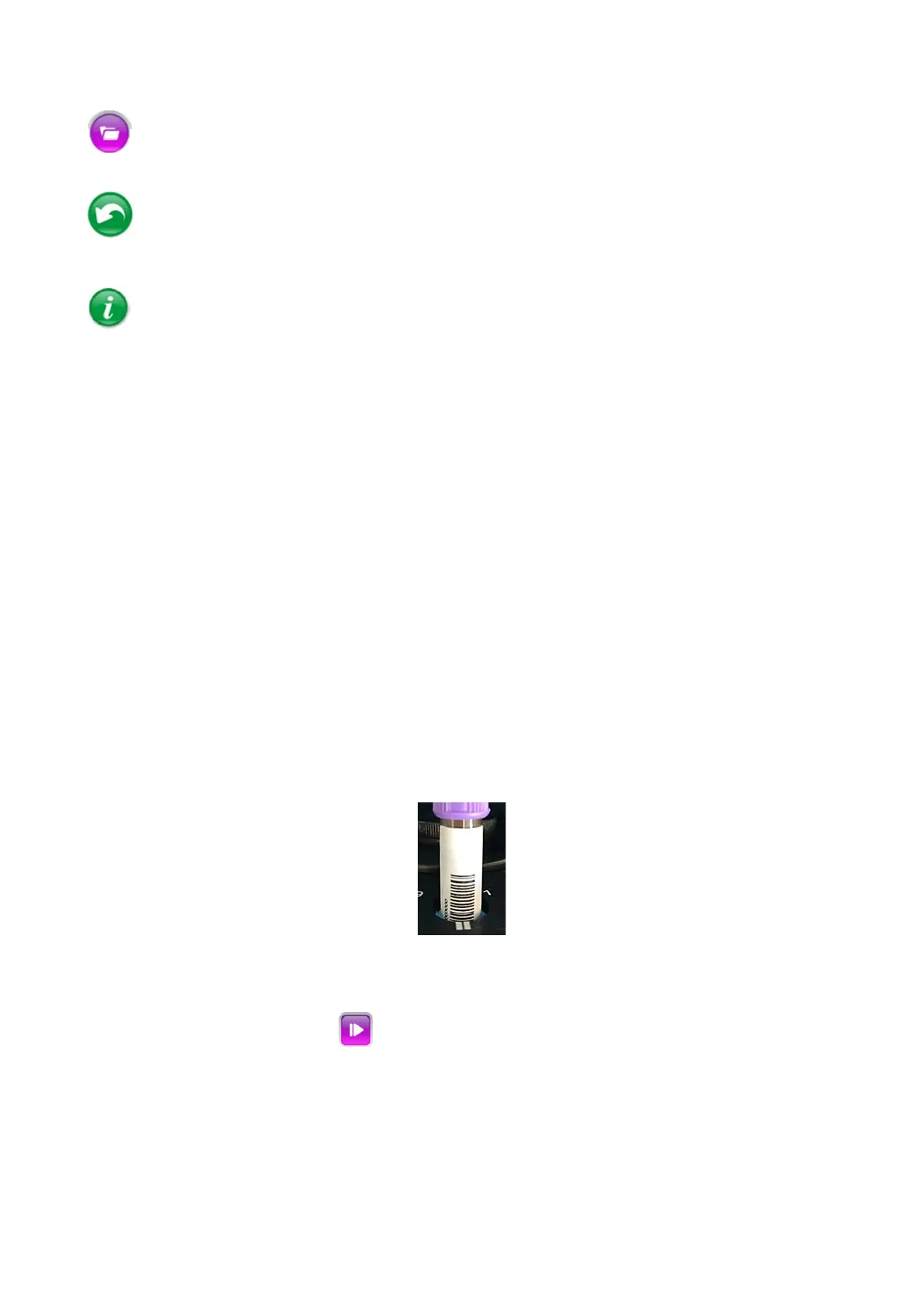
To start a cycle, open the lid and insert the test tubes in the instrument carousel. Orient
the sample so that the barcode faces the mark (||) found at each tube position on the
carousel (Figure 27).
Figure 27
4.5.2 Starting the analysis cycle
Close the lid, and press PLAY .
The instrument performs a verification on each position to determine the number of
samples present, the type of test tubes and barcode reading.
Each position containing a sample is colored in purple (see Figure 28).



 To Next Page