CUBE 30 TOUCH | USER MANUAL
Description of the information and icons:
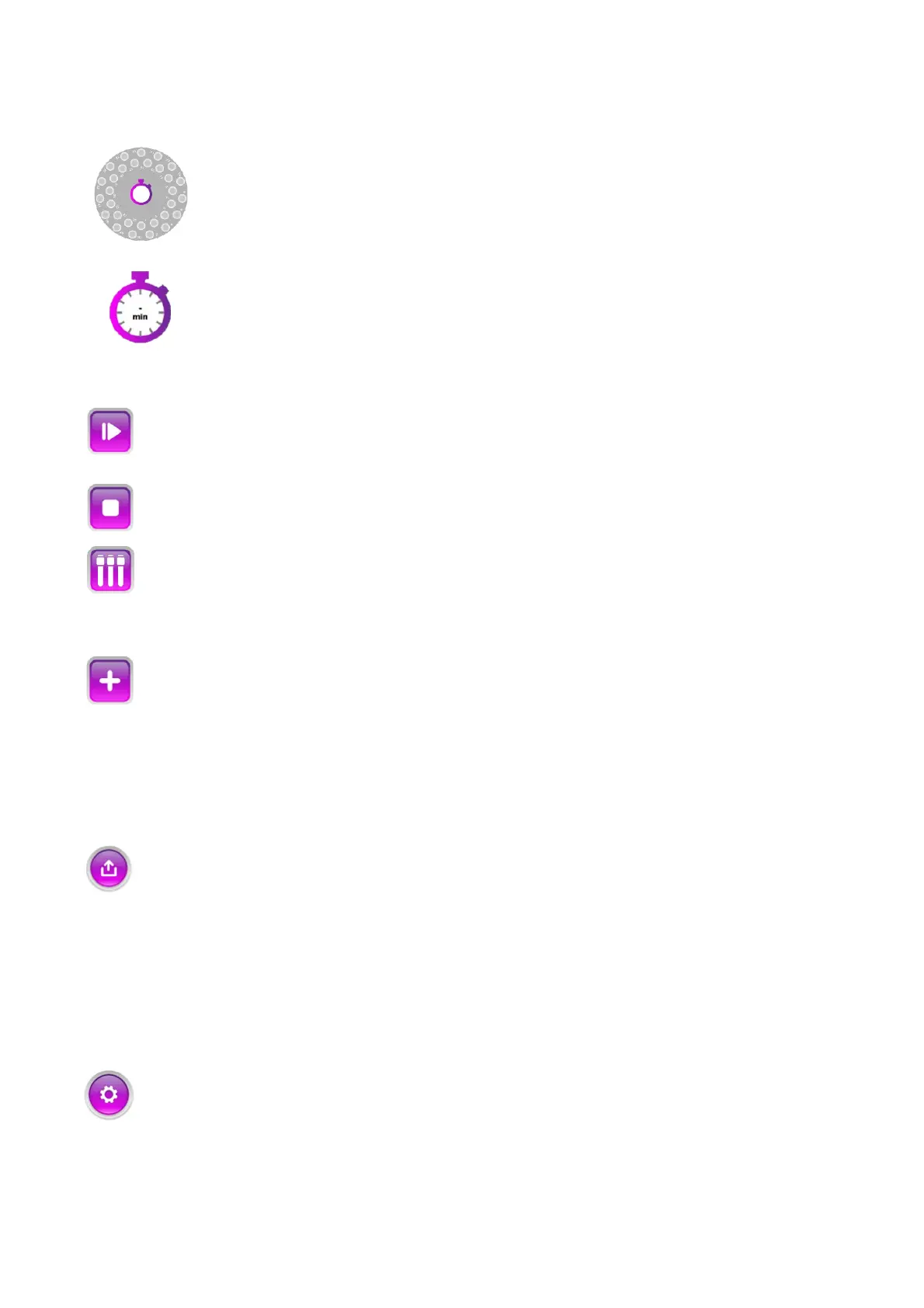
Sample plate: graphical representation of the sample holder plate of the
instrument showing the numbers of the sample housings.
Timer: The timer in the center of the carousel displays the minutes remaining
for all samples started during a cycle in the continuous mode. If samples are
inserted in the random-access mode during the cycle, an individual timer will
be displayed on the cap of each added sample.
Start: Begins the analysis cycle.
Stop: Stops the analysis cycle.
Test tube view: Allows the user to view all the samples at the same time (Tube
view). In this mode, the user can see the blood level and the actual sedimentation
level for each test tube.
Add: Enables the random-access mode. By pressing this icon, new samples can
be inserted when a testing cycle is already in progress. During the scanning
phases, reading at time t=0 and during the 2 minutes preceding the reading at t=20
minutes, the button turns grey and cannot be selected: the sample addition function is
disabled.
Export: button active before and at the end of a work cycle. It allows the selection
of two function:
- SEND TO HOST: allows to send the results of the last cycle to the Laboratory host.
If the connection to the host is not active, no operation is required to send data.
- PRINT: prints the results of the last cycle. If the instrument is turned on or
restarted for the first time, pressing the button requires no action.
Settings: selectable button when the instrument is stopped. Enables the
'Settings' screen to be displayed.



 To Next Page