CUBE 30 TOUCH | USER MANUAL
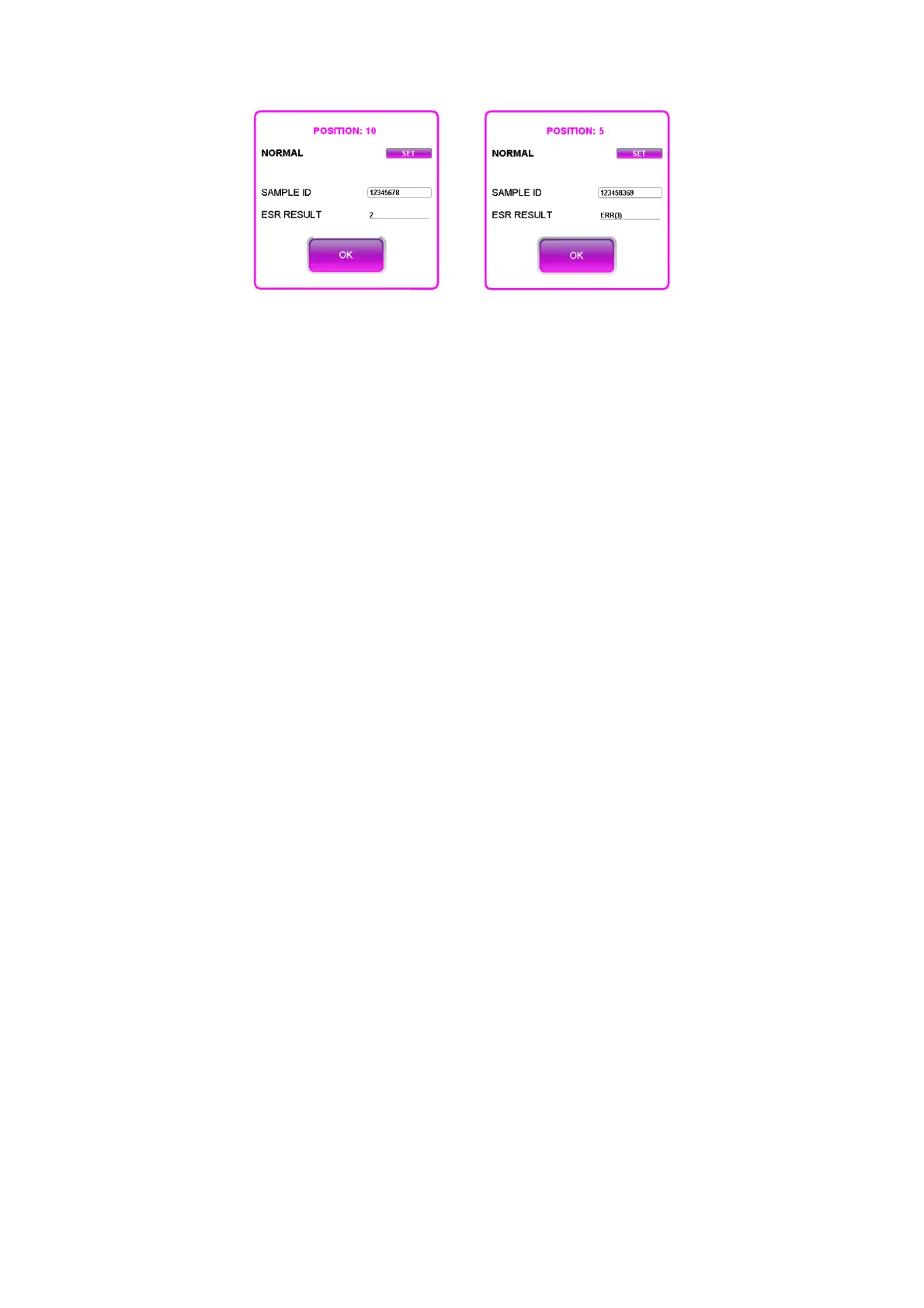
Figure 44 - Sample detail at the end of a cycle
4.5.6 Guided reading of the printed results
If automatic printing (see chapter 6) is enabled, the instrument prints the receipt
(Figure 45) with the results at the end of each session.
At the top of the receipt there is the header, the results follow. The information is as
follows:
• Name of the manufacturer: Diesse Diagnostica Senese
• Name of the instrument: CUBE 30 TOUCH
• The software release (V 2.01.00),
• The serial number of the instrument (SN 2021-06-1299)
• Two customized header lines, optional (ReD INSTRUMENTS)
• The date in DD / MM / YYYY or MM / DD / YYYY format (11/01/2022) and the time
HH / MM / SS (14:28) of execution of the analysis of the first sample
• The number of the day's cycle (9)
• The temperature detected inside the instrument in ° C or ° F (23.1 ° C) and the
indication whether the temperature correction is active "ON" or not active "OFF"
(ON)
• Logged in user, identified through [ID] ([RS00])
• The position of the sample inside the sample holder plate (POS NUM)
• The sample barcode (ID)
• The ESR value expressed in mm/hr. W if the reference used is Westergren, P for
Pachenkov
When a QC control is analyzed, the following lines are printed:
• the position of the control sample inside the sample holder plate (POS NUM)
• the barcode of the control sample
• the ESR value expressed in mm/hr,
• the type of QC analyzed (pathological or normal)
• the name of the QC (DIESSE_QC in the example)



 To Next Page