CUBE 30 TOUCH | USER MANUAL
• Info: is a button that allows the user to display the instrument Help, a short
interactive guide on how to use the instrument
• Name surname and connected user ID []: when the ‘SAFE LOGIN’ setting is active,
the name, surname and connected user ID are shown. The ID consists of the initial
name and surname letter of the logged user. The user with ID ‘00’ is the
Administrator; for details see chapter 8.
• Logout: button displayed if ‘SAFE LOGIN’ mode is active; it allows the registered
user to log out
The home screen also contains buttons for the 3 main functions:
• START: Access the START cycle screen
• ARCHIVE: Access archived data
• SETTING: Review/edit system some settings
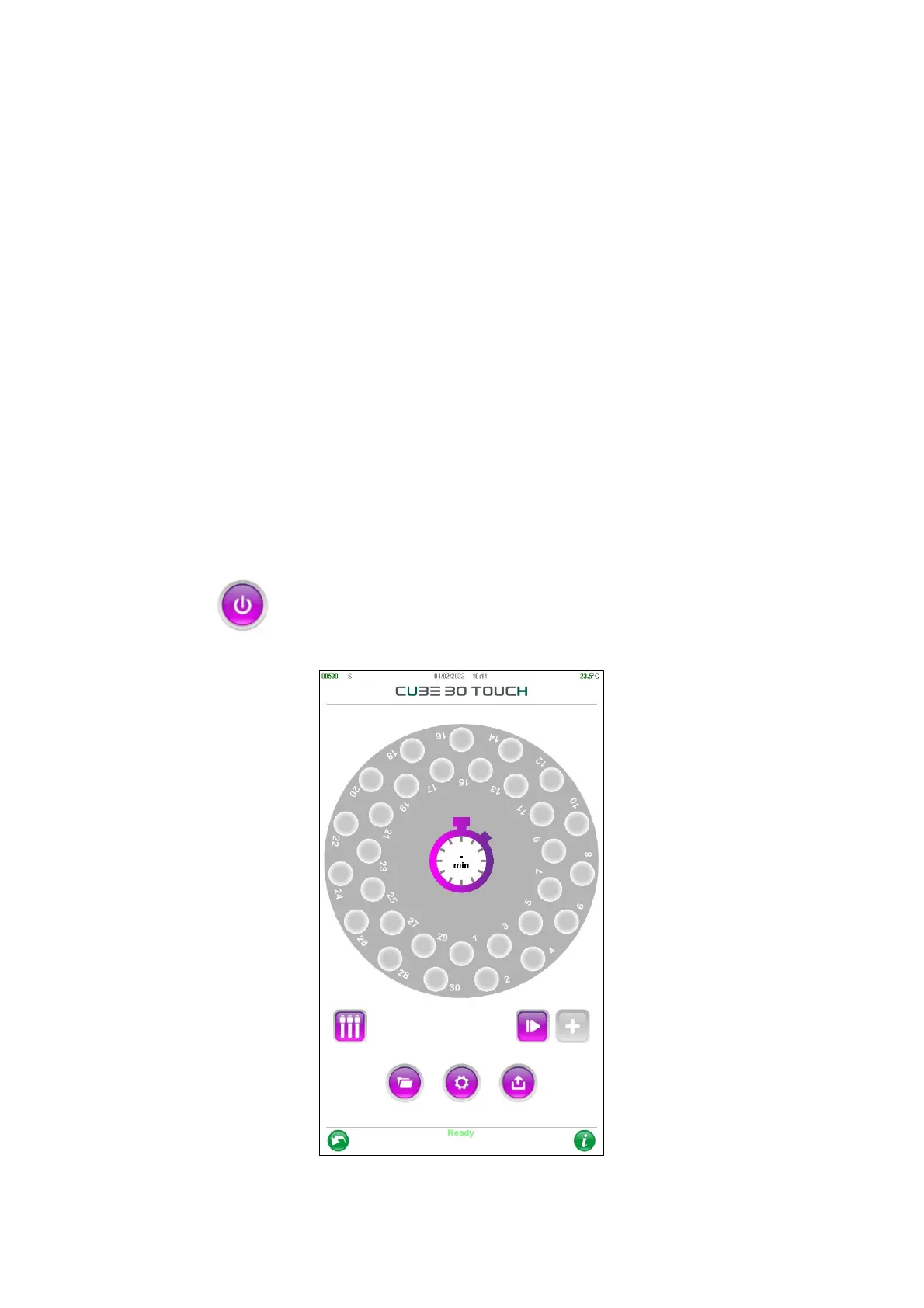
4.5 START Performing an analysis cycle
Click START to enter the analysis mode (Carousel view).
Figure 26 – Plate view



 To Next Page