CUBE 30 TOUCH | USER MANUAL
The string ‘ERR’ in red indicates an error: the details of the error can be read
by holding down the sample string (as described in the ‘Sample selection’
paragraph). For error coding, se chapter 9.
The string “ERR!” indicates that the cycle has been interrupted
The subscripts present "S", "M", "P" indicate respectively that the type of
tube of the sample was a Sarstedt, a Map, a Pediatric
The apex "H" indicates that the ESR value has been corrected with the HCT
hematocrit value
5.1 Sample archiving functionality
5.1.1 ‘Export’ button
By clicking on the Export icon the user can:
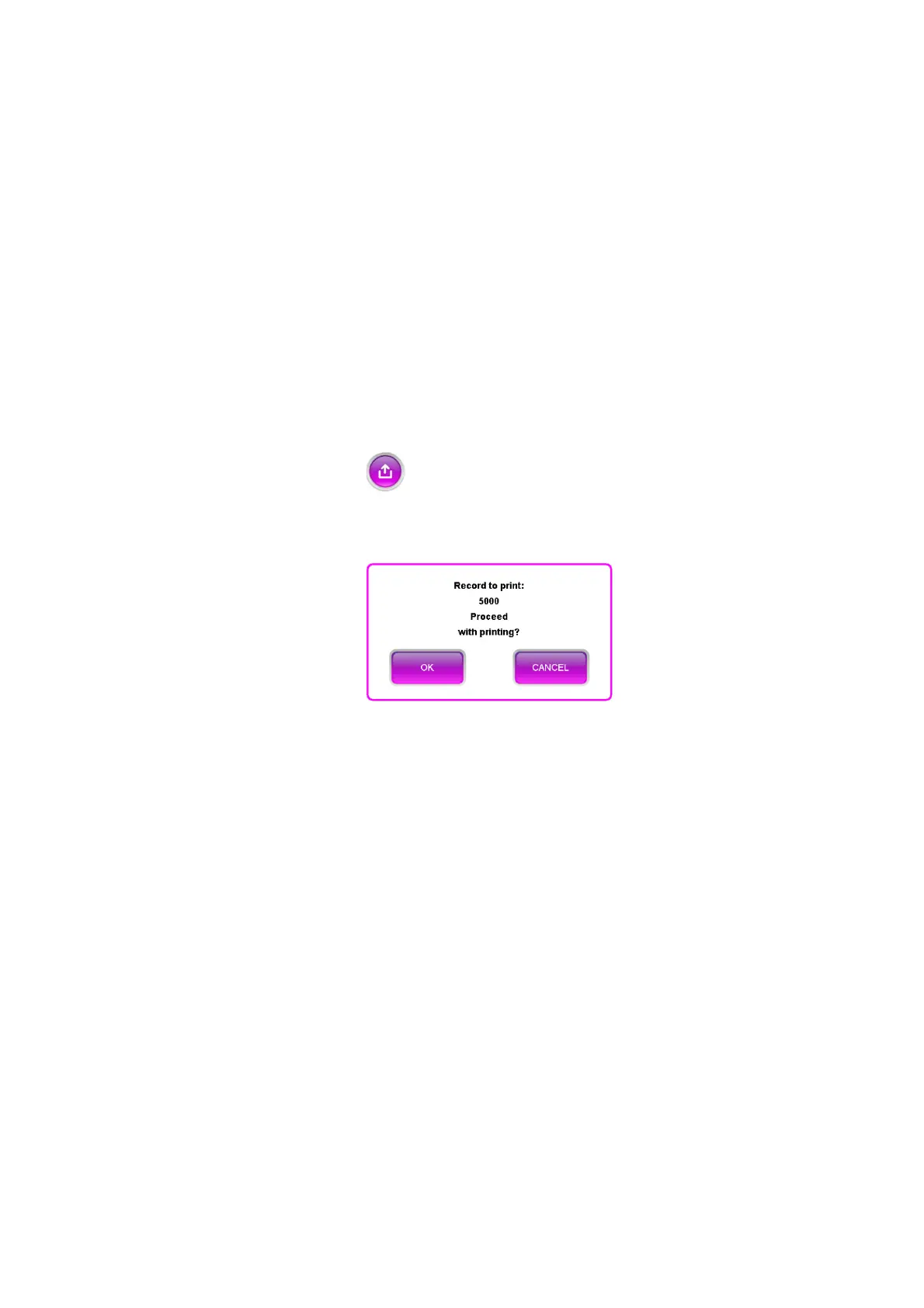
• Print the list of all the samples in the archive. A message is displayed with the
number of samples and request for confirmation as shown below (Figure 50).
Figure 50 - Print confirmation
• Filter the data in the archive by sample. By selecting this item, all the barcodes
of the samples are visible (Figure 57) and it is possible to search for the sample
using the white box of the 'SEARCH' function (red box in Figure 51).



 To Next Page