CUBE 30 TOUCH | USER MANUAL
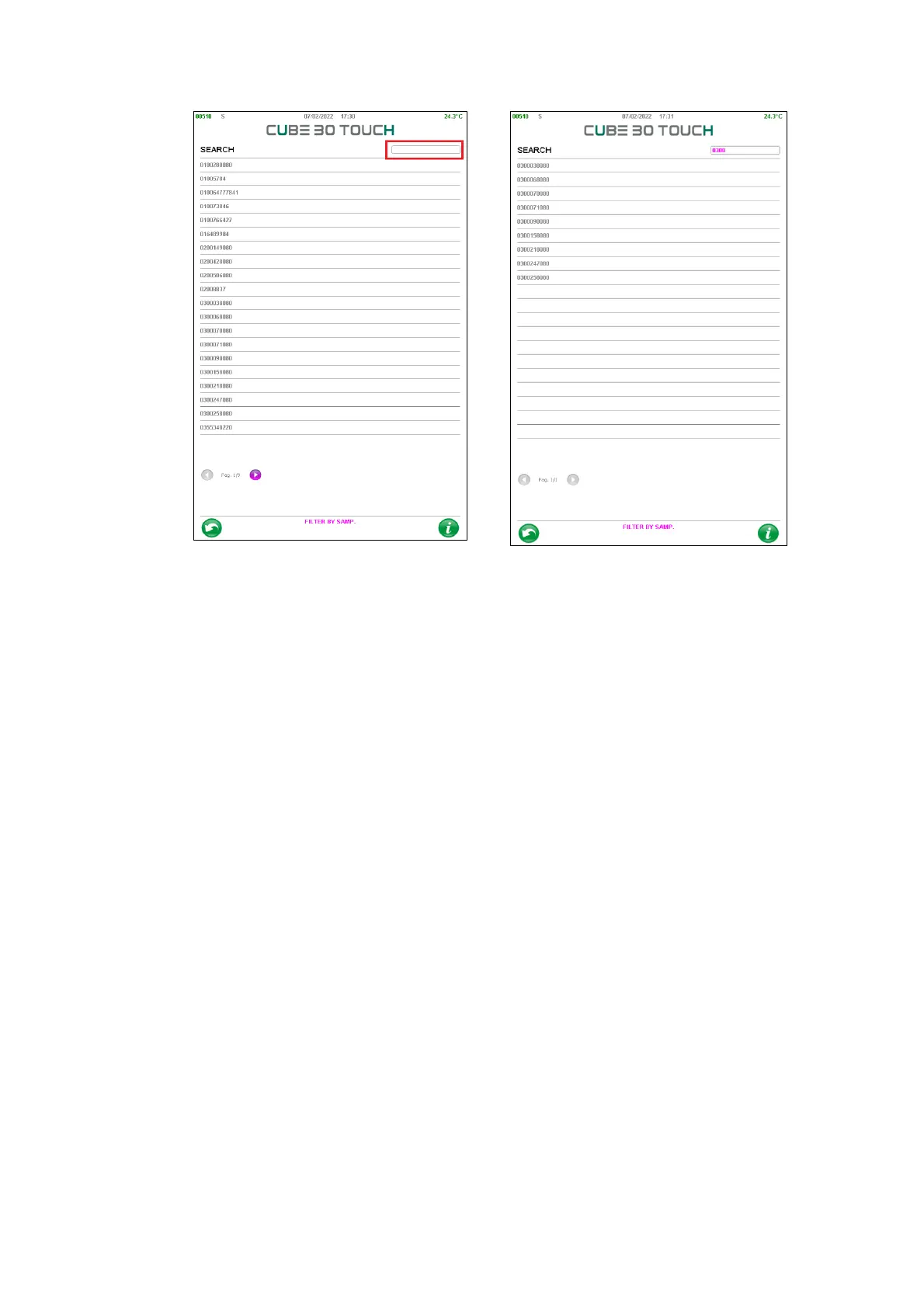
Figure 51 - Filter by sample
The user has to write the barcode or a part of it: by pressing the enter key the
samples are filtered and only those containing the code entered in ‘SEARCH’ are
displayed (Figure 52)
If the user selects the barcode of a sample, a new screen opens: it contains all
sample processing sorted by decreasing date. By holding down the single line it
is possible to view the details of the sample.



 To Next Page