CUBE 30 TOUCH | USER MANUAL
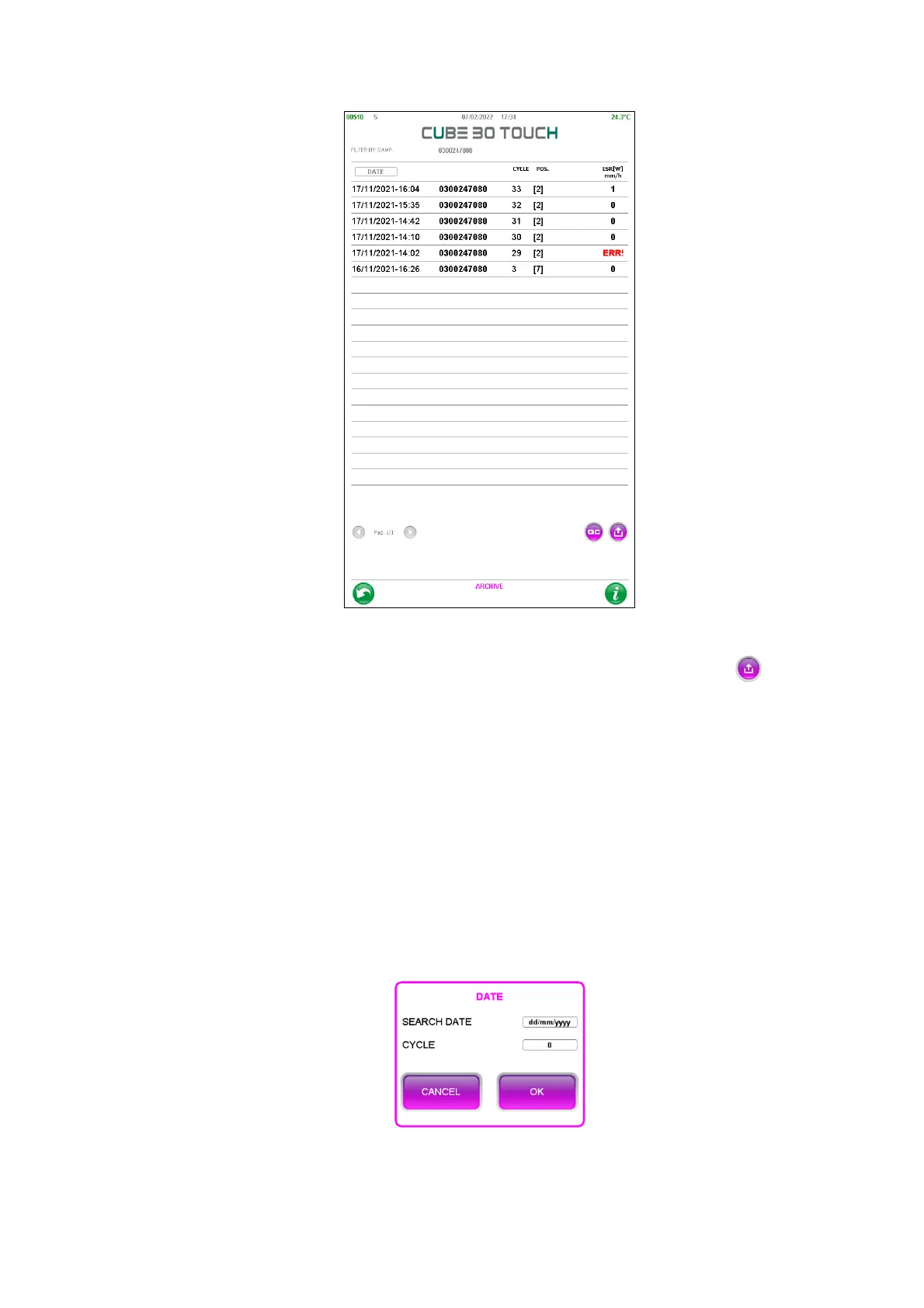
Figure 52 - Filtered samples
The following operations can be performed using the ‘Export’ button :
o Send all samples to the host computer.
o Print the sample list
o Filter the samples by date
o Remove the filter
• Filter by cycle. A pop-up window appears in which it is possible to write the
date and the number of the desired cycle (Figure 53)
If ‘OK button is pressed the samples are filtered and it is possible to view the
details of the samples and carry out the operation described above.
Figure 53 - Filter by cycle



 To Next Page