CUBE 30 TOUCH | USER MANUAL
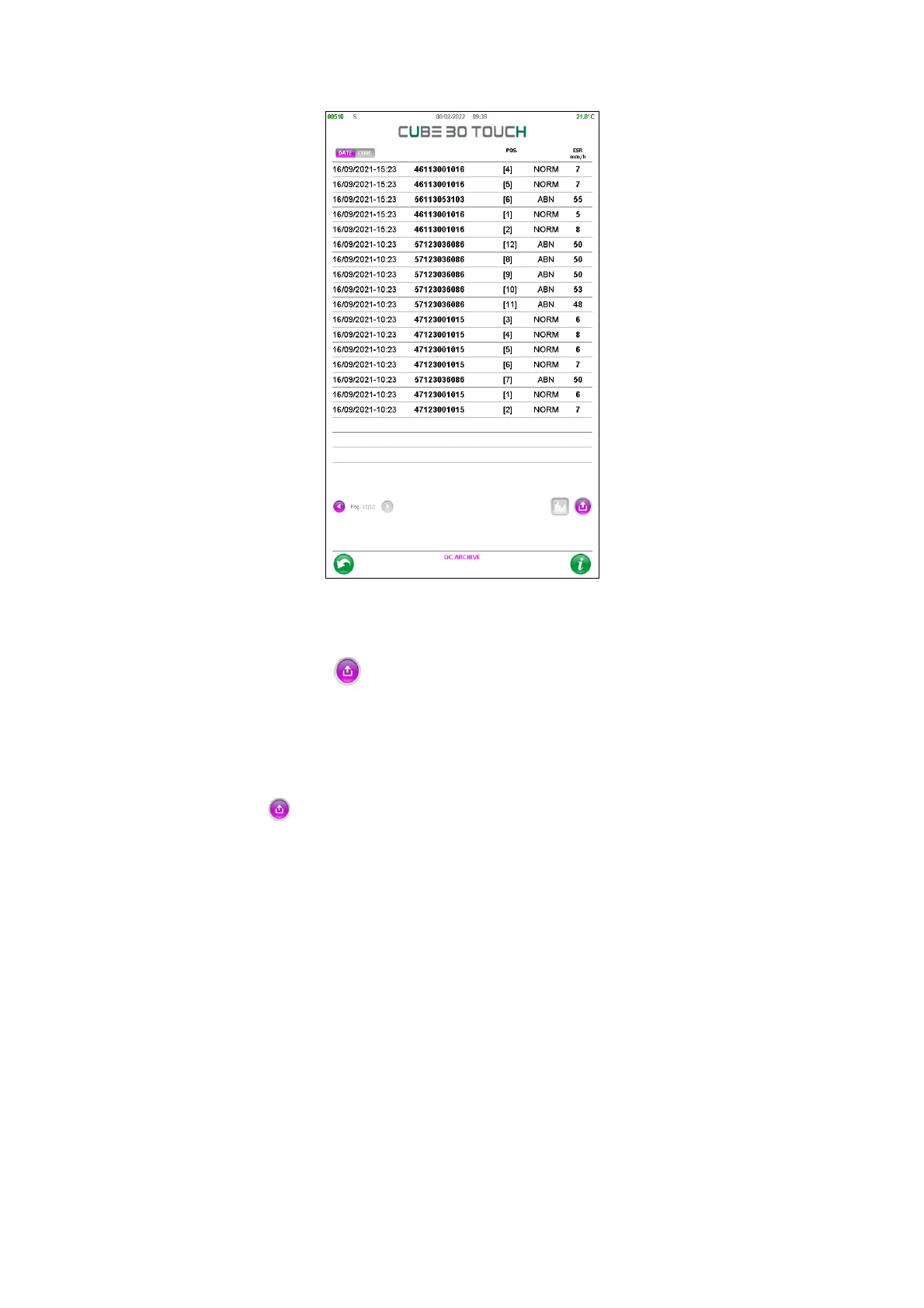
Figure 63 - QC archive
By pressing the Export icon, it is possible to: print the list of QCs or filter the archive
by barcode or by date as already described for the samples (paragraph 5.1.2).
By pressing on the QC records it is possible to select them: each selected QC will have
all the fields in purple. After selection, the following operations can be carried out with
the 'EXPORT' button :
• Sending the QC samples to host
• Print the list of QCs, after confirmation
• Printing of the selected QCs
• Permanently delete the selected QCs
By holding down on the string of a QC, the user is able to access its information window
(Figure 64 - Qc detail) where the details of the control are shown: type, name, barcode,
lot, expiry, limits.
Information on the analysis of the sample is also reported: date, time, cycle number and
the result of the ESR analysis.



 To Next Page