DG-GS1528HP User Manual
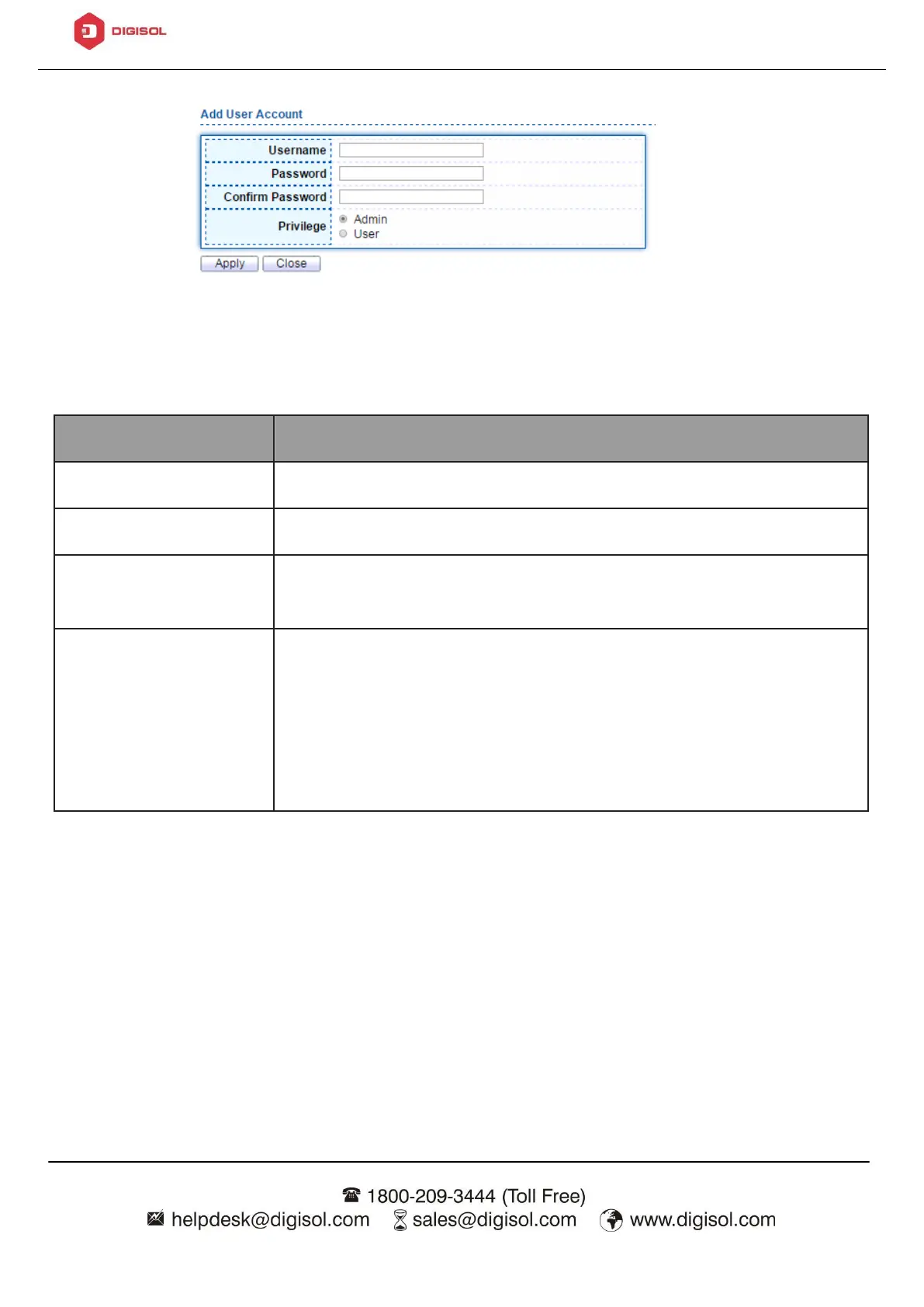
Figure 142 - Management > User Account > Add User Account
User name of the account.
Set password of the account.
Set the same password of the account as in “Password”
field.
Select privilege level for new account.
•
Admin: Allow to change switch settings. Privilege value
equals to 15.
•
User: See switch settings only. Not allow to change
it.Privilege level equals to 1.
4.14.2. Firmware
4.14.2.1. Upgrade / Backup
This page allow user to upgrade or backup firmware image through HTTP or TFTP
server.
To view the Firmware Upgrade/Backup menu, navigate to Management >













 To Next Page