DG-GS1528HP User Manual
The type of the LAG
•
Static: The group of ports assigned to a static LAG are
always active members.
•
LACP: The group of ports assigned to dynamic LAG are
candidate ports. LACP determines which candidate ports
are active member ports.
Select available port to be LAG group member port.
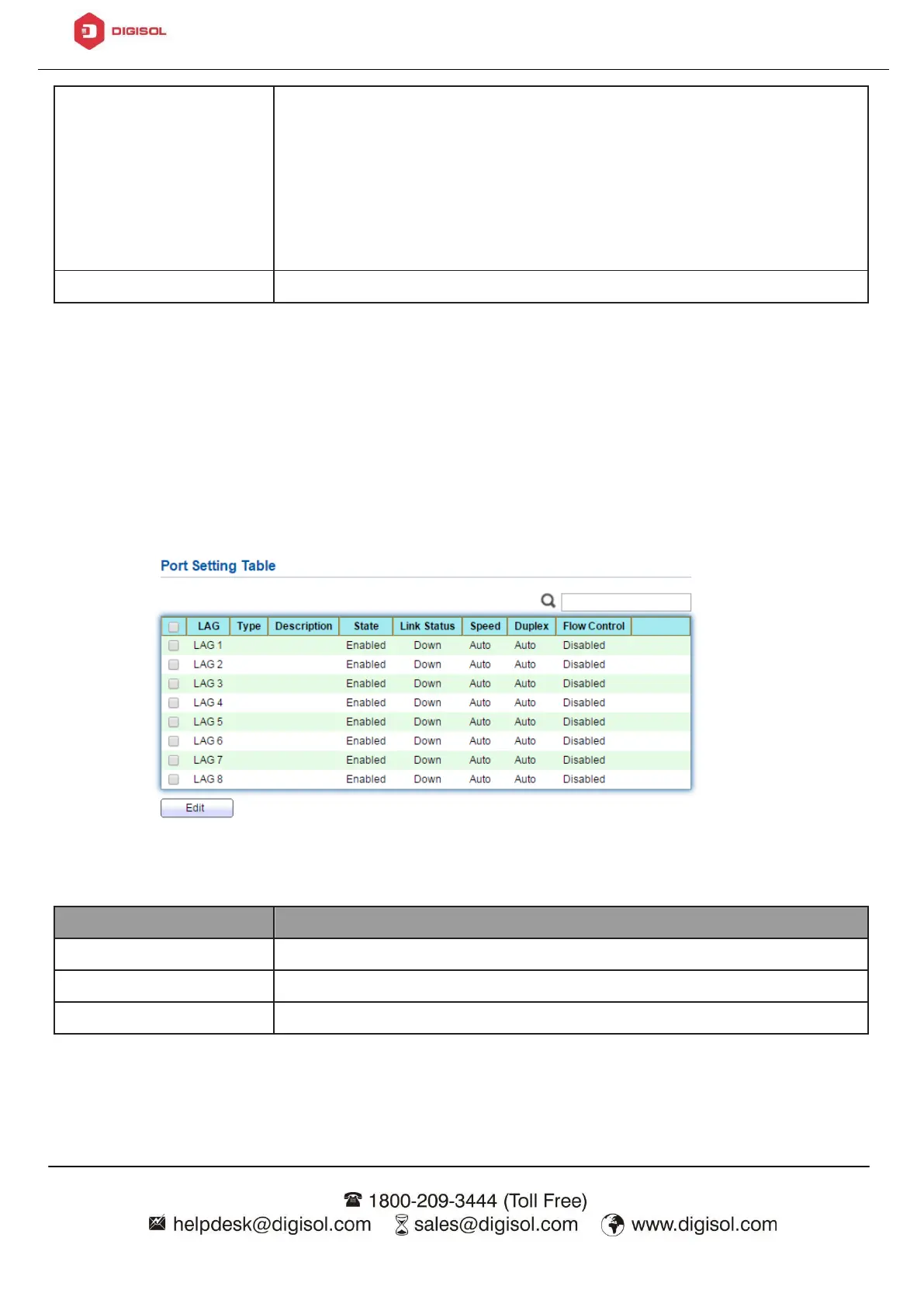
4.3.2.2. Port Setting
This page shows LAG port current status and allow user to edit LAG port
configurations. Select LAG entry and click “Edit” button to edit LAG port
configurations.
To view the Port Setting menu, navigate to Port > Link Aggregation > Port
Setting.
Figure 25 - Port > Link Aggregation > Port Setting



 To Next Page
 Loading...








