DWG2000E/F/G GSM/CDMA VoIP Gateway User Manual
_______________________________________________________________________________
Shenzhen Dinstar Technologies Co., Ltd.
30
Table 4-6-3 Description of PIN Management
Personal identification number of SIM card. In the status of SIM card
locked, PIN can be modified to prevent SIM card from being stolen.
Selects the GSM/CDMA channel number
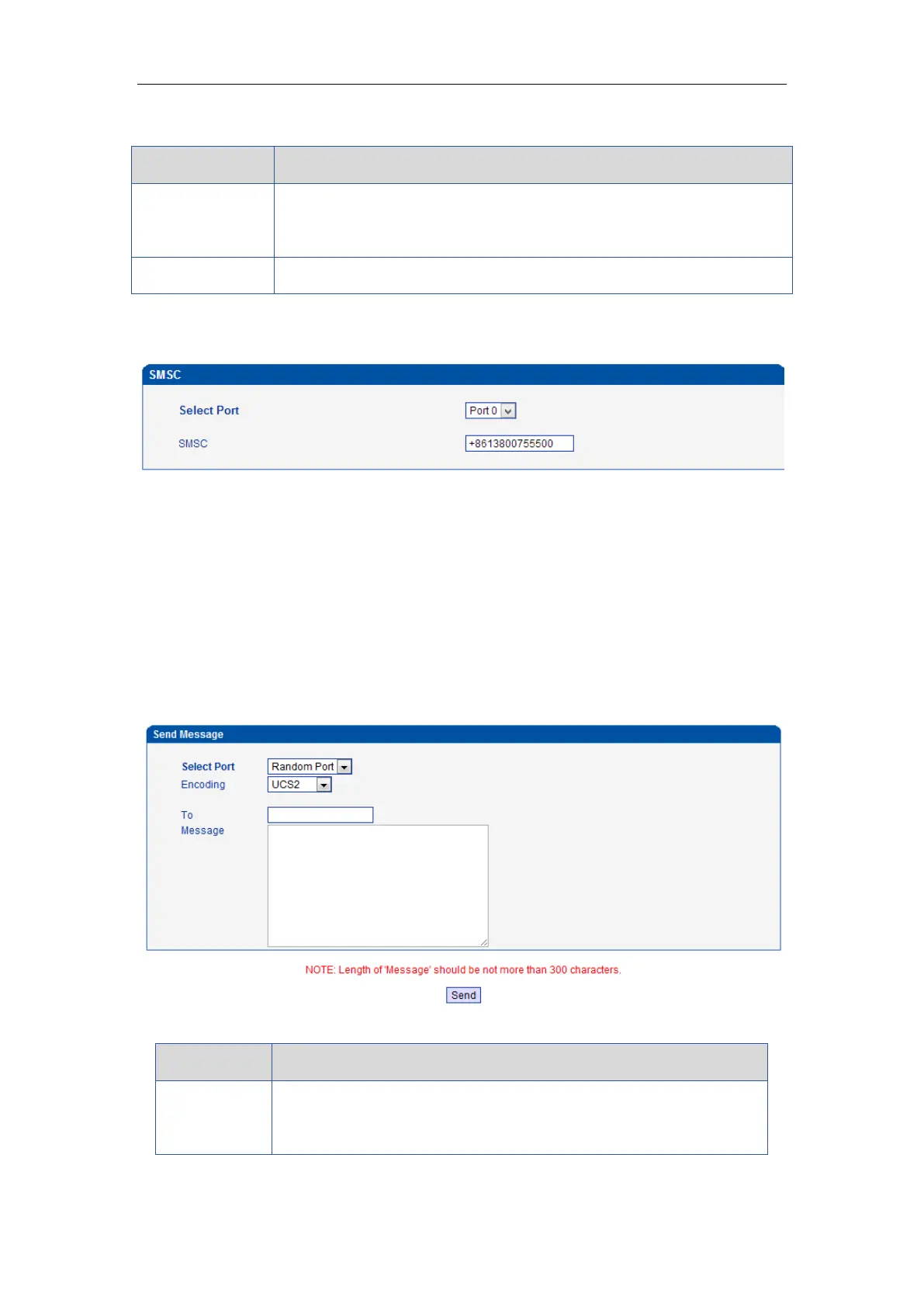
4.6.5 SMSC
Figure 4-6-5 SMSC
SMS center of mobile, in most places, the celluar module will automatically detect the SMSC
number. This configurable option is used in a situation that the SMSC number could not
detected by celluar module. When such case happens, please contact with mobile service
provider to identify the SMSC number and then add SMSC number in SMSC configurable web
interface.
4.6.6 Send SMS/Recv SMS
Figure 4-6-6 Send SMS
Table 4-6-5 Description of SMS sending
Users can select a defined channel or random channel to send SMS.
Input the receiver’s mobile phone No to send SMS.














 To Next Page