DWG2000E/F/G GSM/CDMA VoIP Gateway User Manual
_______________________________________________________________________________
Shenzhen Dinstar Technologies Co., Ltd.
35
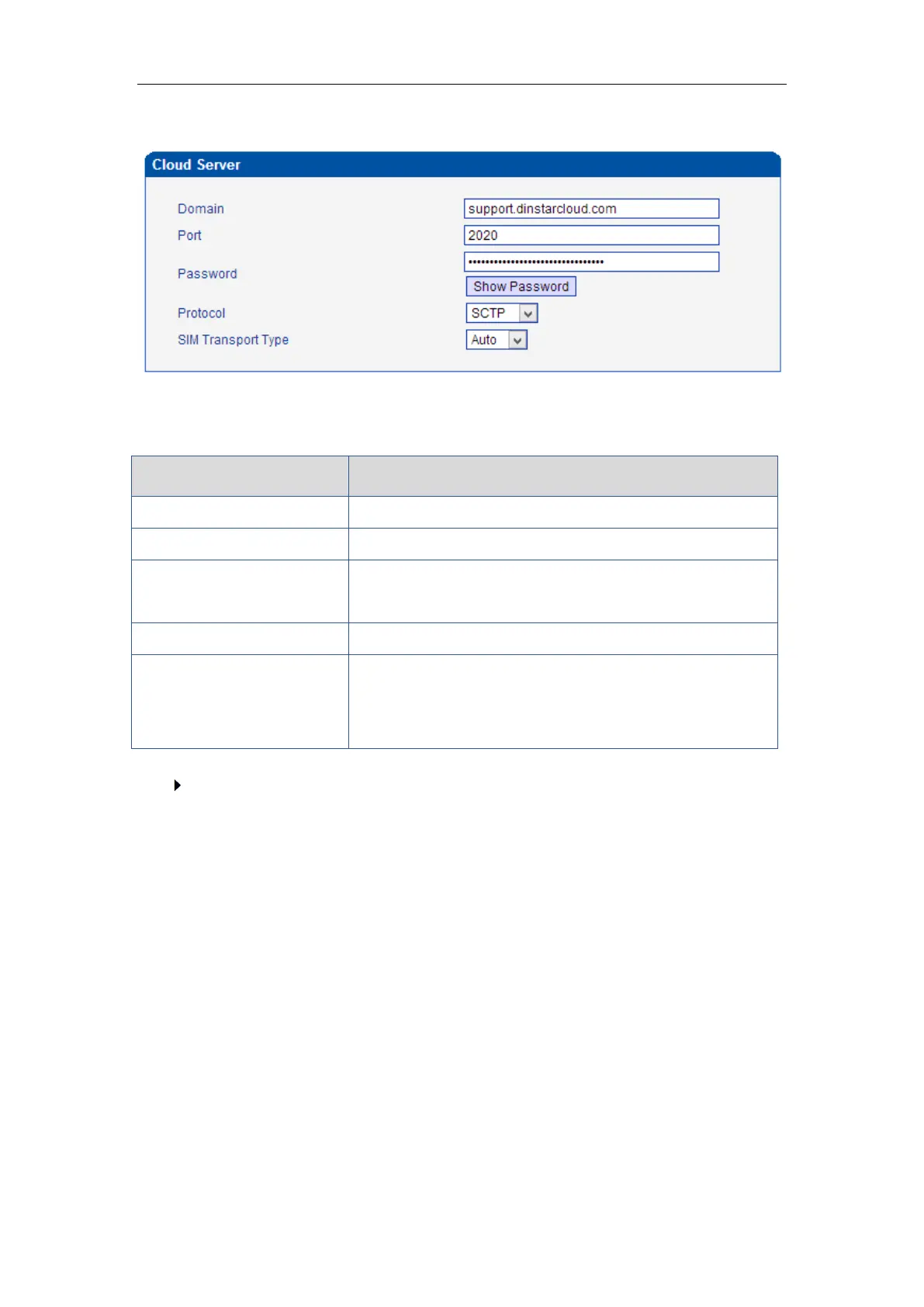
4.6.13 Cloud Server
The Cloud server is normally configured when the gateway work with SIM Bank or centralized
management purpose.
Unique domain for the users
It is define by SIM Cloud. Default value is 2020
It is create when add gateway on SIM Cloud. The password
is use to authentication purpose
Auto: the device is chose transport method automatically;
Relay:SIM Server work as relay server, all data must be
transport by SIM server.
How to register gateway to SIM Cloud?
Example: add gateway on domain support.dinstarcloud.com














 To Next Page