DWG2000E/F/G GSM/CDMA VoIP Gateway User Manual
_______________________________________________________________________________
Shenzhen Dinstar Technologies Co., Ltd.
83
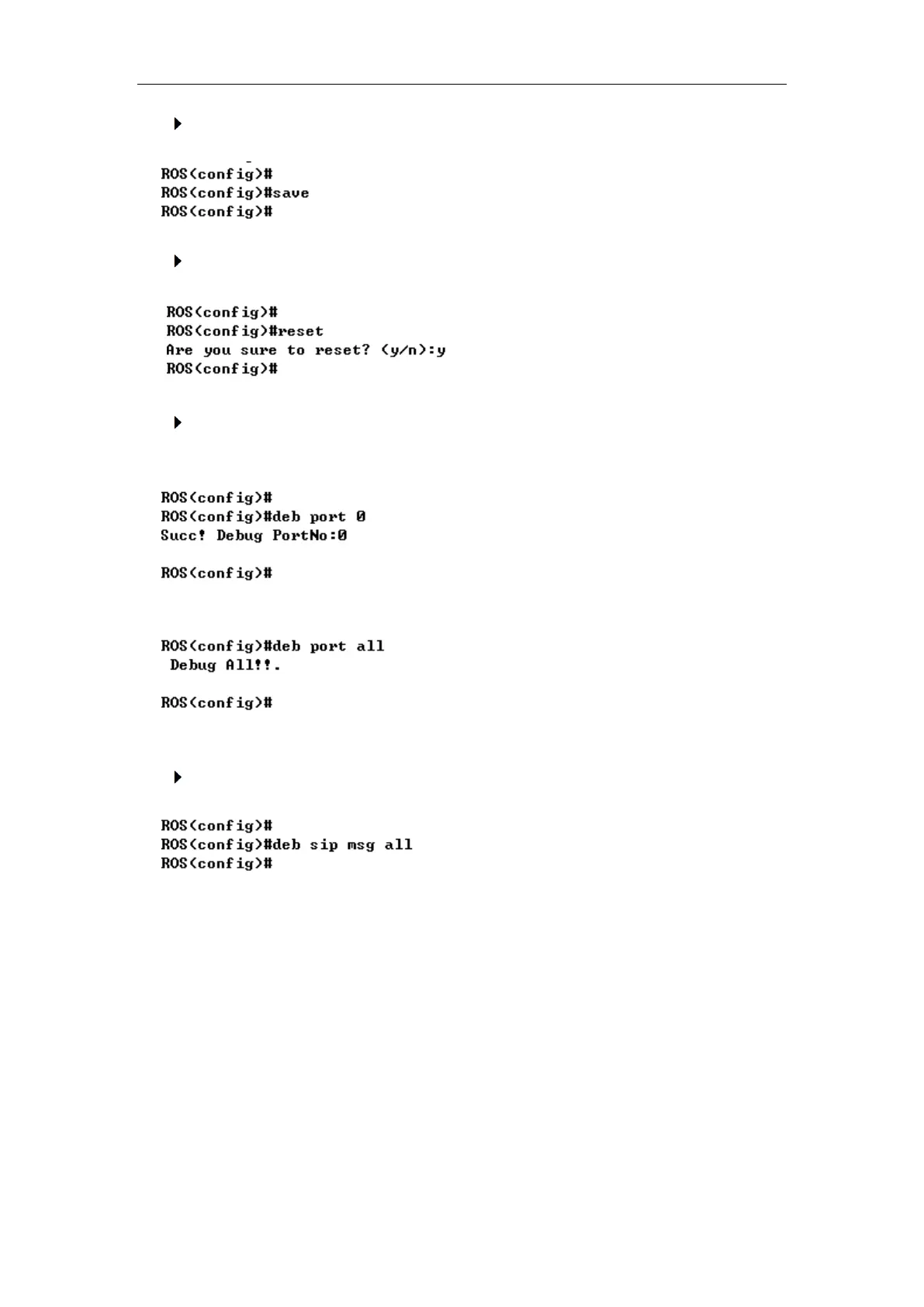
Save the configuration (save)
Restart device (reset eia)
Enable debug
The command format is deb port + port number, to enable port 0 debug, as below:
To enable all ports debug, with the command “deb port all”
Without this steps, no trace logs will display on output window
Enable SIP debug (deb sip msg all)
5.4 How to trace SIP logs
Create telnet session to gateway, the main steps as below:
Welcome to Command Shell!
Username:admin
Password:*****
ROS>en
ROS#
ROS#^config
ROS(config)#deb sip msg all
ROS(config)#ex














 To Next Page