DWG2000E/F/G GSM/CDMA VoIP Gateway User Manual
_______________________________________________________________________________
Shenzhen Dinstar Technologies Co., Ltd.
32
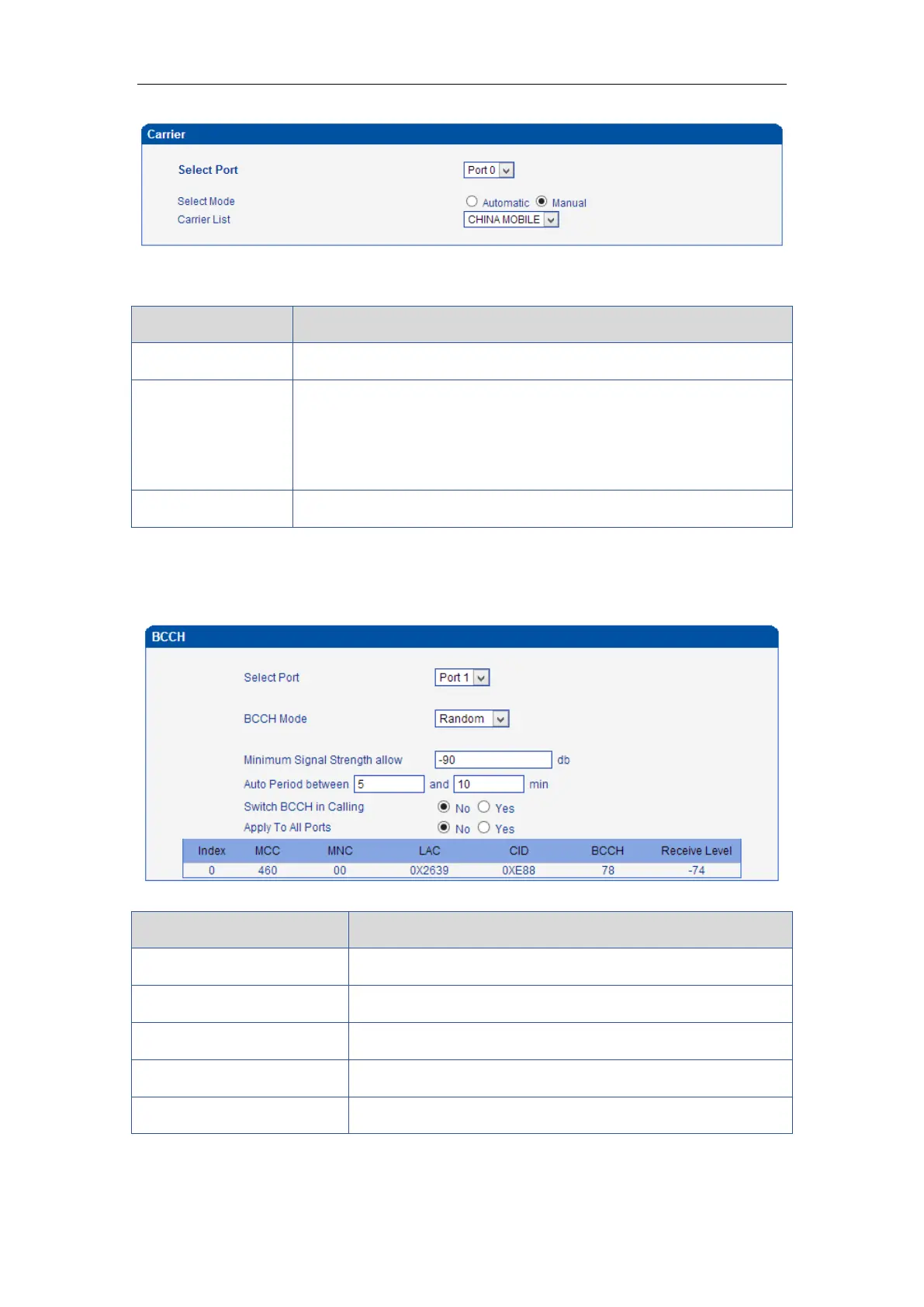
This function is used to select carrier.
Table 4-6-6 Description of select Carrier
Select GSM channel, default Port 0
There are two modes to select carrier automatic and manual.
Automatic mode can be automatically search operators. Manual mode
can choose operators from the carrier list.
If you select manual mode, you can select carrier from carrier list.
4.6.9 BCCH
Figure 4-6-9 BCCH
Table 4-6-7 Description of BCCH
There are four options. Default, Fixed, Random, Advanced
Set frequency detection refresh time
Auto Refresh/Stop Refresh
Choose whether to refresh frequency
Mobile country code, China is 460














 To Next Page