DWG2000E/F/G GSM/CDMA VoIP Gateway User Manual
_______________________________________________________________________________
Shenzhen Dinstar Technologies Co., Ltd.
76
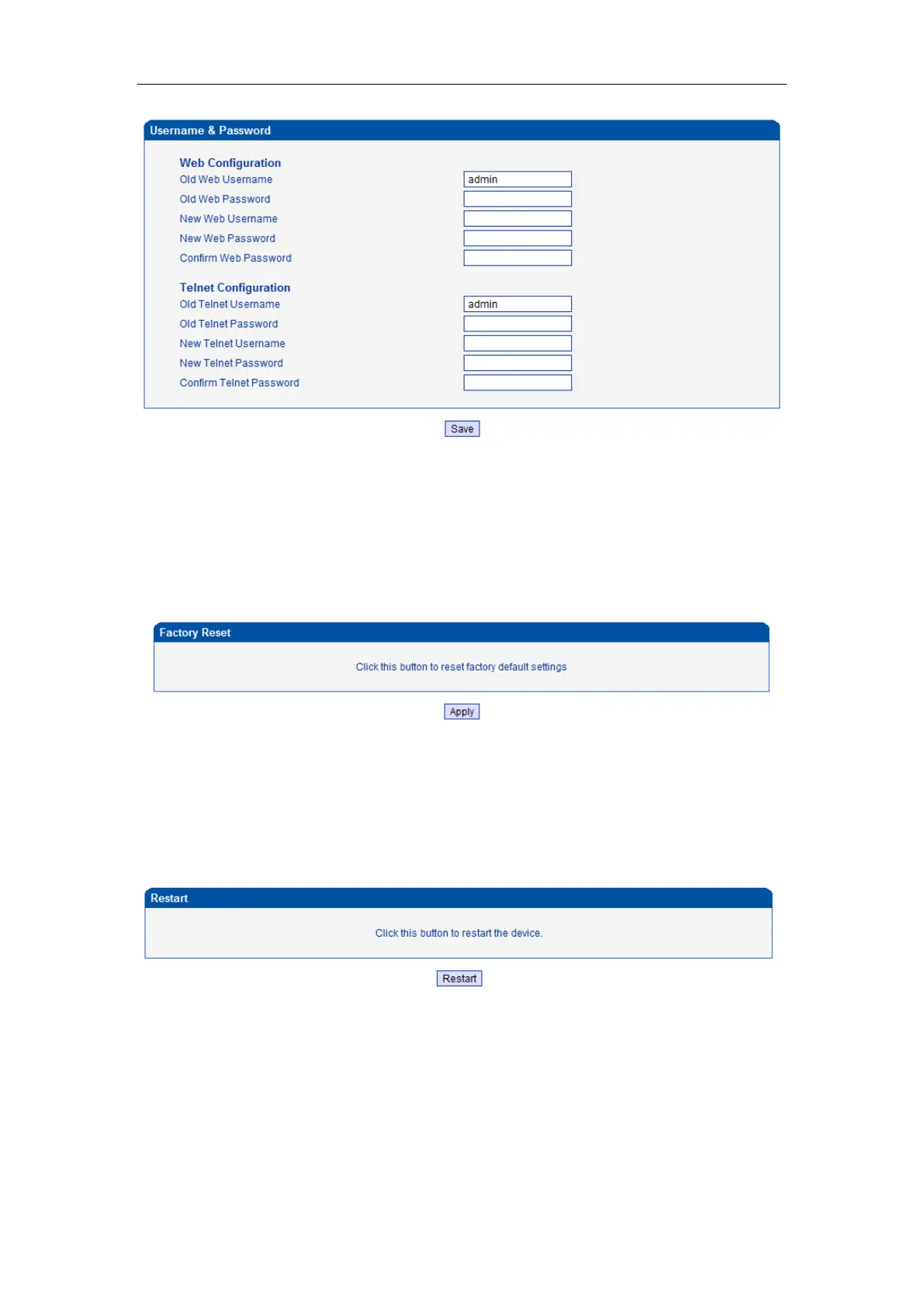
When using web or telnet Configuration, please enter default user name and password. User
can modify the login name and password.
4.14.14 Factory Reset
Figure 4-14-14 Factory Reset
Be careful do this operation, after restore factory setting, all the parameters will be changed to
the factory default.
4.14.15 Restart
Figure 4-14-15 Restart














 To Next Page