DWG2000E/F/G GSM/CDMA VoIP Gateway User Manual
_______________________________________________________________________________
Shenzhen Dinstar Technologies Co., Ltd.
65
string becomes "411". We have a partial match with "xxxxxxx", but a
complete match with "x11", and hence we send "411" to the Call Agent.
2. [2-8] xxxxxx | 13xxxxxxxxx
Means that first is "2","3","4","5","6","7" or "8", followed by 6 digits;
or first is 13, followed by 9 digits.
3. (13 | 15 | 18)xxxxxxxxx
Means that first is "13","15" or "18", followed by 8 digits.
4. [1-357-9]xx
Means that first is "1","2","3" or "5" or "7","8","9", followed by 2 digits.
4.14 Tools
4.14.1 Firmware Upload
Firmware upload steps:
Step 1.
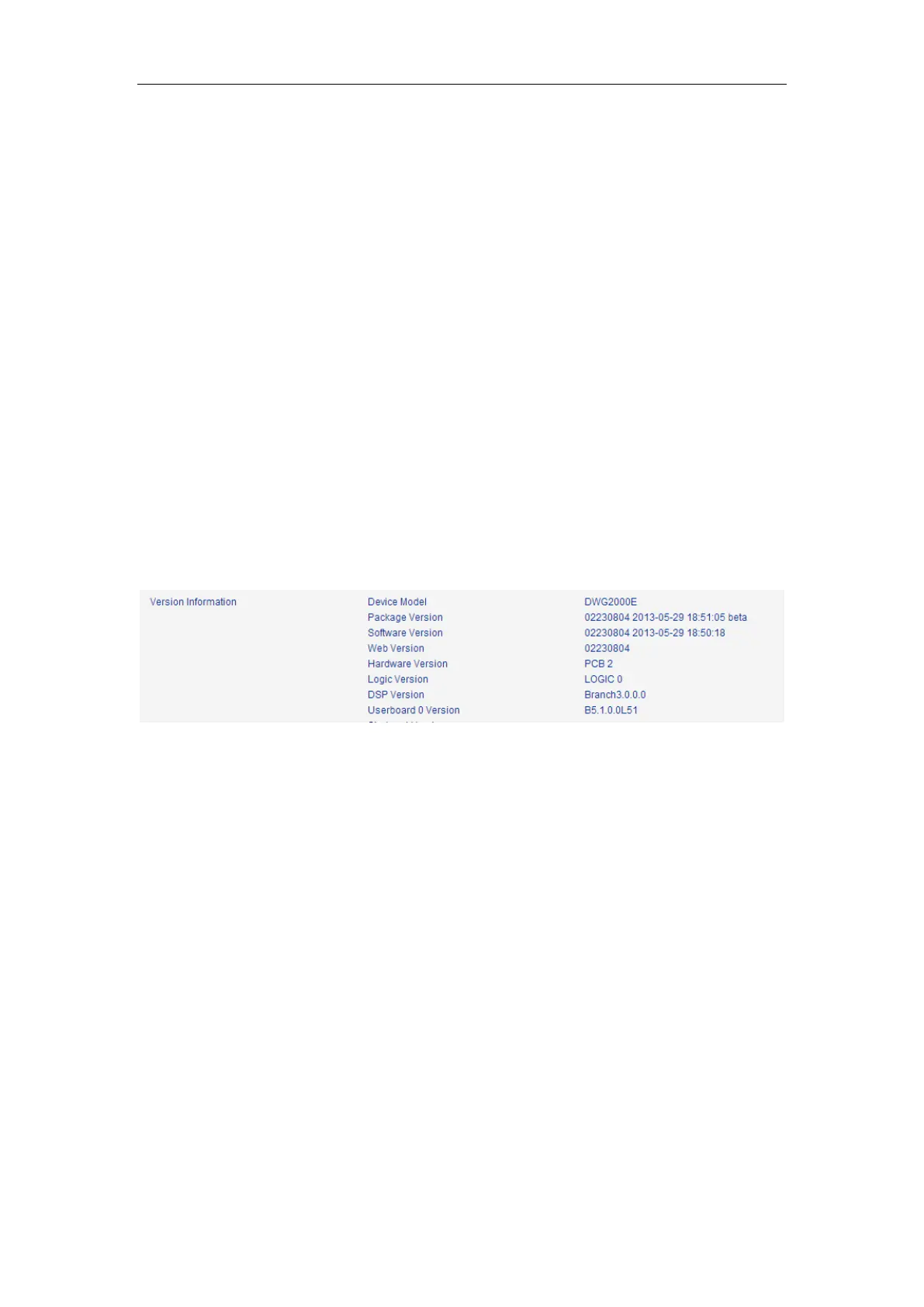
Check current running version on gateway, to get firmware version on web page System
Information
Step 2.
Prepare firmware package. The most important is that the package must be match with
existing version. Package version consist of several parts, as below:
01/02-22/23-xx-xx
01/02 is vendor name
22/23 is hardware version, 02.22.xx.xx and 02.23.xx.xx means they had different hardware
version
xx-xx is version number
Step 3.
Upload firmware, select the package from specific folder on the computer and click Upload
button.














 To Next Page