DWG2000E/F/G GSM/CDMA VoIP Gateway User Manual
_______________________________________________________________________________
Shenzhen Dinstar Technologies Co., Ltd.
66
Step 4.
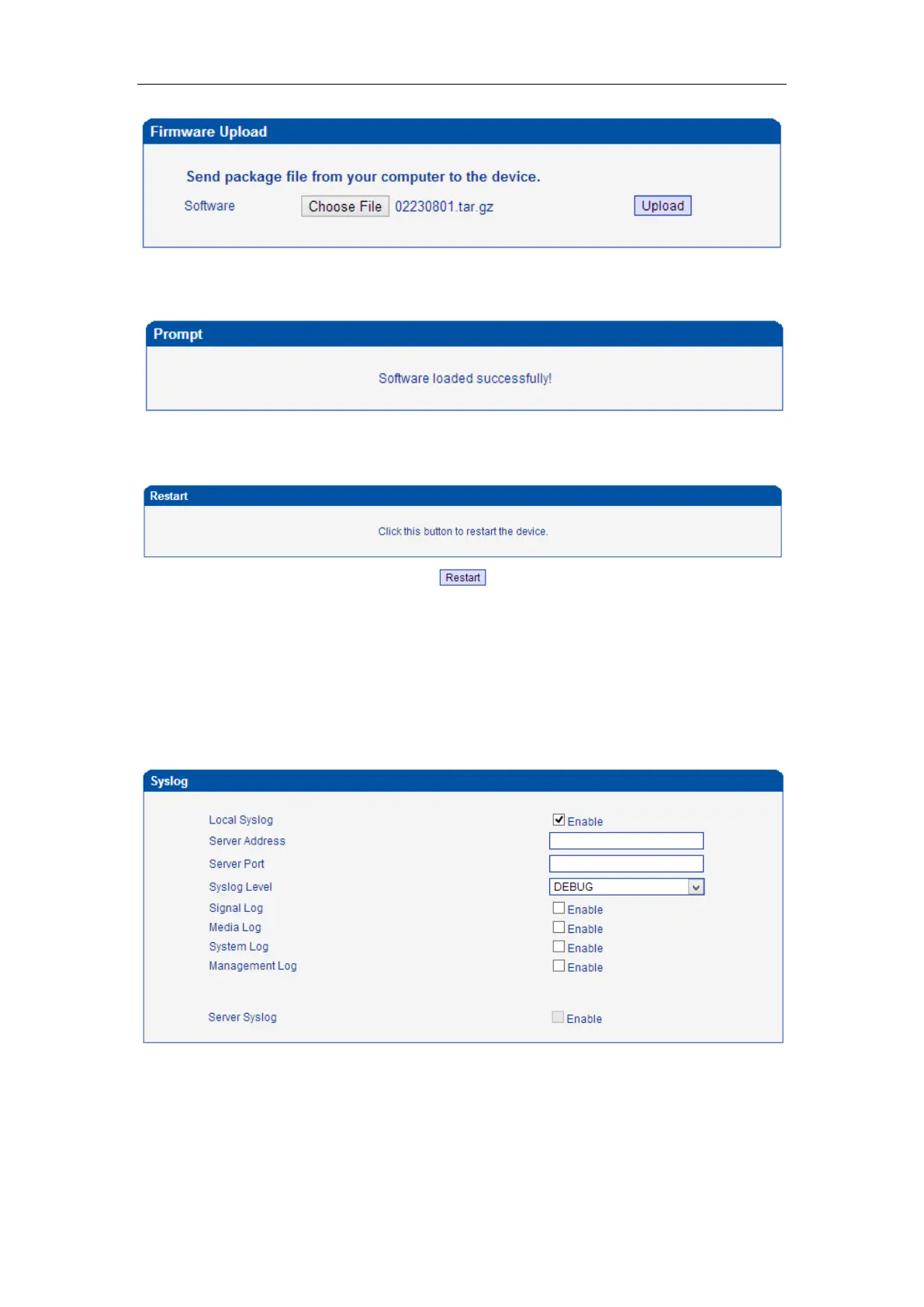
Keep waiting until it prompt ‘Software loaded successfully!’
Step 5.
Reboot gateway. Refer to web page Tools-> Restart
4.14.2 Syslog
Syslog is a standard for network device data logging. It allows separation of the software that
generates messages from the system that stores them and the software that reports and
analyzes them. It also provides devices which would otherwise be unable to communicate a
means to notify administrators of problems or performance. There are 5 levels of syslog,
Including NONE, DEBUG, NOTICE, WARNING and ERROR.
The Signal Log is include following traces which defined in system by default
- SD, hardware debug
- SIP, SIP signaling trace
- STUN, STUN logs














 To Next Page