DWG2000E/F/G GSM/CDMA VoIP Gateway User Manual
_______________________________________________________________________________
Shenzhen Dinstar Technologies Co., Ltd.
64
4.13 Digit Map
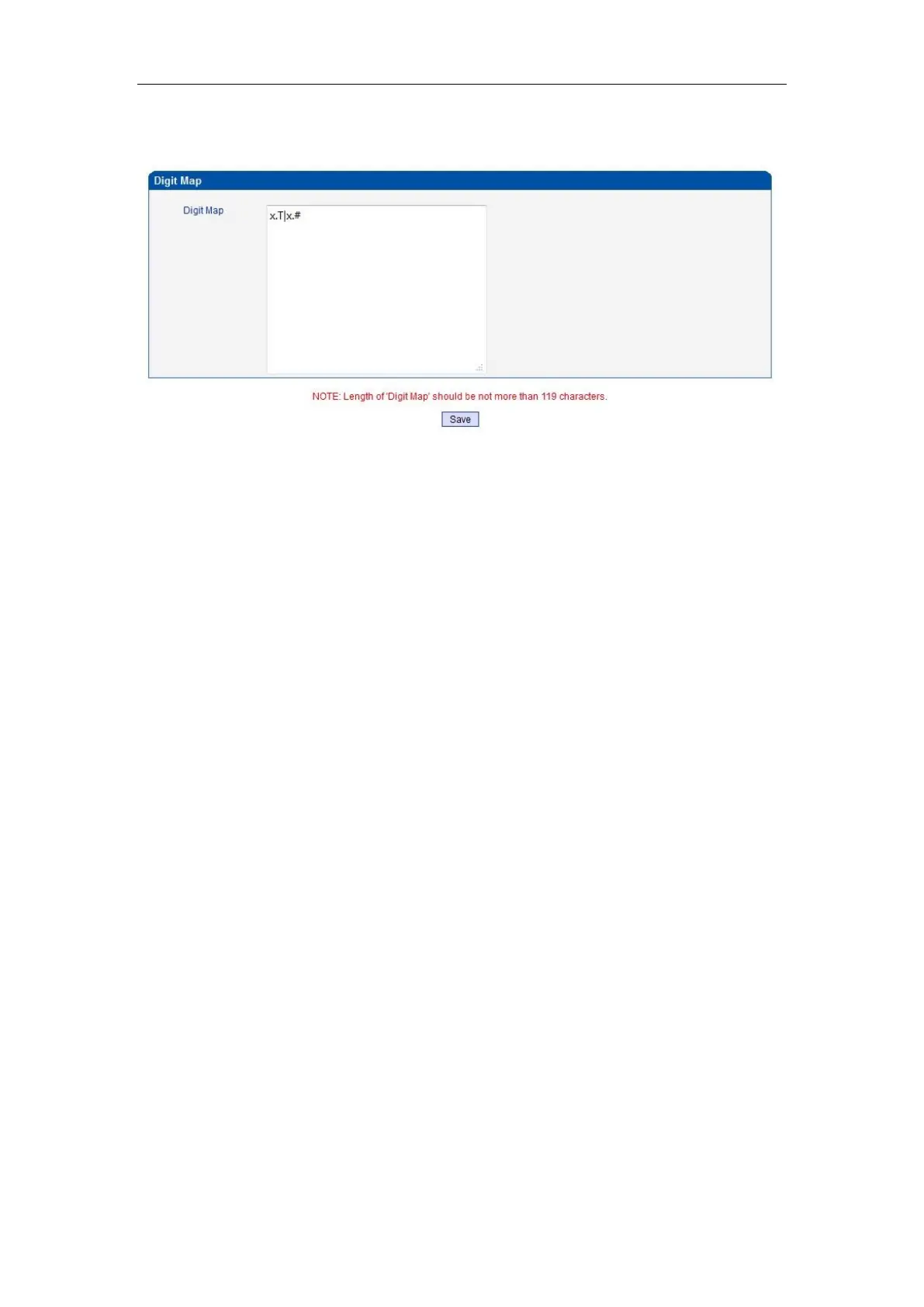
Figure 4-13-1 Digit map
Digit Map Syntax:
1. Supported objects
Digit: A digit from "0" to "9".
Timer: The symbol "T" matching a timer expiry.
DTMF: A digit, a timer, or one of the symbols "A", "B", "C", "D", "#", or "*".
2. Range []
One or more DTMF symbols enclosed between square brackets ("[" and "]"), but only one
can be selected.
3. Range ()
One or more expressions enclosed between round brackets ("(" and ")"), but only one can
be selected.
4. Separator
|: Separated expressions or DTMF symbols.
5. Subrange
-: Two digits separated by hyphen ("-") which matches any digit between and including the
two. The subrange construct can only be used inside a range construct, i.e., between "[" and
"]".
6. Wildcard
x: matches any digit ("0" to "9").
7. Modifiers
.: Match 0 or more times.
8. Modifiers
+: Match 1 or more times.
9. Modifiers
?: Match 0 or 1 times.
Example:
Assume we have the following digit maps:
1. xxxxxxx | x11
and a current dial string of "41". Given the input "1" the current dial














 To Next Page