3 • Operation and Maintenance
Doc. 031851-05 12/04 3-11
6. Switch the injection valve to start the injection. The method used
depends on how you are processing samples:
• For manual sample processing (see Section 3.5.4), click the
Inject button on the Chromeleon Control panel (see Figure 3-3).
• For automatic sample processing (see Section 3.5.5), Chromeleon
pauses at the start of the program to allow you to load the sample
loop (Steps 1 through 4 above). After loading the loop, click OK.
Chromeleon automatically switches the injection valve position
and continues running the program.
Injection via a Vacuum Syringe
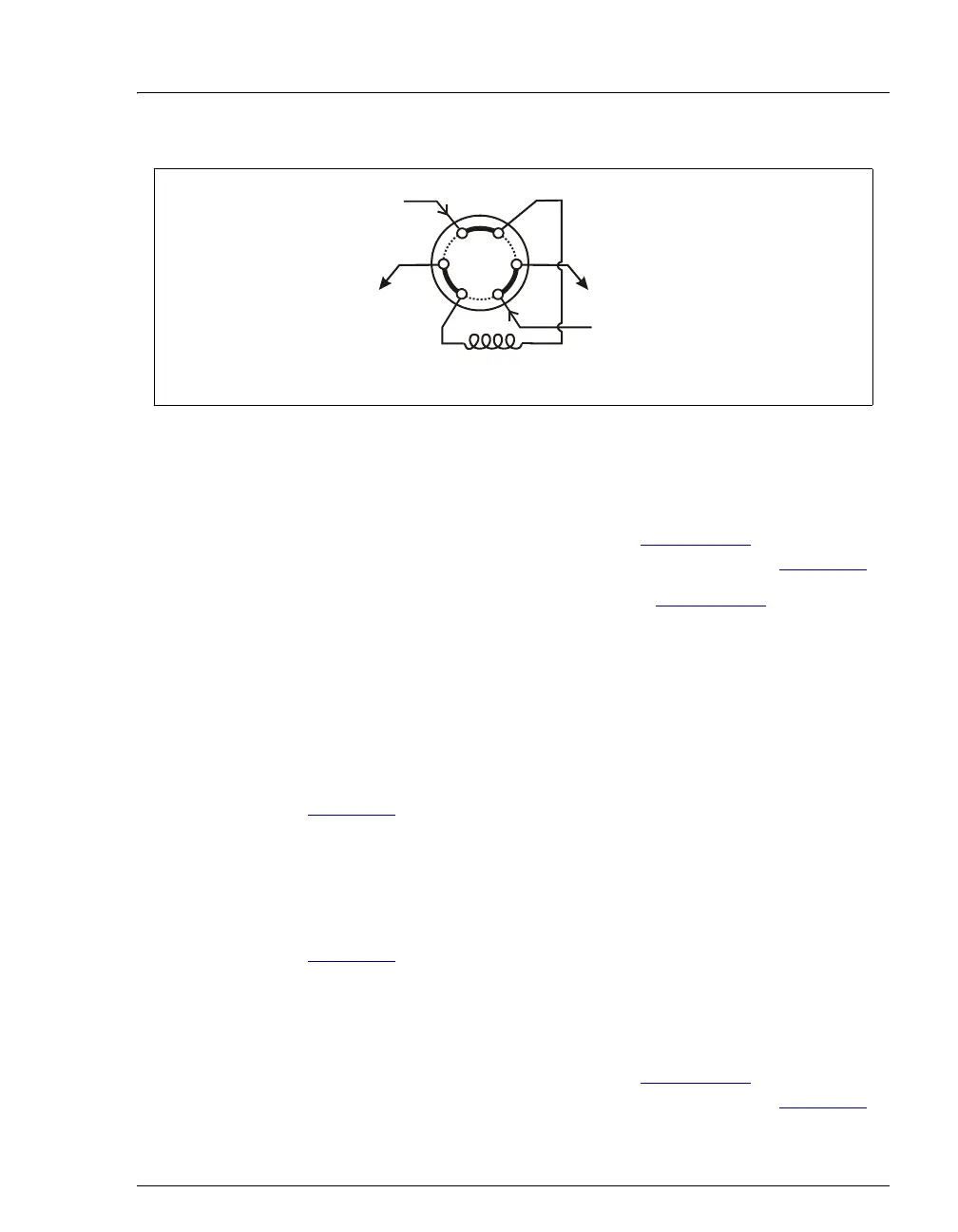
1. Disconnect the waste line from port W (6) of the injection valve (see
Figure 3-4
) and attach a shorter line (10 to 12 inches of PEEK or
Teflon® tubing).
2. Place the free end of the line into the sample.
3. Insert the 1 cc syringe (P/N 016388) provided in the ICS-90 Ship Kit
(P/N 059947) into the injection port on the ICS-90 front door (see
Figure 2-1
) and pull the plunger out to “suck” the sample into the
injection valve.
4. Switch the injection valve to start the injection. The method used
depends on how you are processing samples:
• For manual sample processing (see Section 3.5.4), click the
Inject button on the Chromeleon Control panel (see Figure 3-3).
Figure 3-4. Injection Valve Connections
From Pump
To Column
Sam
le Loo
Waste
ample
1
2
4
3
6
5
ample
S
W
L
L
P
C



 To Next Page