Chapter 1
Page 14
How to Get Started
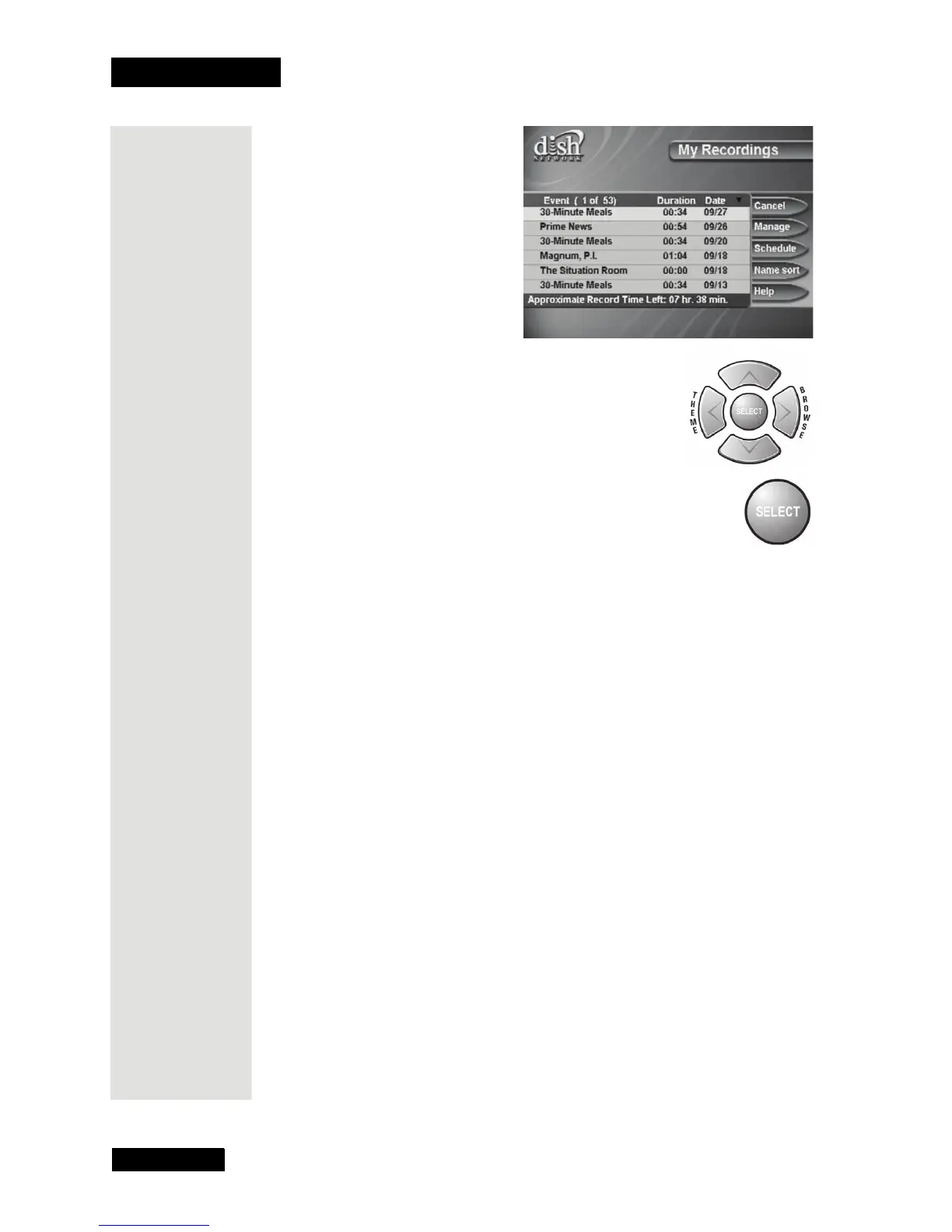
21. Use the remote control arrow buttons to
highlight an event on the
My Recordings
menu (it’s OK to highlight an event you’re
recording).
22. Press the remote control SELECT button to
select the event you highlighted. This opens a menu of info
about that event.
23. Press
VIEW to return to your live programming.
Conclusion
This is the end of the quick tours. Continue on to the next chapter, Parts of
the System, for a detailed description of your DishDVR receiver.











 To Next Page