Chapter 3
Page 78
Using the System
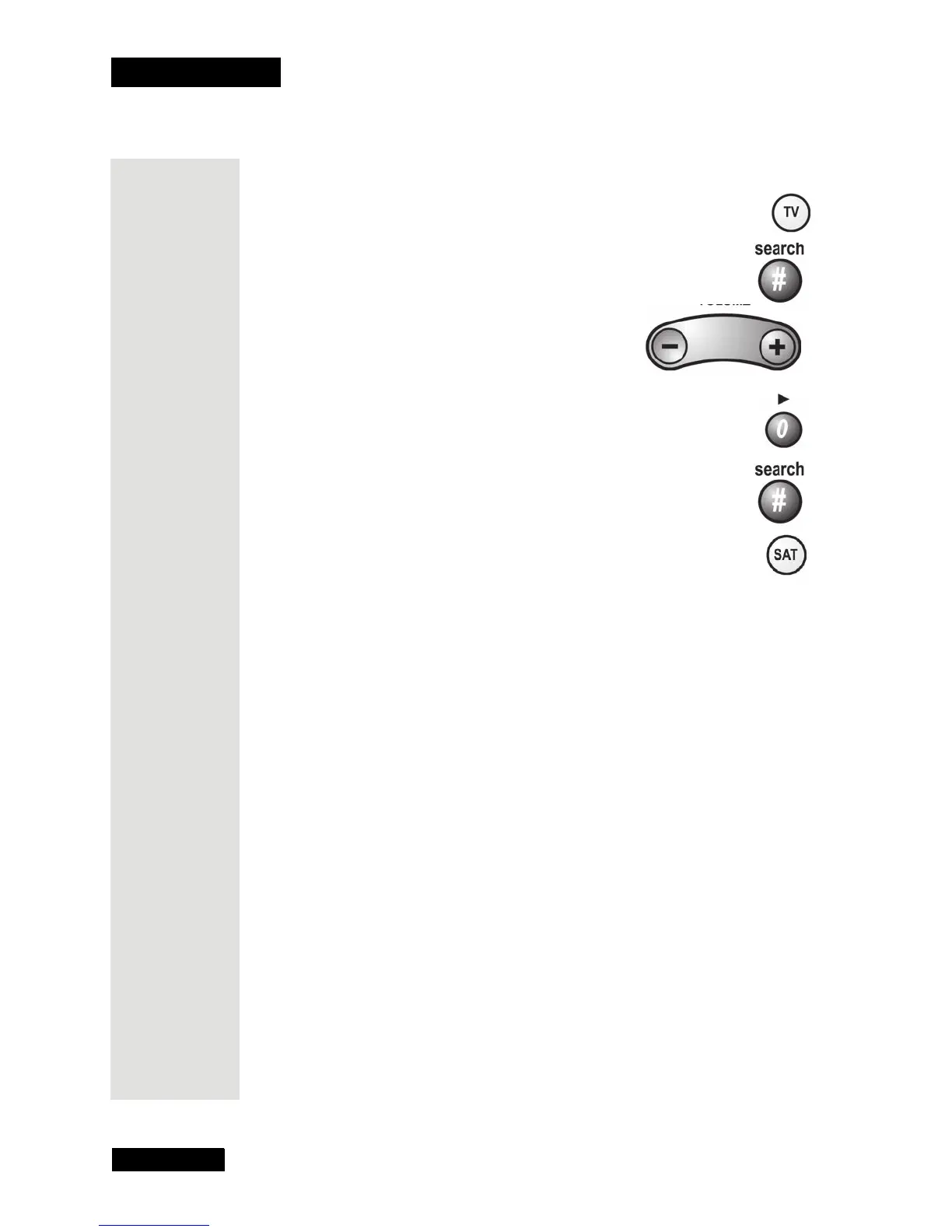
To set the remote back to control the TV volume:
1. Press and hold the TV mode button for three seconds, and then let
go of it.
2. Press the POUND (#) button.
3. Press the plus (+) side of the Volume button.
4. Press the 0 number button.
5. Press the POUND(#) button. The TV mode button flashes
three times.
6. Press the SAT mode button.
7. Press the plus (+) and minus (-) sides of the VOLUME button.
The device’s volume changes and the AUX mode button lights
instead of the TV mode button.











 To Next Page