Care & Maintenance DTG M Series Maintenance Manual
5.4.4 Manual Print Head Guards Clean
No tools are required for this procedure. The head surrounds must be cleaned on a daily basis. Use
protective gloves to avoid stained fingers. Use recommended cleaning fluid ONLY.
Stubborn or dried ink can be removed carefully with plastic tweezers or a toothpick.
1. Remove any platens from the printer.
2. Release the carriage assembly (see accessing the capping station).
3. Move the carriage to the centre of the printer.
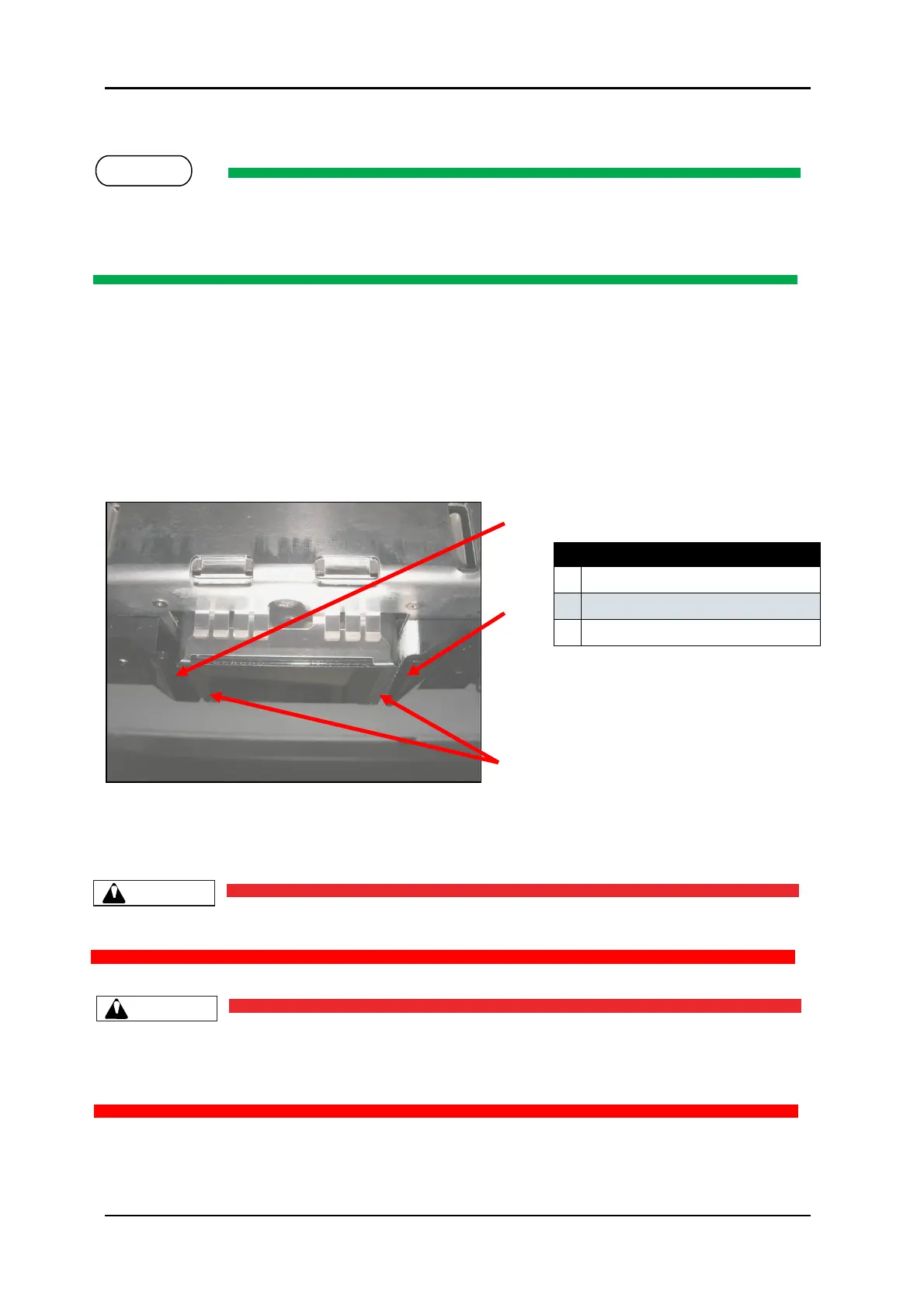
4. Clean the leading and trailing edges of the carriage with a swab and cleaning solution.
1. Carefully clean the metal edges of the print head with a swab and cleaning solution.
Do not touch the print head face.
Do not allow the Carriage assembly to remain out of the capping station for longer than two or
three minutes. Failure to do so will result in possible blockage of print nozzles due to ink drying.
This may result in irreversible damage to the print head requiring print head replacement.



 To Next Page