Initial Setup & Basic Operations DTG M Series Maintenance Manual
3.6.9 Installing & Using Printer Drivers
A printer driver is a piece of software that converts the data to be printed to the form specific to a
printer, and it is usually supplied with a new printing device.
In the case of the DTG M2, you will have been supplied with a RIP software which also converts the
data from an image that you wish to print into a form that the printer will understand. In most
cases you will not have need to use the native driver for the printer as the RIP will handle the
printing process.
There may, however, be occasions where you have need to by-pass the RIP software for test
printing purposes. The Driver installation instructions are provided here for that purpose.
3.6.9.1 Installing the Printer Driver (for network connection)
1. The printer should be connected to the network before installing the printer driver
3.5.3.1 "Connecting Ethernet (network) interface cable" p.32
2. Switch the printer on in accordance with the instructions in Section 3.5.1 "Switching the
Printer ON" p.29
3. Turn on your PC.
4. Ensure that your PC boots up correctly, then insert the printer driver CD into the CD drive on
your PC.
The installer should start.
Depending you’re your PC settings, the installer may not automatically start. If the installation does
not automatically start, execute “Setup.exe” from the CD.
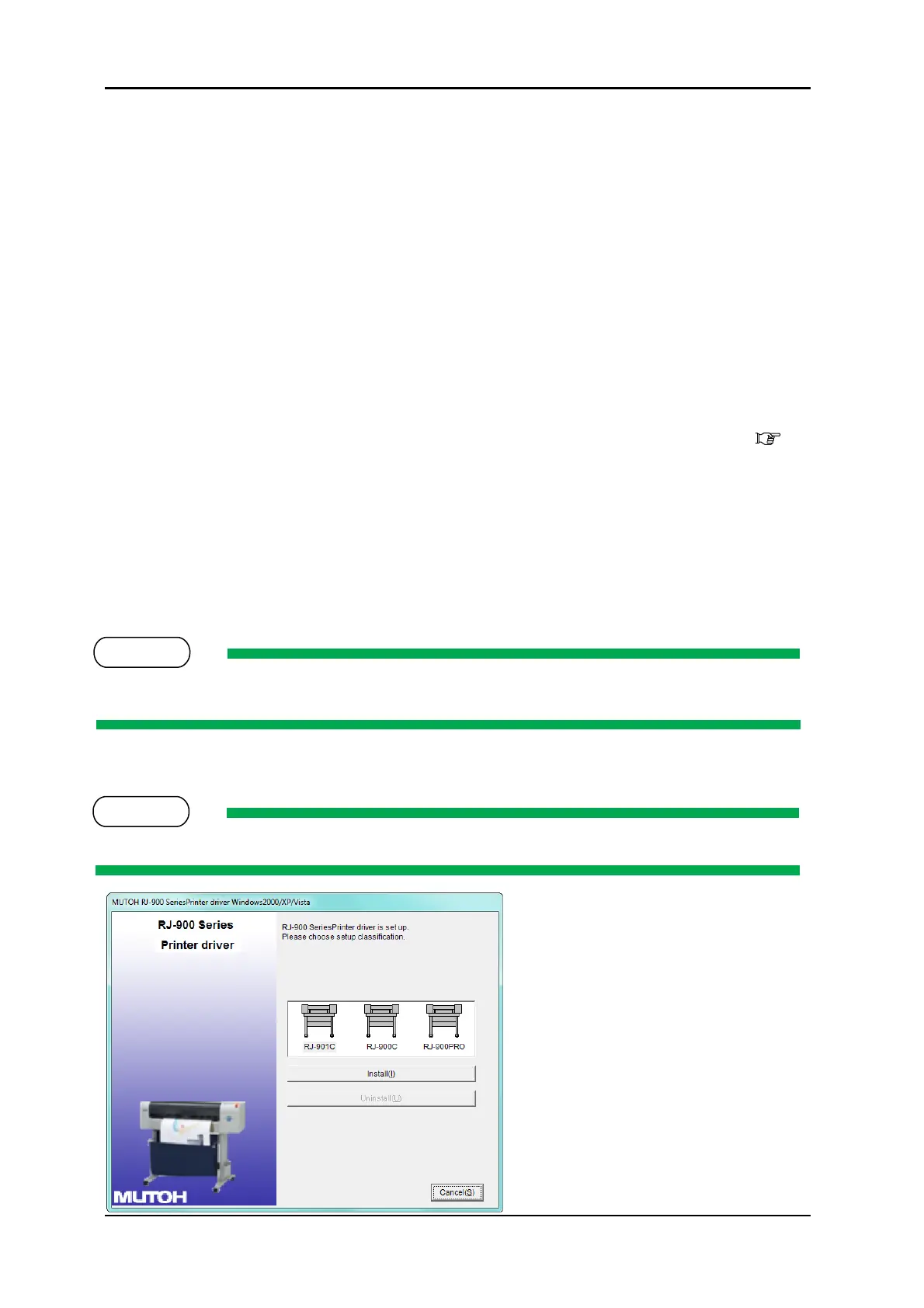
5. Select the model (RJ-901C), and click “Install”
If you click “Cancel”, the printer driver installation will be cancelled



 To Next Page