Specifications DTG M Series Maintenance Manual
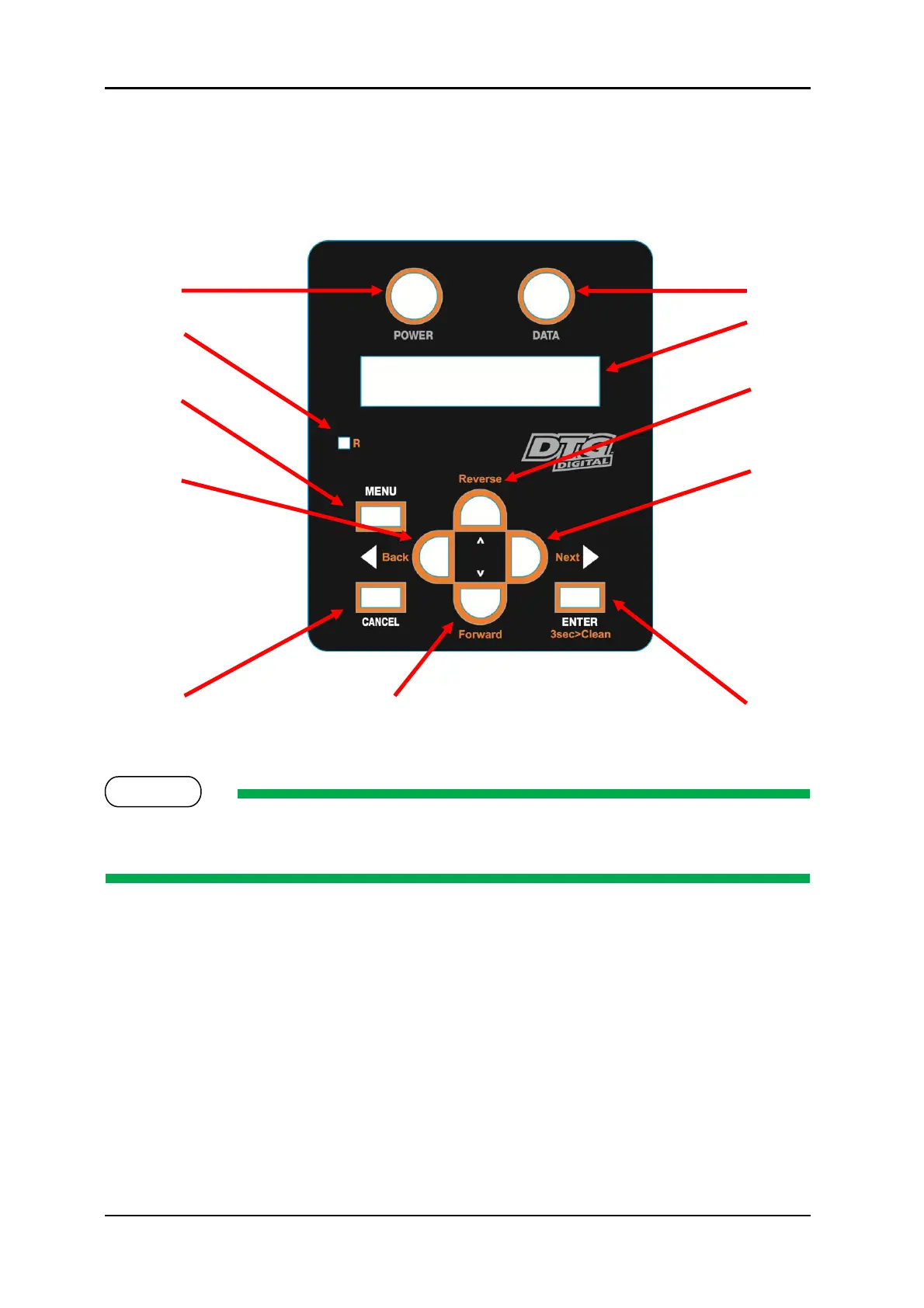
2.3.4 Operation Panel
The operation panel (LCD & Keypad) is used to set operational conditions, display the status of the
printer, and set other functions.
The names and functions of the operation keys and status lamps
are explained below.
2.3.4.1 Operation Keys
Some keys have multiple functions and names depending on the printer status (normal or setup
menu display). See 2.4 "Printer Status" p.19 for more details.
FIGURE 2-5 OPERATION
PANEL



 To Next Page