DTG M Series Maintenance Manual Initial Setup & Basic Operations
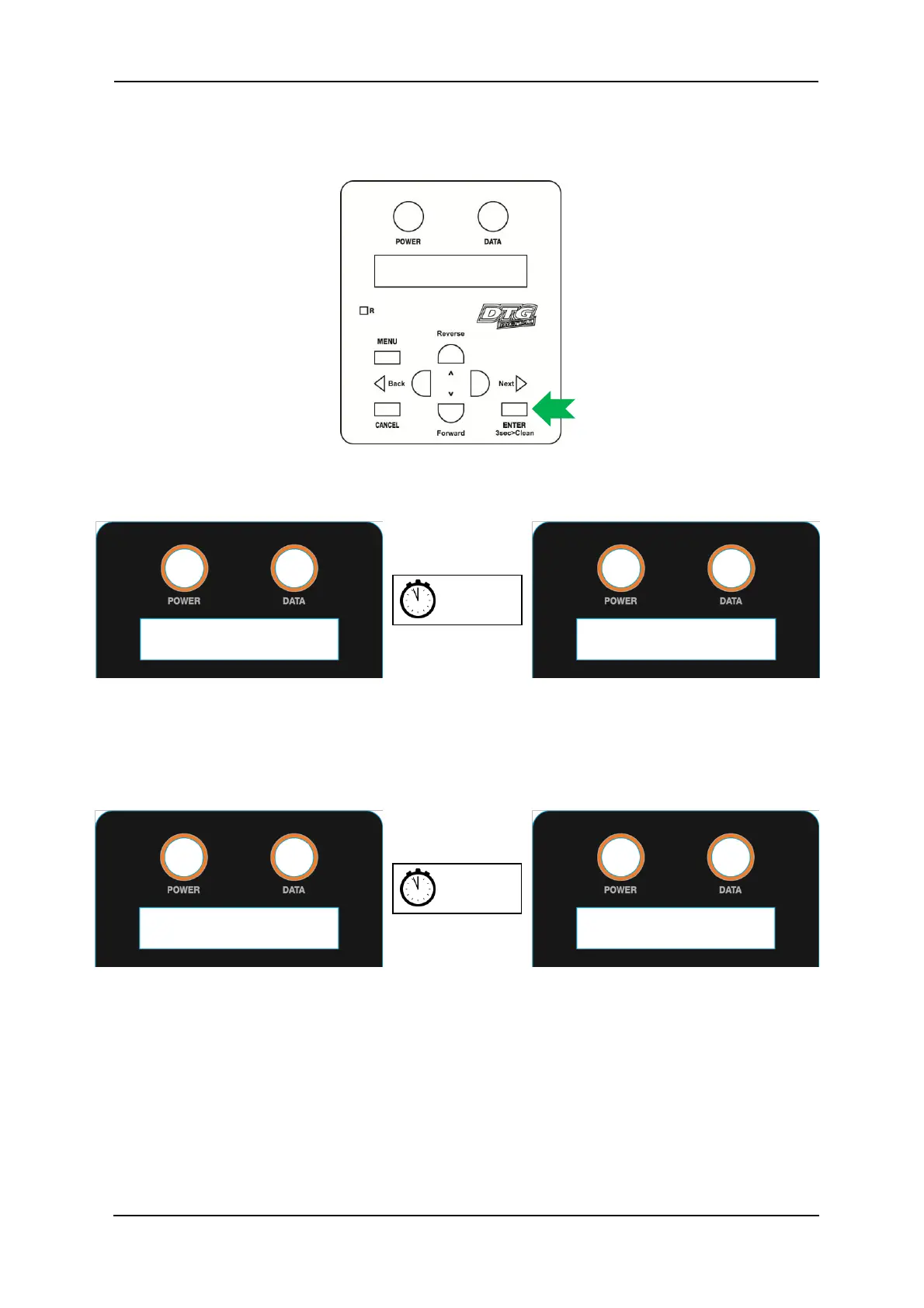
3.5.5 Performing a Head Clean from the Operation Panel
1. Press and hold the ‘ENTER’ key.
2. The operation panel will display *** Press 2sec. *** . After
about 2 seconds the printer will begin head cleaning.
3. The operation panel will display the remaining time until the clean is finished. After about
two minutes or so the clean operation will complete.



 To Next Page