DTG M Series Maintenance Manual Product Overview
19
2.4 Printer Status
The status of the printer is explained below.
2.4.1 Normal
Indicates that the printer can print when the platen is loaded.
Both indicator LED’s (Power lamp & Roll Lamp) are green.
2.4.2 Setup Menu
The settings required for normal printing are usually made via the printer driver or RIP, but can
also be made using the operation panel.
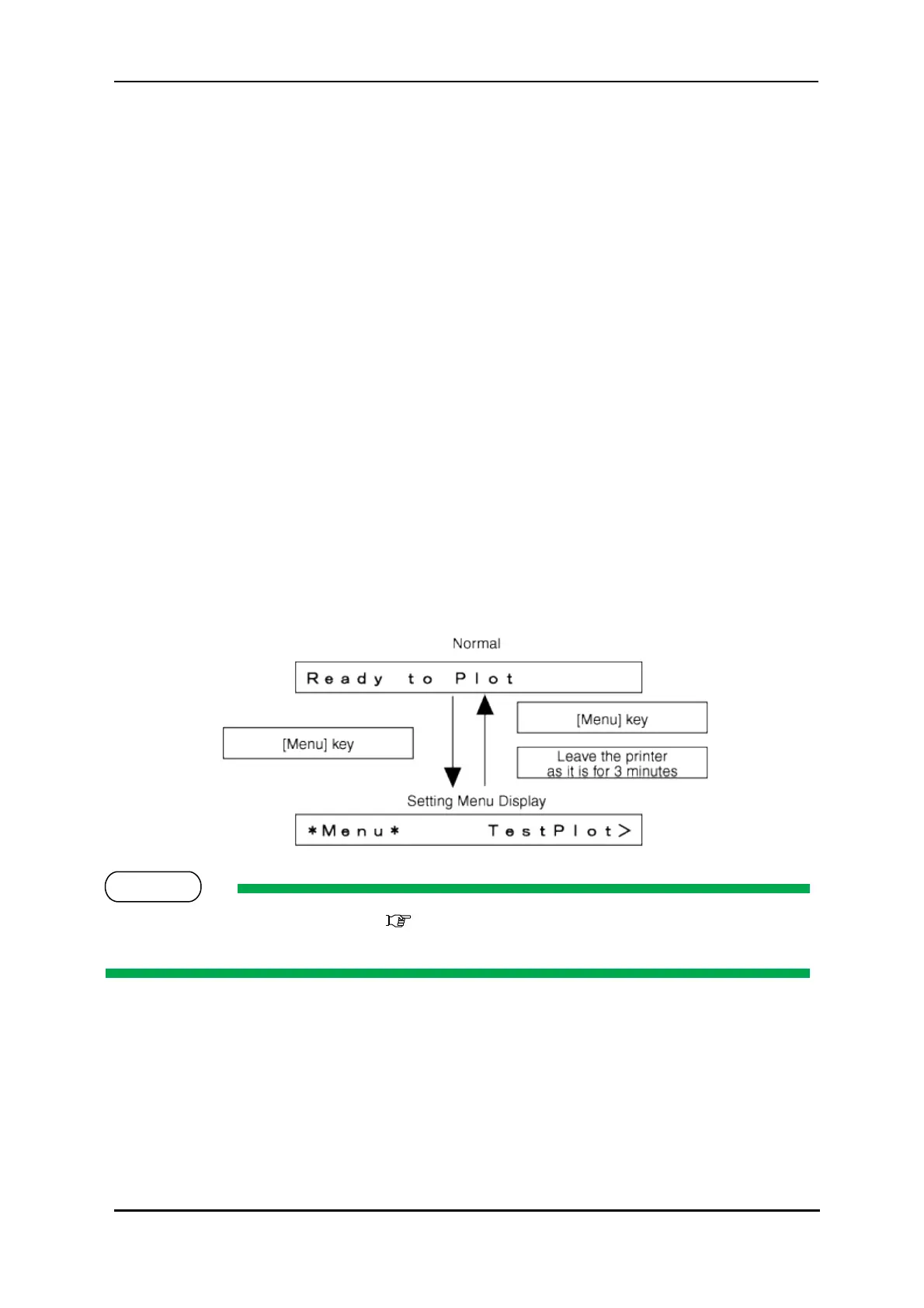
2.4.3 Changing Printer status
(1) Normal → Setup Menu Display
When the printer is in “normal” mode, press the [Menu] key
The operation panel will shift to the setup menu display and show "*M e n u * T e s t Pl o t > ".
(2) Setup Menu Display → Normal
While the printer is in setup menu display, if either of the following operation is done, the operation
panel shifts to Normal display.
[Menu] key on operation panel is pressed.
In the Setup menu, leave the keys untouched for three minutes.
For details on Status message, refer to 6.2.1 "Operation Status" p.119



 To Next Page