Specifications DTG M Series Maintenance Manual
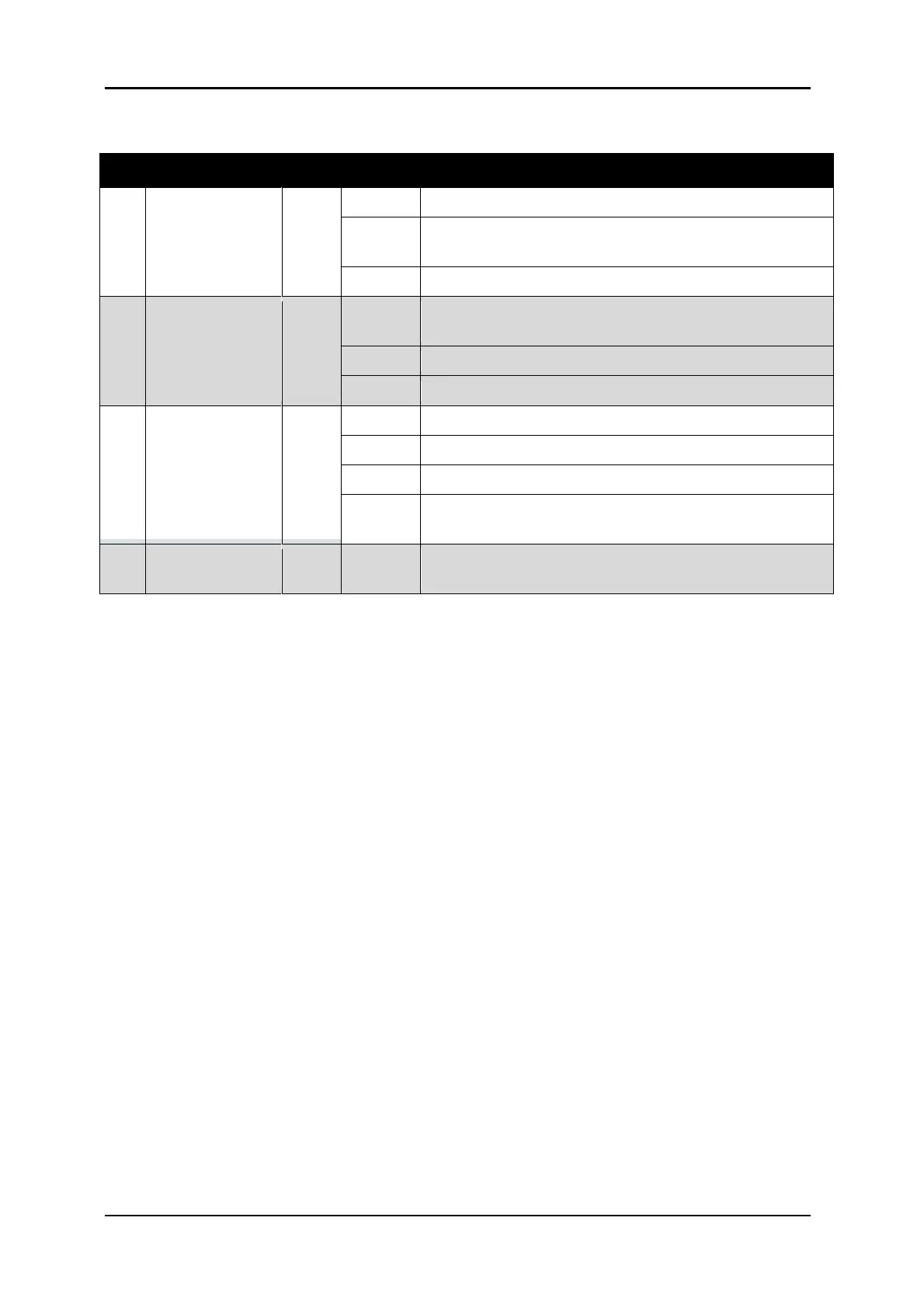
2.3.4.2 LCD Monitor and Status Lamps
No. Name Color Status Function
The printer is switched on.
An error has occurred. Error content will be displayed
on the LCD monitor.
The printer is switched off.
- The printer is analyzing received data.
- The printer is printing data.
The printer is receiving data.
The printer is not receiving, analyzing or printing data.
The printer is set to roll media.
The printer is set to cut media. INCORRECT SETTING
The printer is set to roll sheet. INCORRECT SETTING
The plot mode is set to High speed. INCORRECT
SETTING
This monitor displays the operation status and error
messages of the printer.
TABLE 2-5 LCD MONITOR & STATUS LAMPS



 To Next Page