DTG M Series Maintenance Manual Product Overview
17
Normal Operation Function
Setup Menu Display Function
Changes the LCD monitor display
to setup menu status.
Changes the setup menu display
status to normal status.
- Selects the menu to be set and
shifts to the next hierarchy.
- Determines and saves the
parameter value.
If held down for 2 seconds or
more, starts cleaning the printer
head.
- During printing: Terminates
printing forcibly and deletes 1 file
of remaining data.
- During reception/analysis:
Deletes the data that has been
already received/analysed and
ignores 1 file of data received after
that.
- Returns to the previous menu
hierarchy. Changed parameter
values are disabled.
- Changes the setup menu display
status to normal status.
DO NOT USE except to toggle Roll
Lamp (below) to Green
Changes the menu in reverse
order.
Changes the menu in forward
order.
- Changes the setting value in the
forward direction.
- Increases the value when
inputting values.
- Changes the setting value in the
reverse direction.
- Decreases the value when
inputting values.
Turns the printer on and off.
Turns the printer on and off.
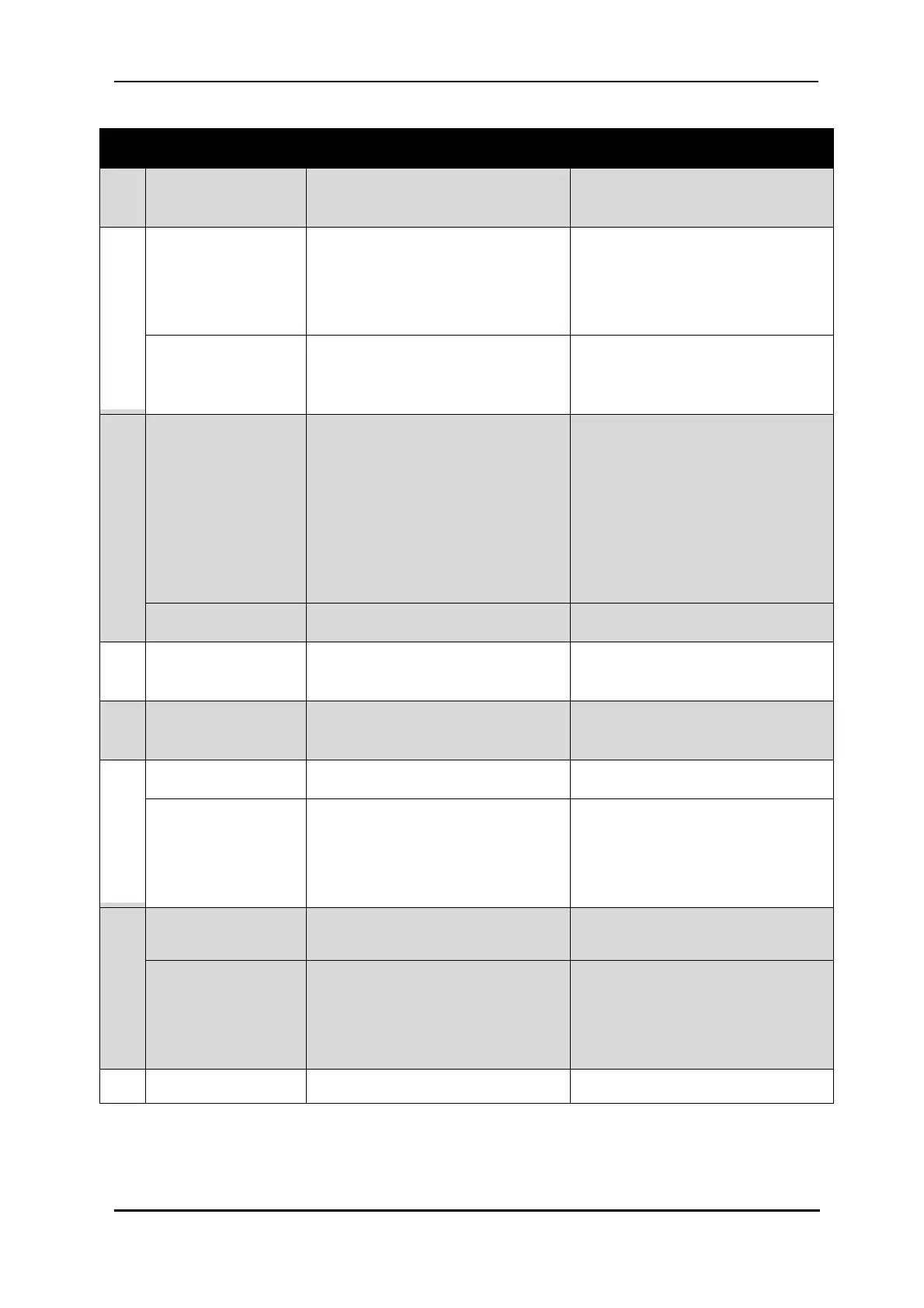
TABLE 2-4 OPERATION KEYS FUNCTIONS



 To Next Page