Care & Maintenance DTG M Series Maintenance Manual
Do not allow the sponge to press too hard against the print head as this will cause catastrophic
damage to the print head, carriage assembly and platen drive system. The sponge must be
compressed to NO LESS than two thirds of its original height.
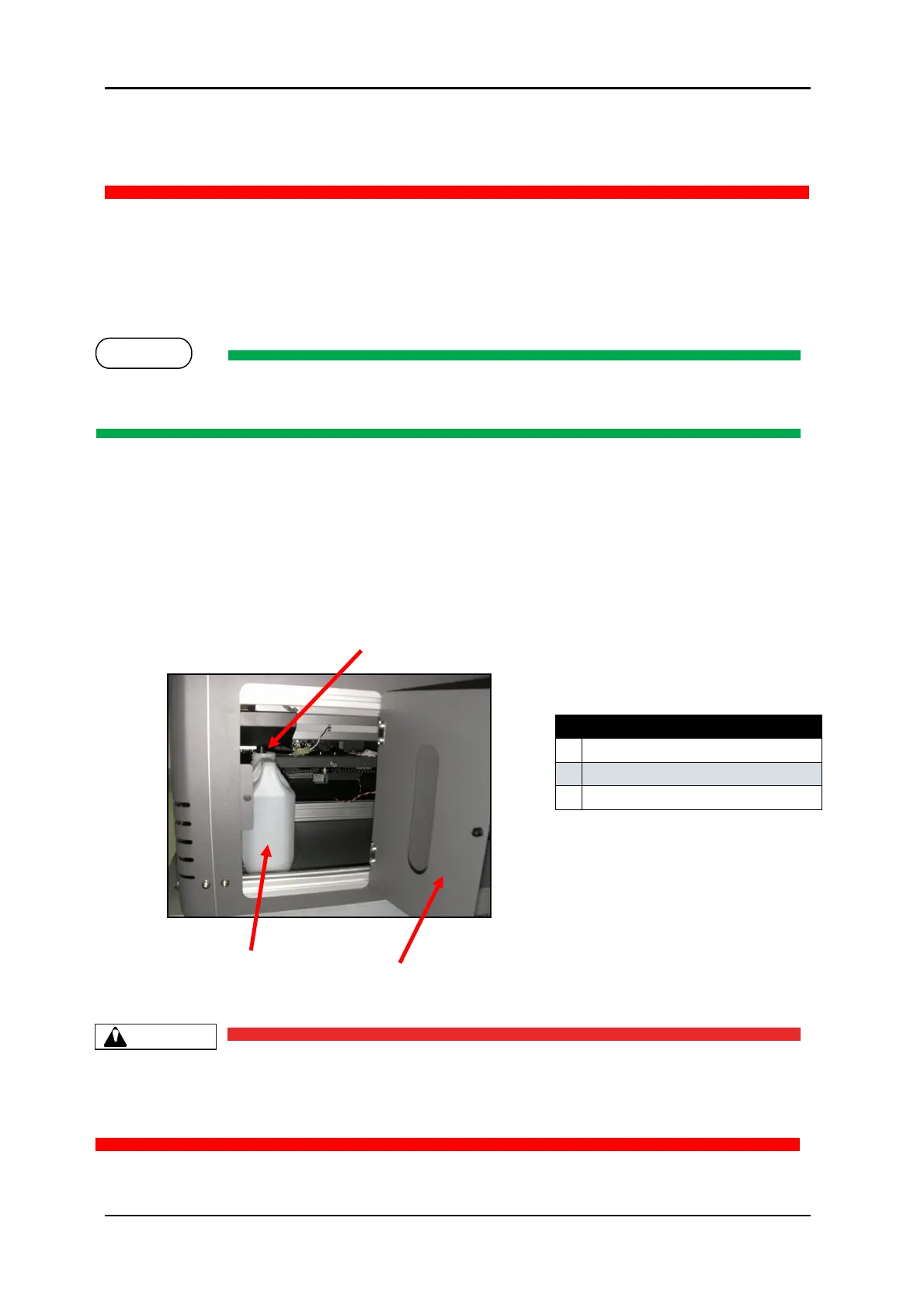
5.4.6 Emptying the waste ink container
During the Head Cleaning process your DTG M2™ forces ink through the print head. This excess
ink goes into a holding bottle called the Waste Ink Container. Check this bottle regularly, and
empty it when it is getting full or before an ink flush or power clean procedure. Remember you
must comply with local regulations in disposing of its contents.
No tools are required for this procedure. Waste ink should be checked on a daily basis and disposed
of in strict accordance with local ordinances and regulations.
1. Open the waste container door to allow access to the container.
2. Carefully tip the container so that the base comes towards you.
3. Ensure that the container opening clears the waste pipe.
4. Remove the container through the waste container door
Do not allow the waste container to become too full as this will result in waste spillage. Take care
not to tip the container too far when removing.
Be sure to dispose of waste ink in strict accordance with local ordinances and regulations.



 To Next Page