DTG M Series Maintenance Manual Initial Setup & Basic Operations
3.5.2 Switching the Printer OFF.
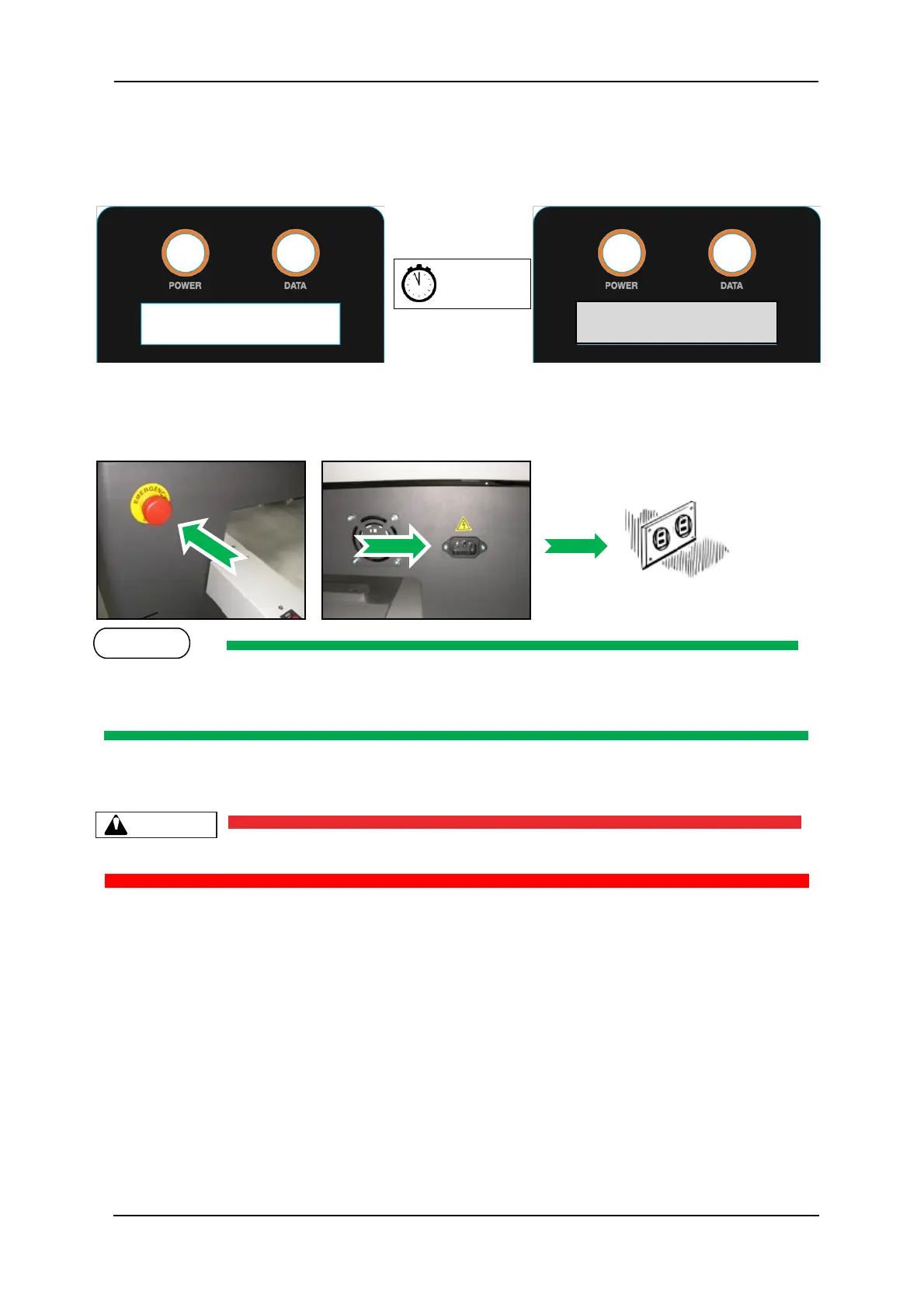
1. Press the Power button on the operation panel. After about 15 seconds or so the Operation
panel display will be blank.
2. Ensure that the emergency stop is engaged by pressing hard on the red cap.
3. Unplug the power cord from the rear of the printer.
During normal non-operational periods such as over night and during weekends it is
recommended that the printer is NOT switched off.
Do not attempt to operate the printer during this period.



 To Next Page