DTG M Series Maintenance Manual Printing on Textiles
4.1 Introduction
Printing on textile items with the DTG M2™ is a very simple process involving five easy steps:
1. Create an image in any of your graphics programs
2. Prepare a T-shirt or other textile item for printing
3. Load a T-shirt or other textile item onto the printer
4. Set-up your image for printing with the RIP program
5. Press the Print button.
Once you are comfortable with the basic operations of your DTG M2™, you are ready to proceed!
4.2 Prepare Your Image
Your printed garment will only ever be as good as the artwork from which it is printed, regardless
of the RIP that is used to send the printing information to the printer. It is essential that you have a
basic understanding of image or graphic types in order to understand your artwork:
(1) Vectors
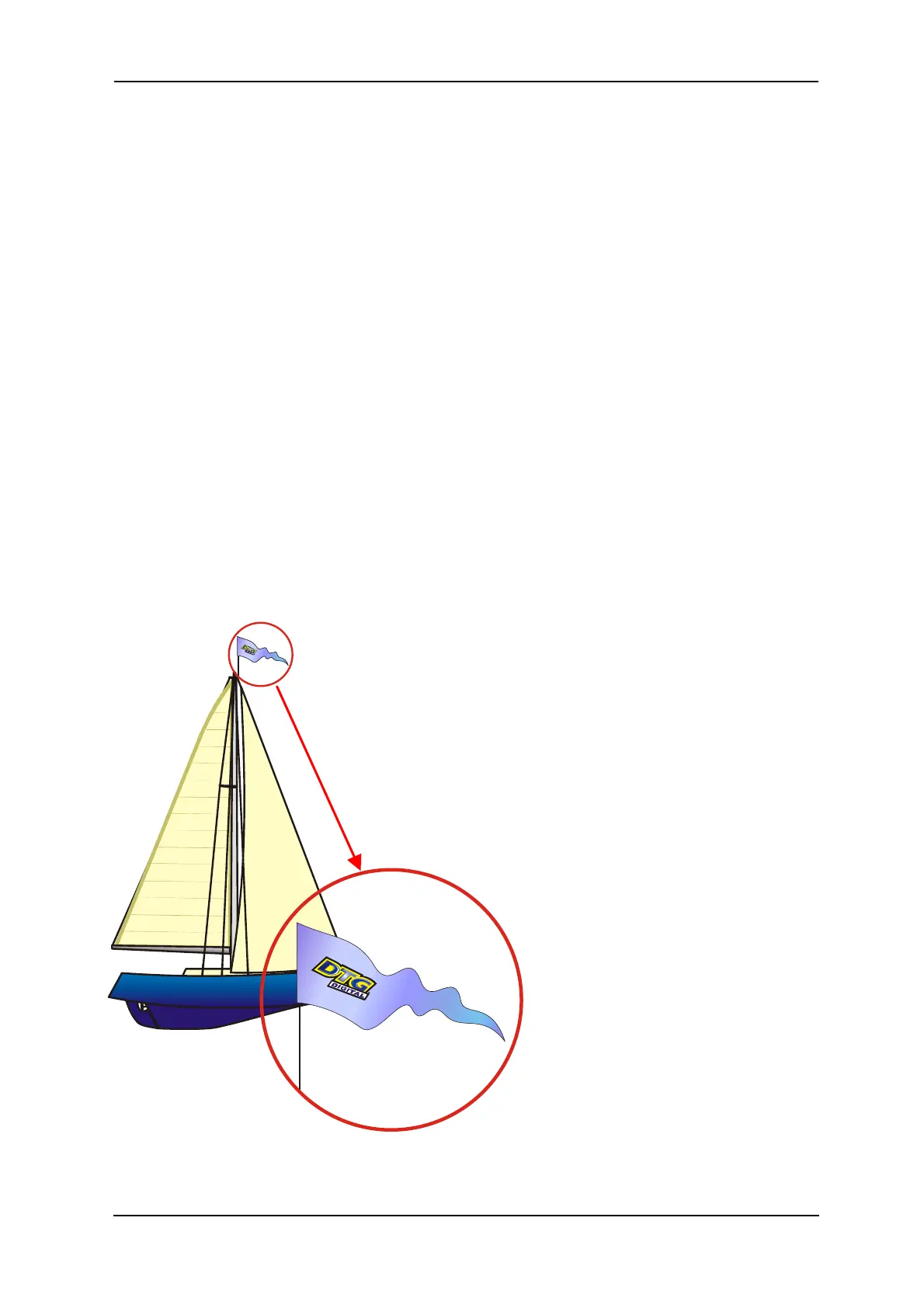
Vector graphics are made up of mathematical outlines and curves
that make the shapes in the image. They are commonly referred to
as Vectors. Adobe Illustrator and Corel Draw are two programs
that create Vector images. These programs have tools that allow
the artist to create outlines of any shape they wish. Once an
outline is connected or closed the shape can be filled with any
color or texture generated by the software. Since these shapes
are created by computer generated outlines the resolution is
infinite. That is, you can enlarge the image as much as you
want and because the image is made up of
mathematical shapes & curves, these shapes
and curves will enlarge infinitely without
losing resolution, as will any “fill” to
those shapes or curves.
The file format for Adobe Illustrator is
(.ai) and for Corel Draw is (.cdr).



 To Next Page