Initial Setup & Basic Operations DTG M Series Maintenance Manual
3.5.3 Connecting the Printer to the PC
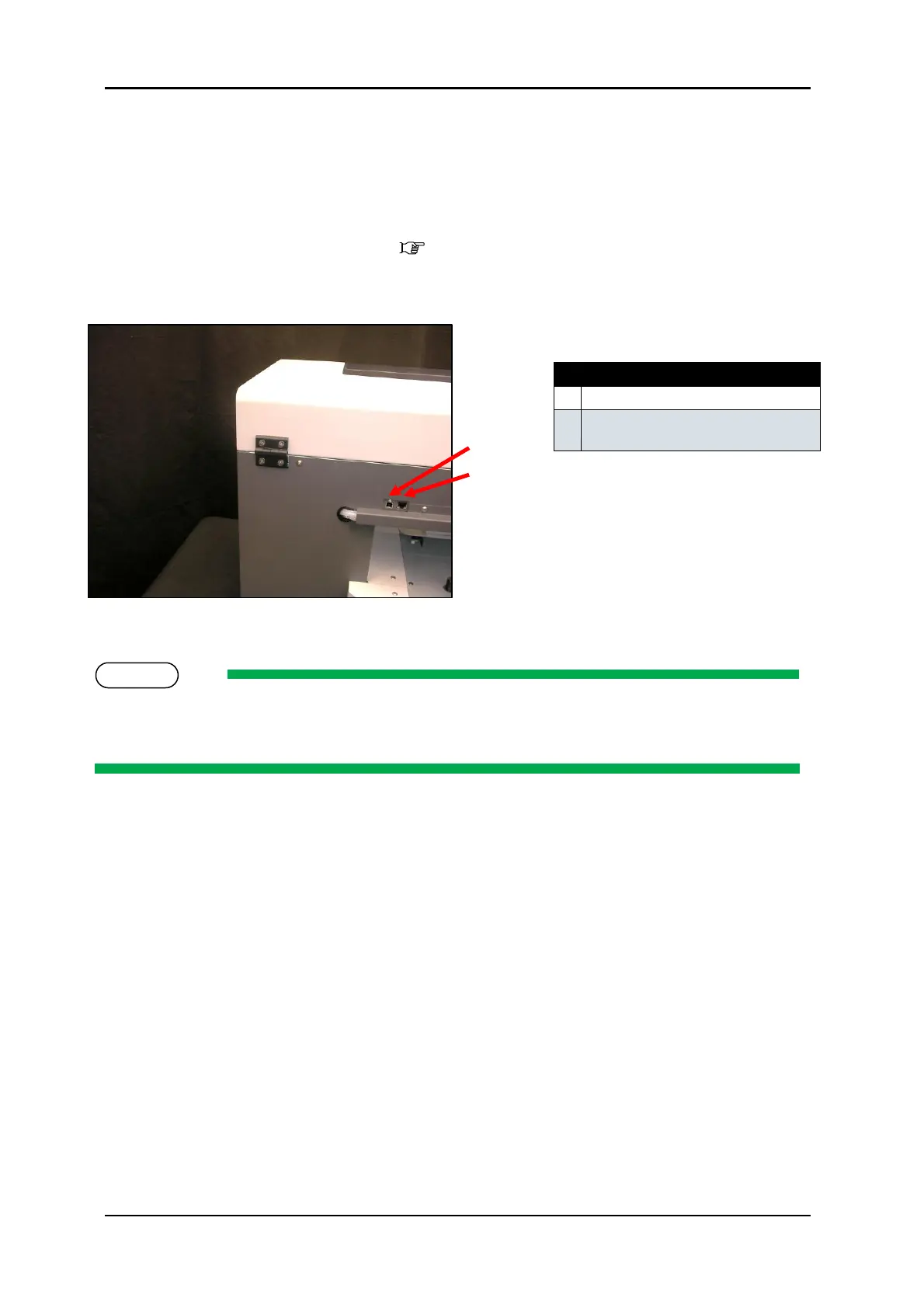
The DTG M2 has both Ethernet and USB interface ports for connection to the PC. You will require
either a USB or Ethernet interface cable for connecting to the PC, depending upon your objectives.
3.5.3.1 Connecting Ethernet (network) interface cable
Turn off both your PC and the printer 3.5.2 "Switching the Printer OFF." p.31 1.
Insert the network interface cable connector into the network interface connector port located 2.
at the rear of the printer:
Connect the other network interface connector to your PC. 3.
Refer to the Operation Manual of your PC for connection to your PC
USB interface connector port
Network interface connector
port



 To Next Page