Initial Setup & Basic Operations DTG M Series Maintenance Manual
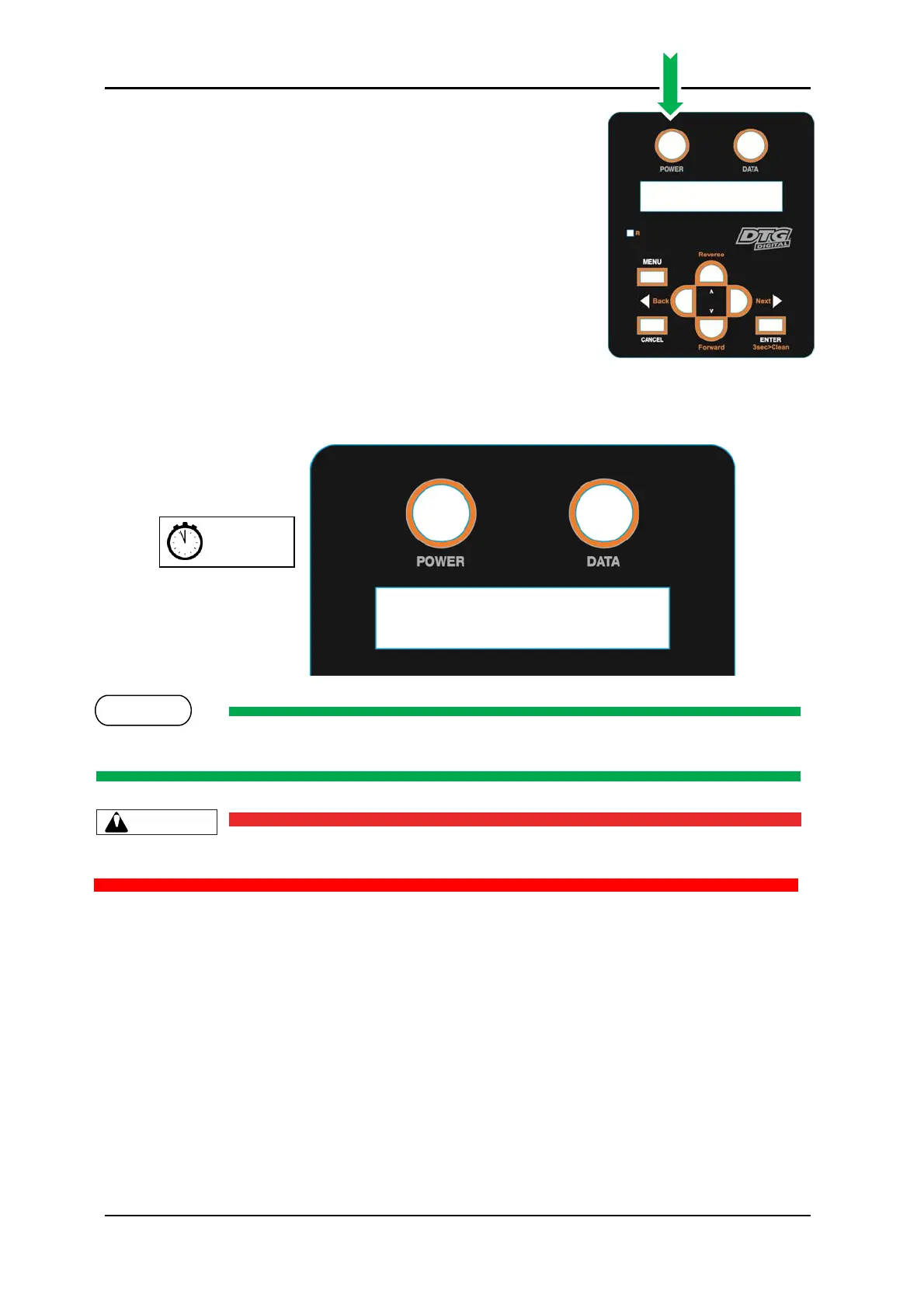
6. Press the Power button on the operation panel.
7. After a short delay the screen will display Initializing
The printer is likely to perform a short head cleaning operation shortly after turning on.
Do not attempt to operate the printer during this period.
8. After a short delay the screen will display Paper End indicating that the printer is ready
for operation.



 To Next Page