DTG M Series Maintenance Manual Initial Setup & Basic Operations
The display will move to the next screen
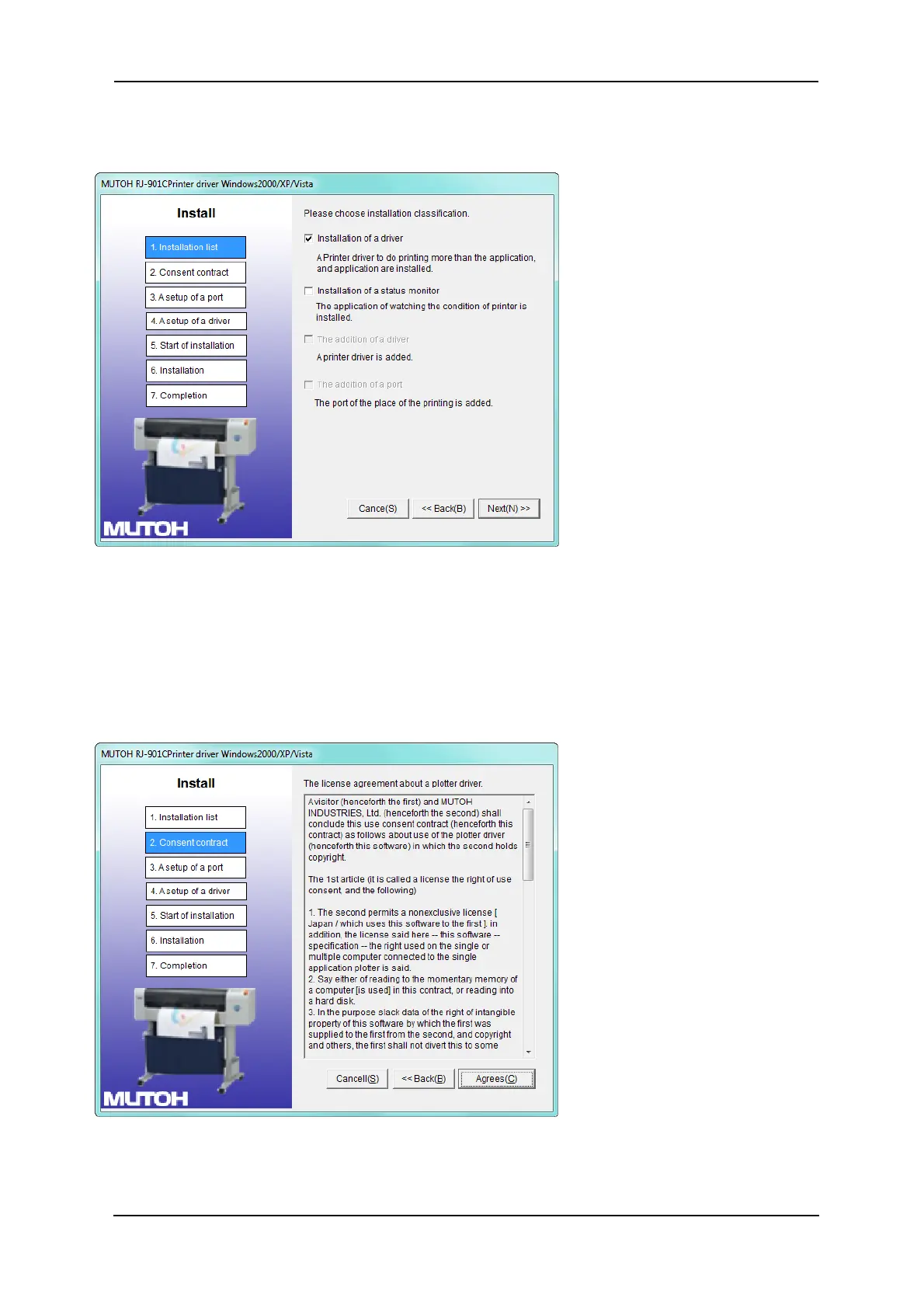
6. Click the “installation of a driver” check box and click “Next”.
The display will move to the next screen
7. The license agreement for the driver software will display.
a. If you agree to the written contents, click “Agree”
The display will move to the next screen
b. If you do not agree to the written contents, click “Cancel”
The installation of the driver will be cancelled
The display will move to the next screen



 To Next Page